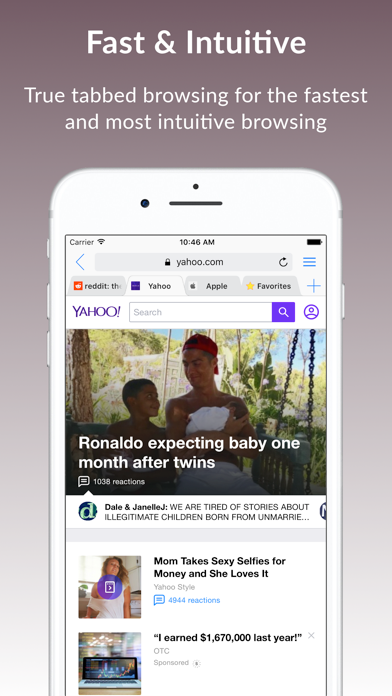
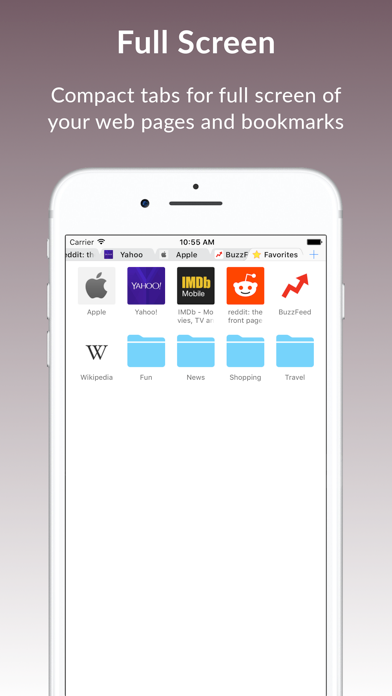
Browse the Web the FASTEST and MOST INTUITIVE way using TRUE TABBED BROWSING on any device. It's FUN, PRIVATE and SECURE. Active tab is ALWAYS FULLY VISIBLE no matter how many tabs are opened. Tabs also turn into COMPACT MODE taking only small space at the top leaving almost the FULL SCREEN to your web pages and bookmarks. Compact tabs are FULLY FUNCTIONAL. Bookmarks and folders are INTEGRATED INTO TABS, just a tap away when you need them. You can also OPEN bookmarks and folders in NEW TABS. Downloads are as EASY as tapping a link or long pressing a link or an image and choosing the DOWNLOAD option.
TRUE TABBED BROWSING
√ Unlimited tabs with web icons and titles
√ Active tab is always fully visible
√ Compact and regular tabs to maximize available space
√ Private tabs to browse the Web without saving history in Weex
√ Choose your preferred search engine
√ View mobile or desktop web page versions
√ Swipe up on tab to close
√ Long press on tab to drag
√ Swipe right on left side of screen to go back to previous web page
√ Swipe left on right side of screen to go forward to next web page
SEARCH RESULTS
√ Appear as you type
√ Search results with web icon, web address and title
√ Highlighted search text in web addresses and titles
√ Long press on search result to pick, delete or copy
BOOKMARKS INSIDE TABS
√ Right where you need them when opening new tab, entering web address or searching
√ Use folders to organize your bookmarks
√ Adjust number of bookmarks per row for a folder
√ Long press on bookmark or folder to drag
√ Long press on bookmark or folder to open in new tab, delete, edit or move
√ Swipe right on left side of screen to go back to previous folder
√ Swipe left on right side of screen to go forward to next folder
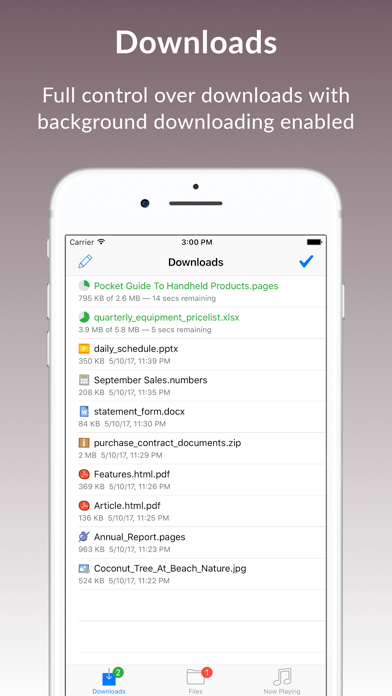
DOWNLOADS
√ Download web pages as PDF files
√ Download documents
√ As easy as tapping on link or long pressing on link or image and choosing the download option
√ To download currently opened web page or file, tap menu button and choose share option and then download option
√ Monitor download progress of each individual download
√ Background downloading
√ Green badge numbers for downloads in progress
√ Long press on download to drag
√ Long press on download to redownload, pause, resume, stop, delete or edit
√ Long press on finished download to locate downloaded file
√ Delete selected downloads
√ Clear finished downloads or all downloads
FILE MANAGER
√ Preview downloaded files
√ File thumbnails
√ Start a slideshow
√ Red badge numbers for downloaded unread files
√ Use folders to organize files
√ Sort files by name, size or date either ascending or descending
√ Search for files across folders
√ Long press on search result to navigate to file's folder
√ Zip files and folders
√ Unzip ZIP archives
√ Unrar RAR archives
√ Add photos from Photos library
√ Add music from Music library
√ Long press on file to drag
√ Long press on file to delete, edit, zip, move, copy, share or mark as unread
√ Delete, edit, zip, move, copy or share selected files
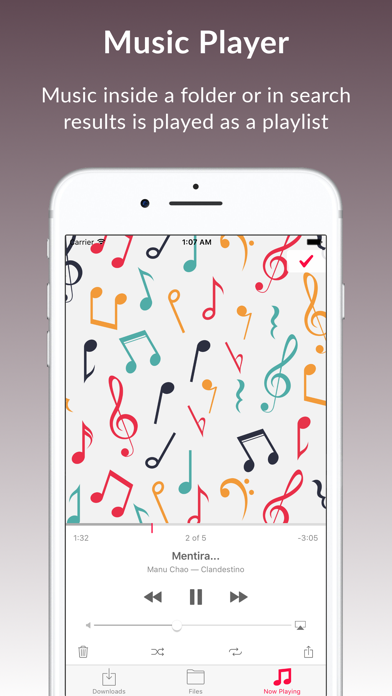
MUSIC PLAYER
√ Play music
√ Music files inside a folder are played as a playlist
√ Music files in search results are played as a playlist
√ Music player controls are showing on the lock screen
HISTORY
√ Search browsing history
√ Long press on history item to delete or see details
√ Delete selected history items
√ Clear history for specified date range
√ Clear all history
√ View and delete individual cookies and other data