The Simple Utility for Complex Tasks.
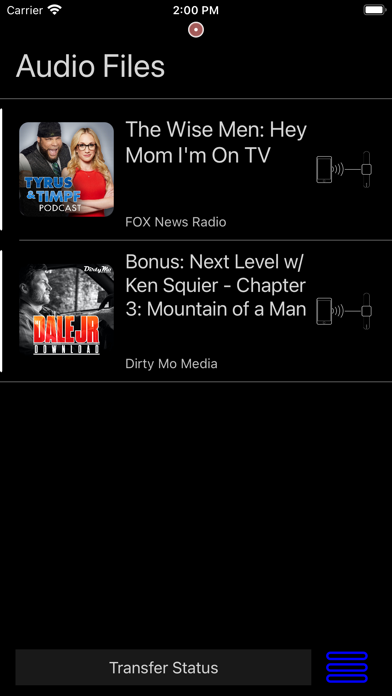
Watch Kast makes it easy to transfer audio mp3 or m4a files to the Apple Watch for playback independent of the phone.
Now Watch Kast is a new way of syncing mp3 audio files with your Apple Watch
With Watch Kast you will get:
* Background Transfer of mp3 and m4a audio from iPhone included as basic service
.
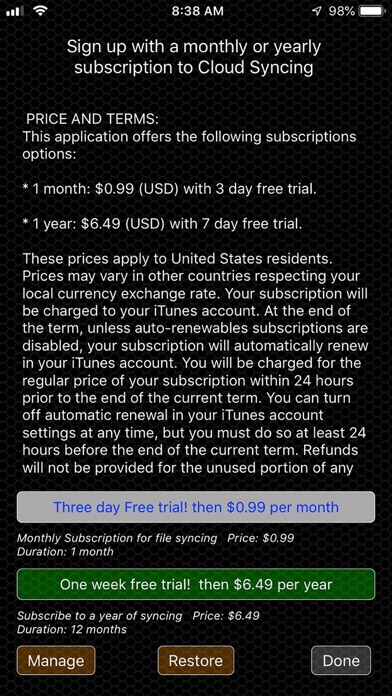
* Optional Cloud Syncing as an auto renewing subscription.
PRICE AND TERMS:
Watch Kast offers the following subscriptions options:
* 1 month: $0.99 (USD) with 3 day trial.
* 1 year: $6.49 (USD) with 7 day trial.
These prices apply to United States residents. Prices may vary in other countries respecting your local currency exchange rate. Your subscription will be charged to your iTunes account. At the end of the term, unless auto-renewables subscriptions are disabled, your subscription will automatically renew in your iTunes account. You will be charged for the regular price of your subscription within 24 hours prior to the end of the current term. You can turn off automatic renewal in your iTunes account settings at any time, but you must do so at least 24 hours before the end of the current term. Refunds will not be provided for the unused portion of any term.
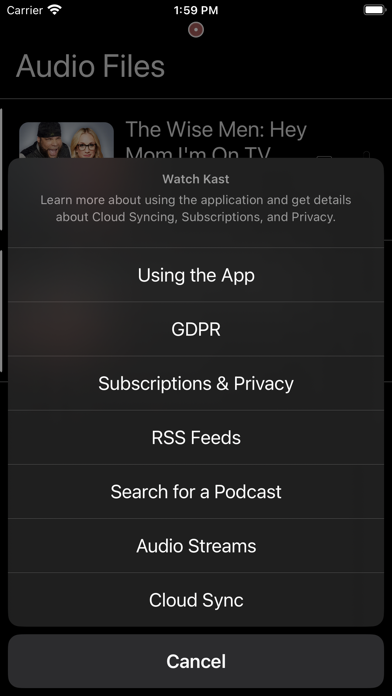
Learn more about Watch Kast Privacy and Terms of Service at https://podwatchapp.wordpress.com/privacy/
With Watch Kast users can:
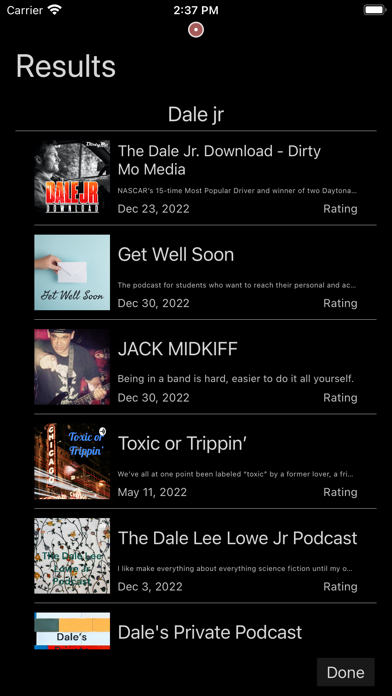
Load and organize audio files on the phone and transfer them to the Apple Watch at load time or a later date.
Record audio on the Apple Watch and playback from the watch. Recorded audio is also transferred to the iPhone application and a copy is automatically stored in iCloud Drive when enabled.
Copy audio files from other applications like iCloud Drive on the iPhone and transfer them to the Apple Watch for independent playback.
Airdrop audio files from other devices to iPhone and transfer them to the Apple Watch for independent playback.
Playing spoken word audio directly from the Apple Watch is not only useful for workouts but can be used for study, work and situations when you need to use your phone for other tasks or a phone is not available or allowed.
Watch Kast on the watch allows users to organize and playback long form audio in the background when performing other tasks with the watch.
Watch Kast streams the loaded audio files via Bluetooth to compatible devices like Bluetooth headphones and portable speakers.
Use of this application requires an Apple Watch and compatible Bluetooth speakers or headphones to play back audio from the Apple Watch.
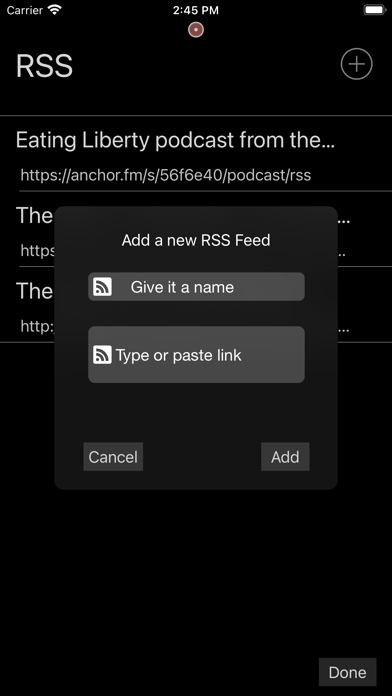
Please note: Watch Kast application transfers audio files and does not work with links to audio file downloads.
Please record audio responsibly and obey all local privacy laws.