StoreIntel
AppsTop ChartsTrendingKeywordsMy Apps
Not affiliated with Apple Inc. App Store is a trademark of Apple Inc.Top chartsSupportTermsPrivacy

WallShift - Wallpaper Schedule

Dario Roa · Graphics & Design · 4.6y old

FreeSubscriptions
◆ ProTrack this app App Store

Performance · Worldwide

Est. downloads / month · WW

<5K

Below chart threshold

Est. revenue / month · WW

<$5K

Below chart threshold

Rating · WW

2.7★

6 ratings

Chart position

Rank history — US · Top Grossing

Apple's Top Grossing chart — all apps ranked by revenue (purchases + subscriptions).

Top FreeTop Grossing

Ratings count — US

6
◆ Pro1 chart locked

See the numbers behind the rankings

  • Keyword RankingsWhich App Store searches it ranks for, and where
Unlock everything →

Listing

About

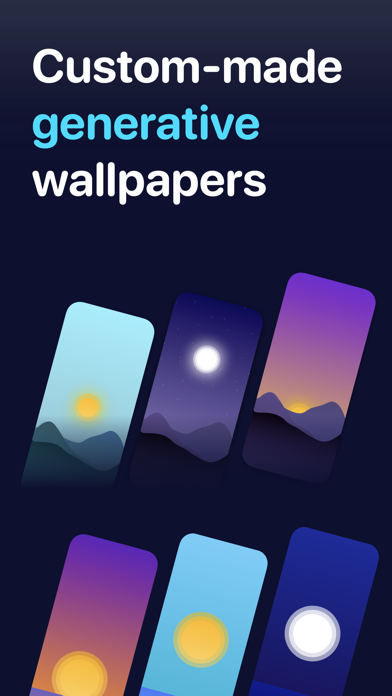
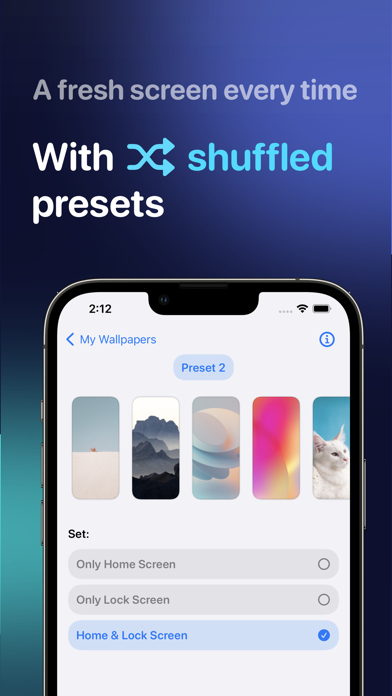
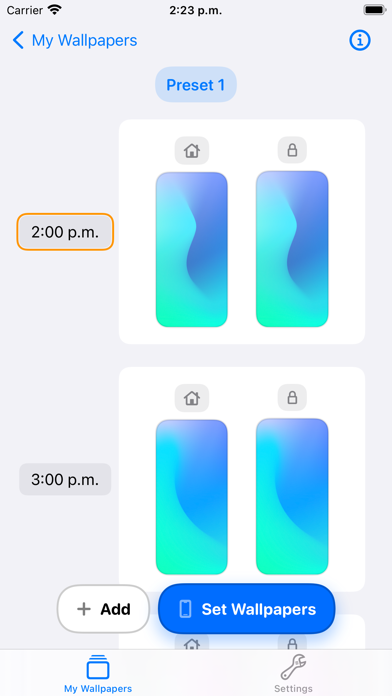
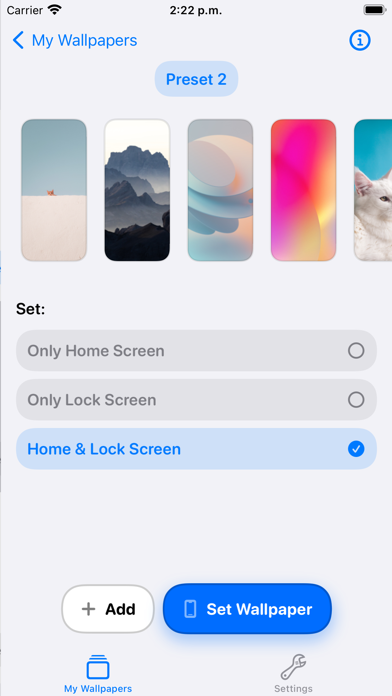
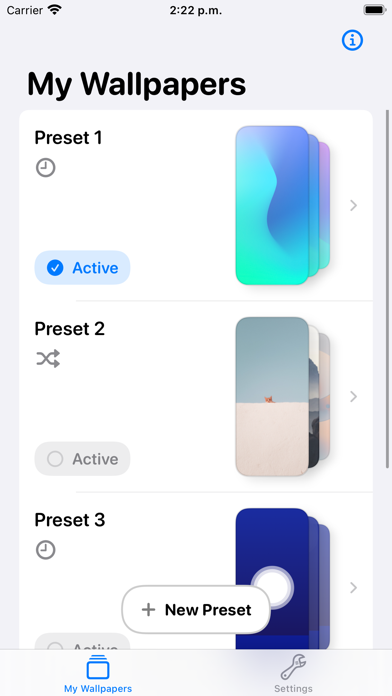
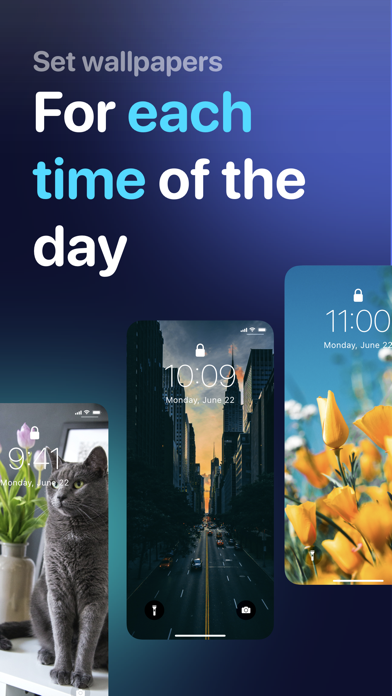
WallShift allows you to change your wallpaper automatically, for your desired time of the day. The App requires interoperability with the Shortcuts app in order to work. Main features include: - Select from your own photos - Use custom-made Generated wallpapers - Use shuffled mode to get a different wallpaper each time, so your screen stays fresh! -- Subscription Details -- • Monthly and annual subscriptions are available • Payment will be charged to your iTunes account after expiration of the free trial. • Your subscription will automatically renew unless auto-renew is disabled at least 24 hours before the end of the current subscription period • Automatic renewals will be charged at the same price you were originally charged for the subscription • Subscriptions can be managed or cancelled by going to Account Settings on the App Store after purchase Privacy Policy: https://darioroa.com/wallshift/privacy-policy Terms: https://www.apple.com/legal/internet-services/itunes/dev/stdeula/
Released
Mar 3, 2022
Category
Graphics & Design
Content rating
4+
Price
Free
In-app purchases
Subscriptions
Developer site
twitter.com ↗
WWUSGBDEJPINBR

No chart data

No rank history yet for this selection.

Screenshots

6
WallShift - Wallpaper Schedule screenshot 1WallShift - Wallpaper Schedule screenshot 2WallShift - Wallpaper Schedule screenshot 3WallShift - Wallpaper Schedule screenshot 4WallShift - Wallpaper Schedule screenshot 5WallShift - Wallpaper Schedule screenshot 6