Voice Rec Pro is a simple yet powerful recording and transcription app with brand new interface and recordings organization tools.
The app is free to try: all features are enabled, max of 1 recording. To unlock unlimited recordings, a lifetime in-app purchase is available. Get 50+ alternative app icons for free when unlocking unlimited in-app purchase.
Main features:
WIDGETS
• Recently added recordings
• Favorited recordings
• More widgets coming soon!
ORGANIZATION
• Set a custom color to each recording, or set a global color to new recordings or let the app choose a random color for you.
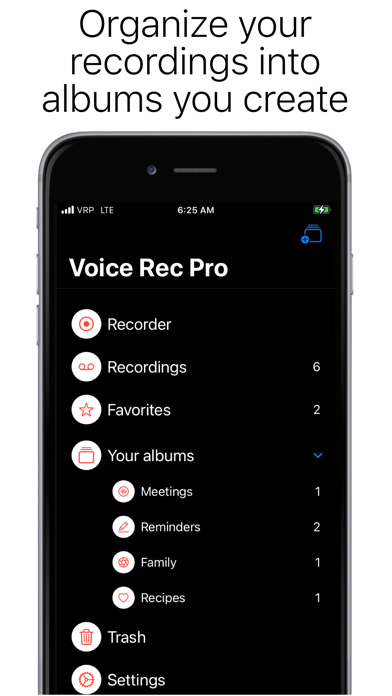
• Create Albums with custom icons and title and add your recordings to the Albums you create.
• Set a sort option to each Album. There are six sort options for you to choose.
• Mark a recording as Favorite to have quick access to it.
• Delete a recording and it will be kept in Trash for 30 days so you can put it back if you change your mind. After that, it will be deleted permanently.
• Create backups and restore them anytime. Backups are kept on your device even after you delete the app so you can restore them any time. If you don't want to keep the backups on your device, delete them before erasing the app.
RECORD - PHONE
• Use 3D Touch to start/stop recording from your home screen.
• Recording time is limited to your device's storage capacity.
• Record from the built-in mic, connected AirPods or any mic connected to your phone (wireless or direct to line in or lightning port).
• Background recording.
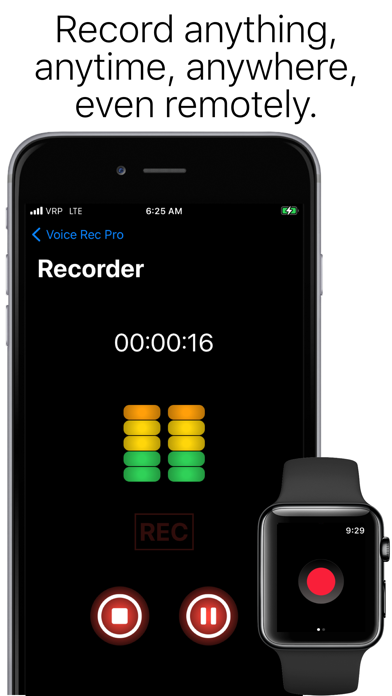
• Start - Pause - Resume - Stop recorder controls.
RECORD - WATCH
• Just tap once on complication to start and stop recording directly from watch face.
• Recording time is limited to your device's storage capacity.
• Record from the built-in mic or connected AirPods.
• Background recording.
EDIT
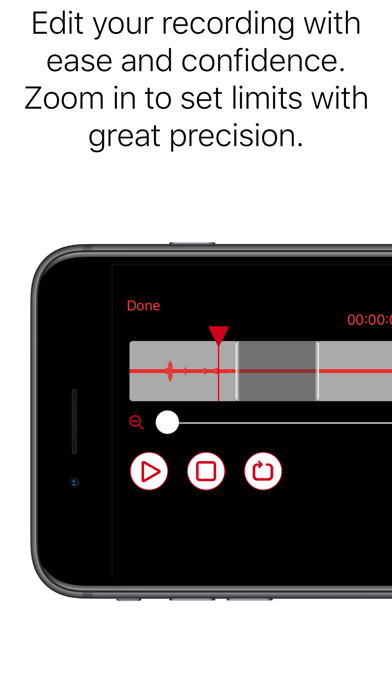
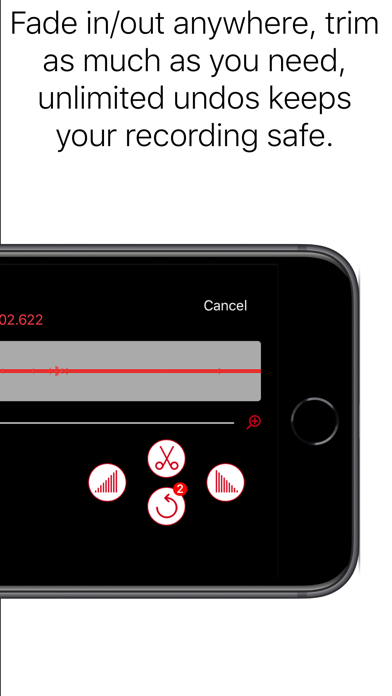
• Trim silence or unwanted audio.
• Add fade in or fade out, anywhere, as many as you want.
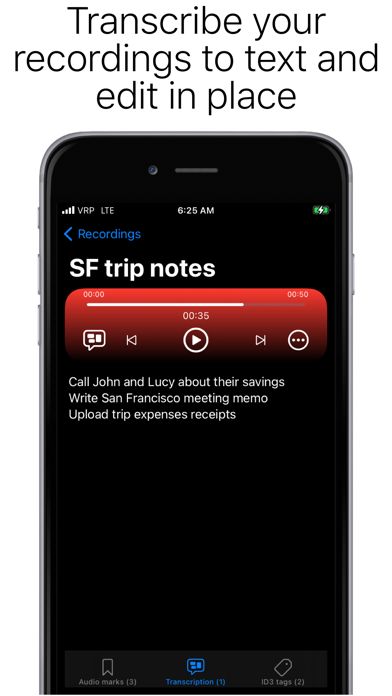
• Edit the transcription in place.
PLAYBACK
• Seek backward and forward during playback.
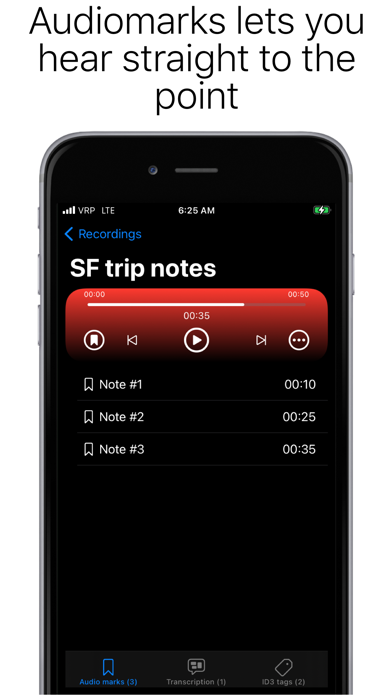
• Tap audio marks to skip playback directly to important segments.
• Tap anywhere in the playback timeline to start playback from that point.
• Play directly from your Apple Watch to your Bluetooth headphones.
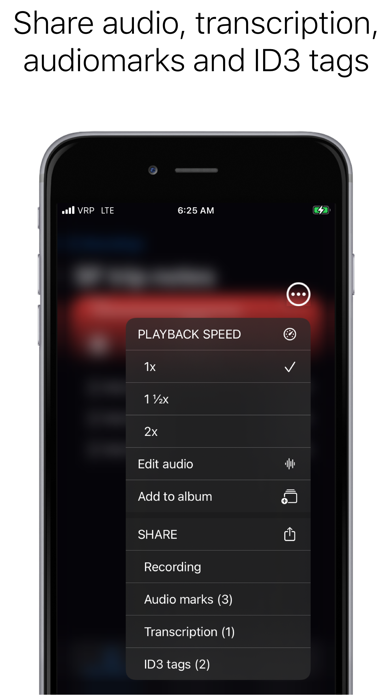
• Select different playback speeds.
AUTO SYNC
• Auto-sync between your Apple Watch and your iPhone: all recordings you do on your Apple Watch are automatically synced to your iPhone. And you can also sync a recording manually.
• Disable and enable auto-sync between your Apple Watch and your iPhone any time. When auto sync is disabled, all new recordings will keep their "Queued" status until sync is re-enabled or manually synced.
TRANSCRIBE
• Support for over 30 languages, independent of your device's language setting. These are some of the languages supported: Cantonese (China), Chinese (China), Chinese (Hong Kong [China]), Chinese (Taiwan), Danish (Denmark), Dutch (Belgium), Dutch (Netherlands), English (Australia), English (Canada), English (India), English (Indonesia), English (Ireland), English (New Zealand), English (Philippines), English (Saudi Arabia), English (Singapore), English (South Africa), English (United Arab Emirates), English (United Kingdom), English (United States), Finnish (Finland), German (Austria), German (Germany), German (Switzerland) Japanese (Japan), Korean (South Korea), Russian (Russia), Shanghainese (China), Spanish (Chile), Spanish (Colombia), Spanish (Latin America), Spanish (Mexico), Spanish (Spain), Spanish (United States), Swedish (Sweden).
• Format as you record with punctuation command recognition.
SHARE
• Share audio, transcription, audiomarks and ID3 tags to other apps on your device.
• Share audio with MP3 file format.
• Share to your Mac using Airdrop.
ID3v2.3 SUPPORT
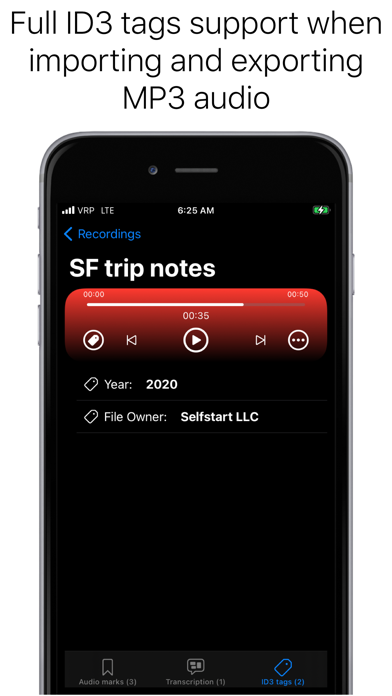
• Add ID3 tags or edit existing ones.
• Convert audio marks to ID3 chapter tags when exporting to MP3.
We are open to enhancements requests and feedbacks. Send us your message from within the app!
Thanks!