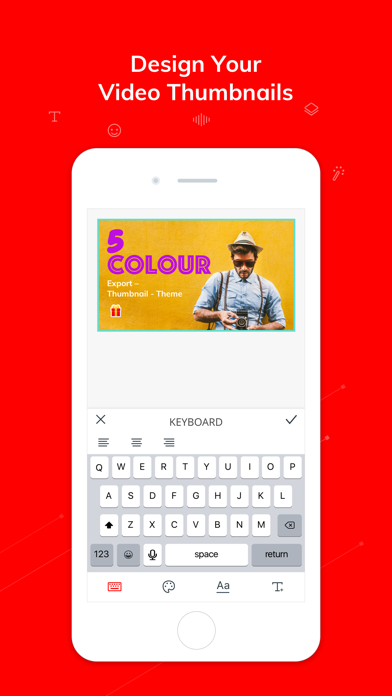
A powerful video editing application for YouTubers & Vloggers which is completely free with no trial watermark! With Vlogit, making a video with music and effects is easy. You can post your creation to YouTube or other social media sites directly from the app! You can even create a custom YouTube thumbnail to upload with your video in Vlogit.
---------------------------------------------------------
Why Vlogit:
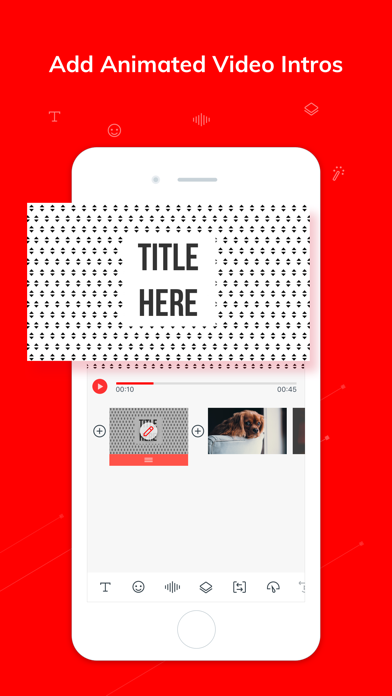
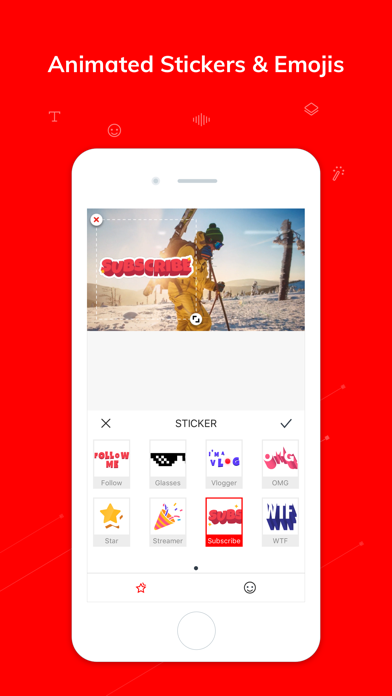
• Customizable animated intros/openers and social stickers
• EYE-CATCHING thumbnail designs for YouTube videos or playlists
• Completely free with No Watermark and No Time Limit
• Exports in 1080P with no quality loss
---------------------------------------------------------
Vlogit’s Key Features
COMBINE PHOTOS & VIDEOS
• You can shoot new videos with the app or import existing videos & photos
• Trim clips easily and see an instant preview of your video
• Import videos and photos from your social media accounts including Facebook, Instagram and Google
CUSTOM OPENERS
• Create an amazing video intro using an animated template quickly and easily
SOCIAL STICKERS
• Vlogit’s social stickers and emojis will help you stand out and attract more subscribers
EYE-CATCHING THUMBNAILS
• Capture and edit snapshots to create custom YouTube thumbnails
• Enrich your chosen snapshot with text, stickers and drawing tools
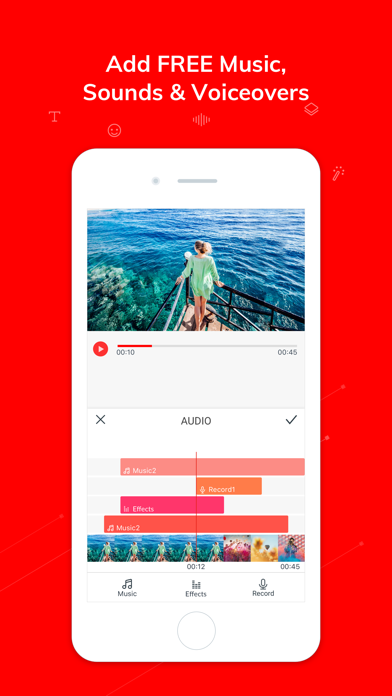
ADD MUSIC, SOUND EFFECTS, & VOICE OVERS
• Record yourself and add voice overs to your movies
• Create a soundtrack using Vlogit’s built-in music library and songs from your device
• Spice up your video with fun sound effects
PROFESSIONAL CLIP EDITING TOOLS
• Easily trim, split, merge, and duplicate photos and video clips
• Snapshot, crop, rotate, volume control, and Ken Burns tools
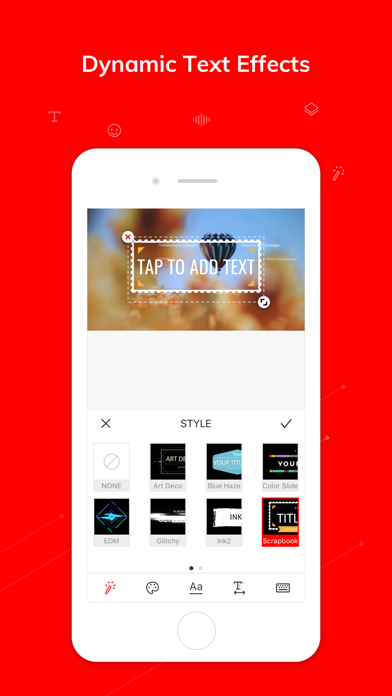
VIDEO EFFECTS
• Text: dynamic text effects. You can edit the color, size, font, and even animation of your text
• PIP: layer multiple images and video clips using the Picture in Picture track
• Speed Controls: create slow motion or fast motion time lapse clips
• Transitions: apply a transition style and control its speed
• Reverse: flip your clips and play them backwards
• Filters: change the colors of your videos using filters
• Any changes you make can be previewed in real time
SAVE AND SHARE
• Export 1080P videos with no quality loss
• Share your creations to YouTube, Facebook, Instagram, Twitter, and via email
INTERNATIONAL LANGUAGE SUPPORT
• Vlogit offers support in: English, German, Italian, Turkish, Japanese, Korean, Russian, Indonesian, Portuguese, Spanish, French, Dutch, Romanian, Arabic, and Chinese (Traditional and simplified)
---------------------------------------------------------
Suggestions and feedback are always appreciated!
• Contact us at: Filmorasupport@wondershare.com
• Like us on Facebook: https://www.facebook.com/filmoravideoeditor
• Subscribe to us on YouTube: https://www.youtube.com/c/filmorawondershare
• For more details about this app and our privacy policy, visit our website: https://filmora.wondershare.com/video-editor/
If you love this app, please leave a review!