StoreIntel
AppsTop ChartsTrendingKeywordsMy Apps
Not affiliated with Apple Inc. App Store is a trademark of Apple Inc.Top chartsSupportTermsPrivacy

Superimpose V - Video Editor

Pankaj Goswami · Photo & Video · 3.9y old

Free
◆ ProTrack this app App Store

Performance · Worldwide

Est. downloads / month · WW

<5K

Below chart threshold

Est. revenue / month · WW

<$5K

Below chart threshold

Rating · WW

4.6★

476 ratings

Chart position

Rank history — US · Top Free

Apple's Top Free chart — free apps ranked by recent downloads.

Top FreeTop Grossing

Ratings count — US

476
◆ Pro1 chart locked

See the numbers behind the rankings

  • Keyword RankingsWhich App Store searches it ranks for, and where
Unlock everything

Listing

About

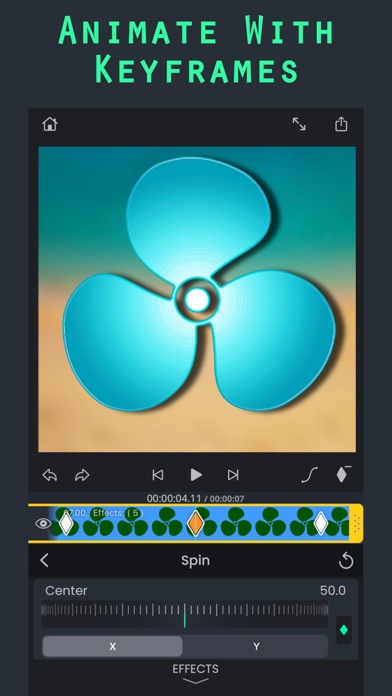
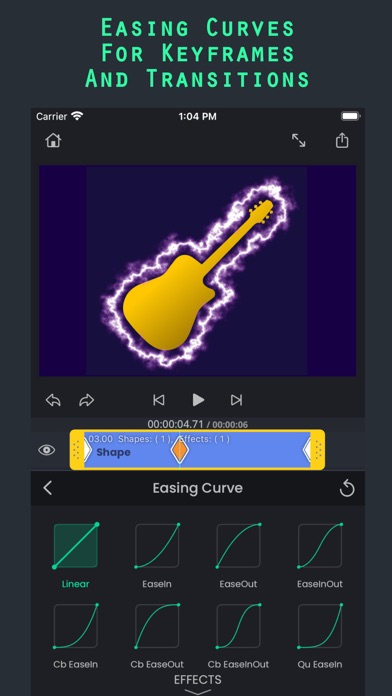
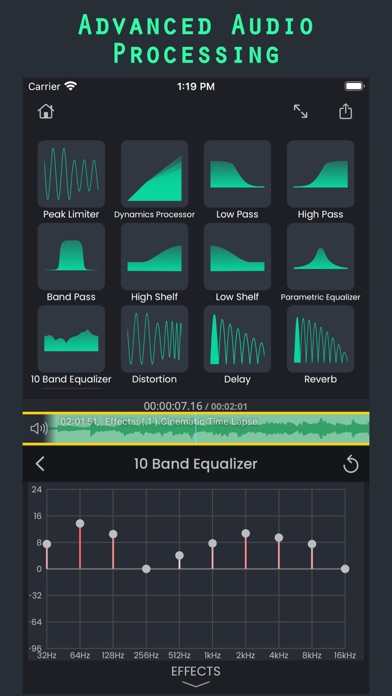
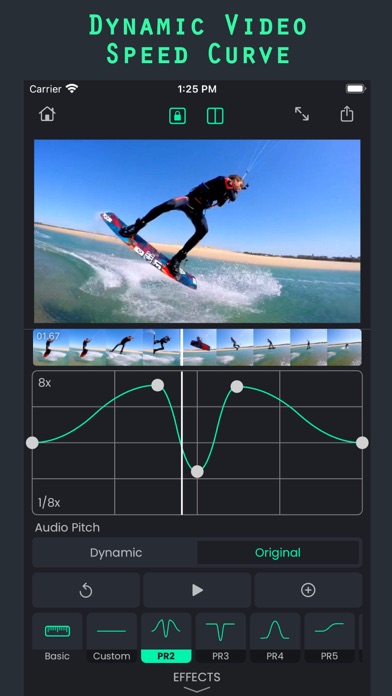
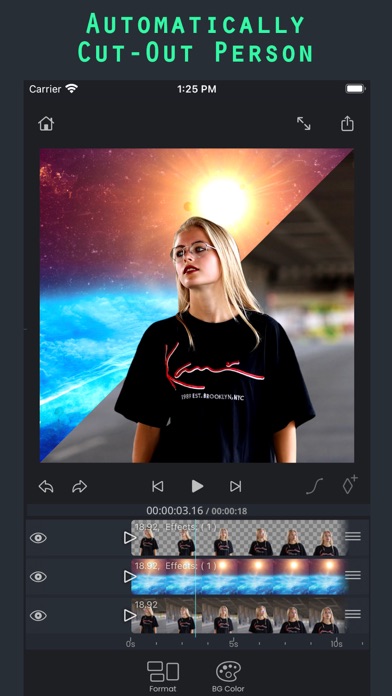
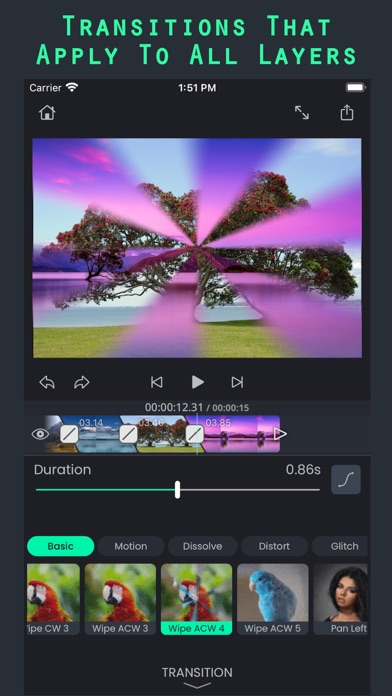
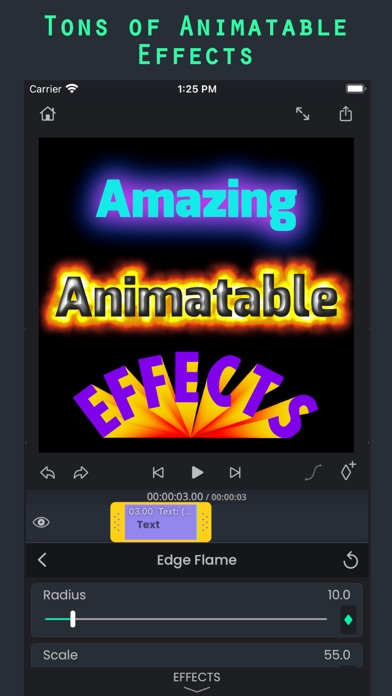
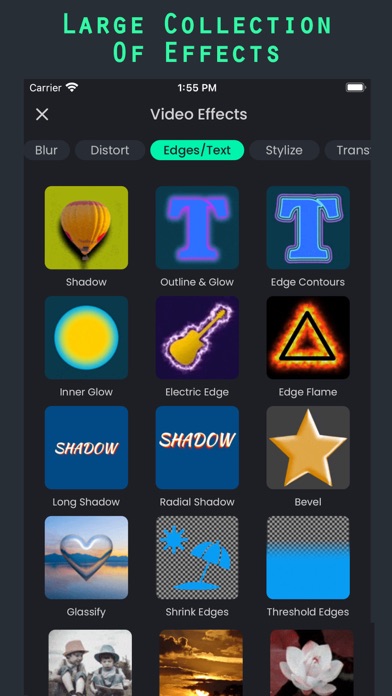
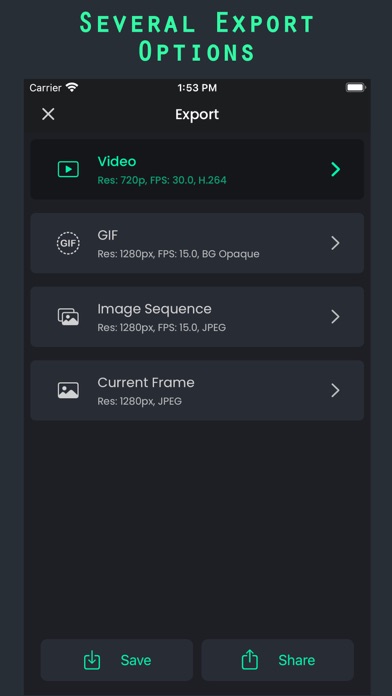
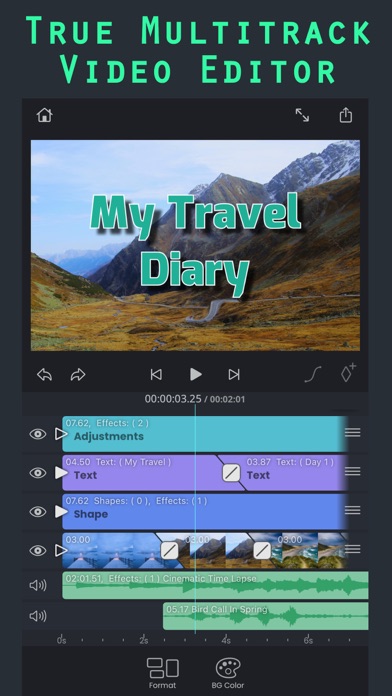
SuperimposeV: Powerful Video Editing Made Easy SuperimposeV isn't your average video editor. It offers advanced features like multi-track editing, tons of customizable effects, and animation for a professional touch. Key Features: ● Edit videos, images, audio, and text on multiple tracks. ● Stack effects and animations for unique results. ● Use masks for precise editing, including green screen and more. ● Track objects in videos and adjust speed for dynamic effects. ● Animate your text with elegant animations. ● Access royalty-free photos, videos, music, and GIFs. ● Export your creations in various formats, including GIF. Even basic editing is powerful: ● Split, trim, rotate, and freeze clips with ease. ● Apply color effects, blurs, distortions, and more. ● Enhance audio with EQ, filters, and transitions. Bonus: SuperimposeV integrates with Superimpose X / AI for photo editing within your video project. * Terms of use: http://www.superimposeapp.com/terms-of-use2.html * Privacy policy: http://www.superimposeapp.com/privacy.html
Released
Nov 21, 2022
Category
Photo & Video
Content rating
4+
Price
Free
In-app purchases
No
Developer site
superimposeapp.com ↗
WWUSGBDEJPINBR

No chart data

No rank history yet for this selection.

→

Screenshots

10
Superimpose V - Video Editor screenshot 1Superimpose V - Video Editor screenshot 2Superimpose V - Video Editor screenshot 3Superimpose V - Video Editor screenshot 4Superimpose V - Video Editor screenshot 5Superimpose V - Video Editor screenshot 6Superimpose V - Video Editor screenshot 7Superimpose V - Video Editor screenshot 8Superimpose V - Video Editor screenshot 9Superimpose V - Video Editor screenshot 10