StoreIntel
AppsTop ChartsTrendingKeywordsMy Apps
Not affiliated with Apple Inc. App Store is a trademark of Apple Inc.Top chartsSupportTermsPrivacy

Speed Test: Network Ping Check

Master Network Tools s.r.o. · Utilities · 8.5y old

Free
◆ ProTrack this app App Store

Performance · Worldwide

Est. downloads / month · WW

<5K

Below chart threshold

Est. revenue / month · WW

<$5K

Below chart threshold

Rating · WW

4.4★

1K ratings

Chart position

Rank history — US · Top Free

Apple's Top Free chart — free apps ranked by recent downloads.

Top FreeTop Grossing

Ratings count — US

1K
◆ Pro1 chart locked

See the numbers behind the rankings

  • Keyword RankingsWhich App Store searches it ranks for, and where
Unlock everything

Listing

About

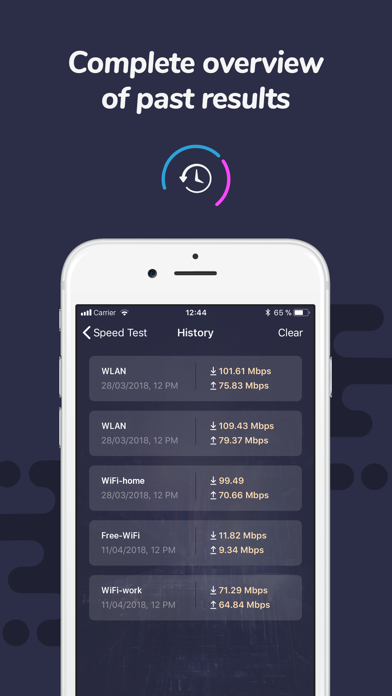
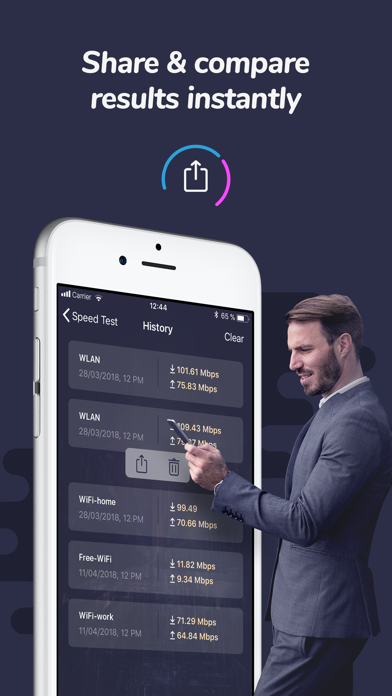
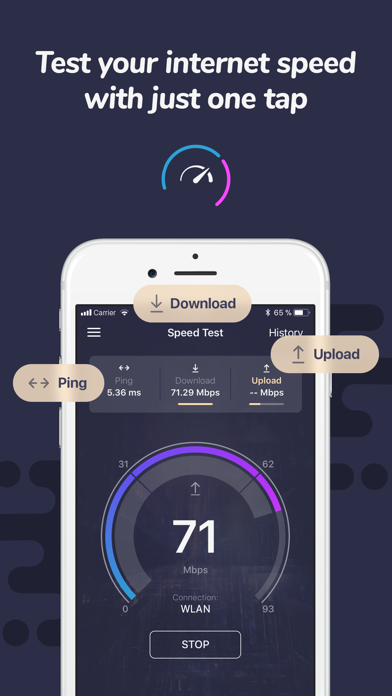
Speed test is an efficient easy-to-use app that will give you accurate results about your real download and upload speed and ping with just one tap in under 30 seconds. It is really that simple! The app keeps you well informed at all times. Wanna be truly sure whether your connection is stable or not? Ever wondered what is your current upload speed? Having troubles with slow downloading? Go ahead and test your internet connection speed real quick and get instant results. Measure the performance of your WiFi or other cell network connection with this smart utility. Testing your internet connection speed has never been easier! FEATURES: - Run Speed test in real time just with one tap - Discover your download, upload and ping (latency) - Works smoothly on WiFi and cellular networks (2G, 3G, 4G/LTE) - Impressive graphic design and simple, easy-to-read reporting - Track and compare all your past test results - Share your test results online If you want to remove ads from the app, subscribe and enjoy Speed Test to your full satisfaction!
Released
May 1, 2018
Category
Utilities
Content rating
4+
Price
Free
In-app purchases
No
WWUSGBDEJPINBR

No chart data

No rank history yet for this selection.

→

Screenshots

3
Speed Test: Network Ping Check screenshot 1Speed Test: Network Ping Check screenshot 2Speed Test: Network Ping Check screenshot 3