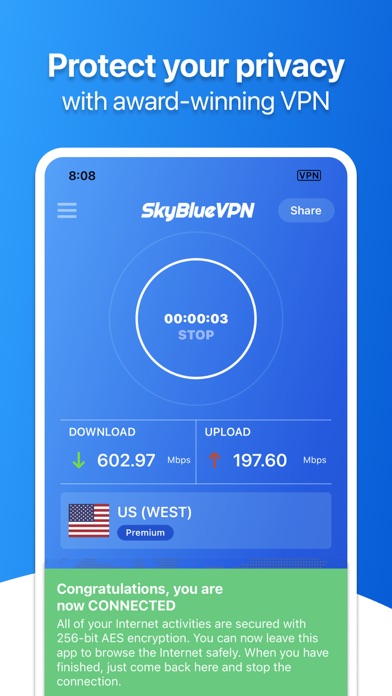
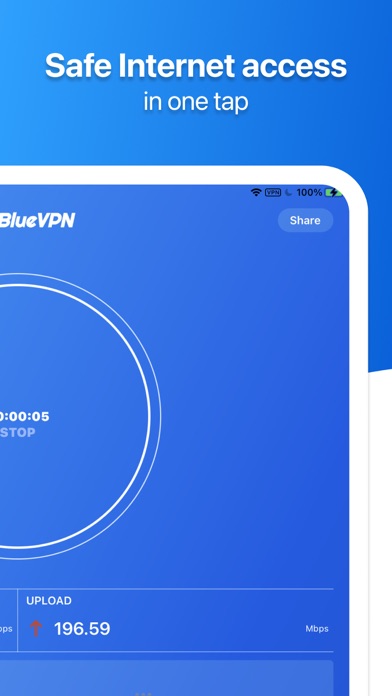
You don't know if anyone is spying on you. Use VPN to secure your browsing - for Free. Unlimited time, Unlimited data, Unlimited bandwidth. No registration required.
With SkyBlueVPN Proxy your data will be encrypted and your online activities will remain private and secure.
FEATURES HIGHLIGHT:
* Free connections available
* No registration required
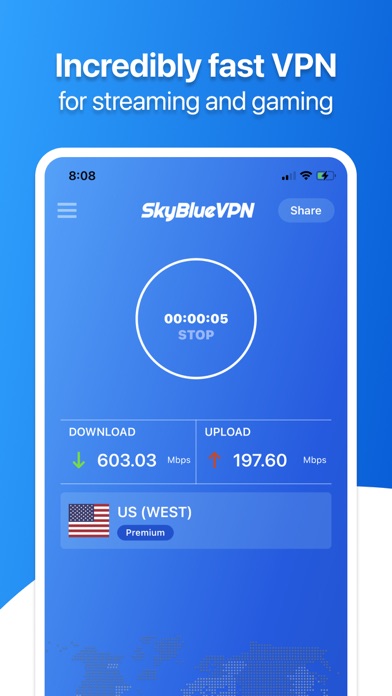
* Ultrahigh-speed connection
* Simple, one tap to connect to VPN
* No log is saved for any user
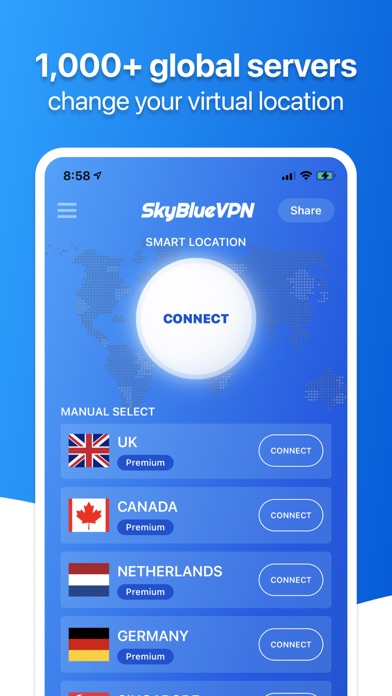
* Automatically connects you to the fastest server
PROTECT PRIVACY AND SECURE YOUR DEVICE
----------------------------------------------
SkyBlueVPN secures your device's connection while you're connected to public wifi hotspots, cellular data networks, and other public locations. Your password, personal data and web browsing history are secured and you are protected from hacker attacks.
ULTRA HIGH-SPEED VPN
-------------------------
SkyBlueVPN is Crazy Fast! It detects your location automatically and connects you to the nearest server; as a result, your connection will be 10x faster than >90% of other VPN providers.
24/7 CUSTOMER SUPPORT
---------------------------
SkyBlueVPN responds to your issues whenever you need. Simply message the page admin at the SkyBlueVPN Official Website Contact Page to receive the best-in-class FREE customer support.
IN-APP PURCHASE:
You can be a premium user through an auto-renewable subscription.
1 Week Subscription: Enjoy premium VPN service by paying a weekly price
1 Month Subscription: Enjoy premium VPN service by paying a monthly price
3 Month Subscription: Enjoy premium VPN service by paying once every 3 months
6 Month Subscription: Enjoy premium VPN service by paying once every 6 months
12 Month Subscription: Enjoy premium VPN service by paying once every 12 months
A 1-week free trial, if offered, will allow you to enjoy premium VPN service for 7 days for free, and you will be charged automatically at the end of the trial for a full subscription period, if you do not cancel the subscription from iTunes settings.
Payment will be charged to your Apple ID account at the confirmation of purchase. Subscription automatically renews unless it is canceled at least 24 hours before the end of the current period. Your account will be charged for renewal within 24 hours prior to the end of the current period. Any unused portion of a free trial period, if offered, will be forfeited when the user purchases a subscription to that publication, where applicable. You can manage and cancel your subscriptions by going to your account settings on the App Store after purchase.
LEGAL:
Please review SkyBlueVPN's Terms of Services and Privacy Policy:
Terms of Services: https://skybluevpn.wordpress.com/terms-of-services/
Privacy Policy: https://skybluevpn.wordpress.com/privacy-policy/
CONTACT US:
You can reach SkyBlueVPN support at: https://skybluevpn.wordpress.com/contact/