SecureSafe – highly secure cloud storage solution with built-in password manager from DSwiss AG
Description
SecureSafe is a multiple award winning online storage solution with an integrated password manager. The service is unique because of its strong double encryption, triple data storage and zero knowledge architecture, which ensures you the very highest level of privacy protection.
Manage all your important data in your digital safe:
• Passwords
• PINs
• Credit card details
• E-banking codes
• A copy of your passport
• Images
• Videos
• Contracts
• Application documents
• ...
Security
• Highly secure AES-256 and RSA-2048 encryption
• No one but you can decrypt and access your data – not even our employees (including programmers).
• All data transferred between your device and SecureSafe is sent via HTTPS.
• Passwords are encrypted additionally for maximum security.
• 2-factor authentication (with SMS token) for PRO, SILVER and GOLD customers
• Multiple layers of data security in Swiss high security data centres, one of which is located in a former military bunker.
• 24/7 monitoring of all systems
Feature overview
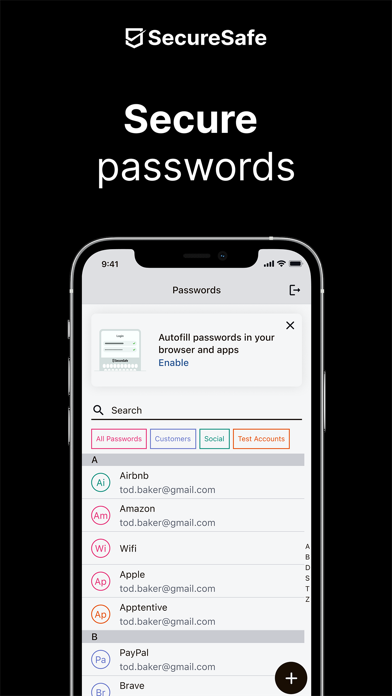
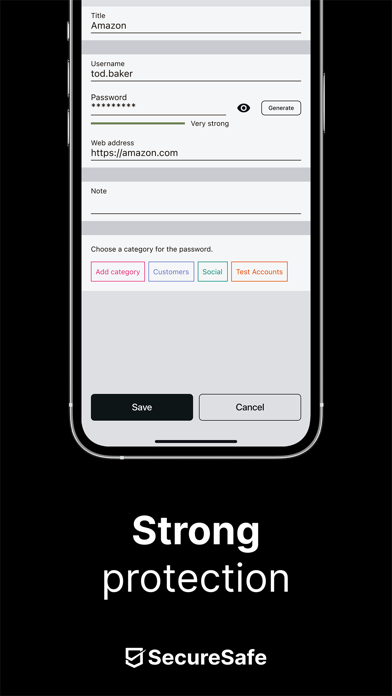
• Password manager: With the free version of SecureSafe, you can store up to 10 unique passwords. Simply use the integrated password generator to help you create strong passwords. Also enjoy offline access to your PINs, PUK etc. when saved in the password manager.
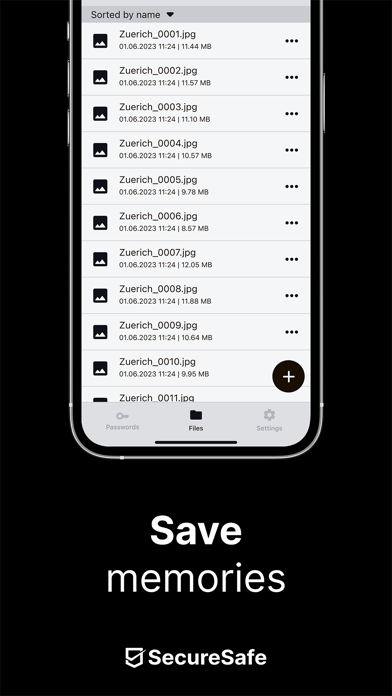
• File safe: Store and edit all of your important files in your digital safe and access them anywhere, anytime.
• Data Inheritance: With the help of data inheritance, you ensure that family members or business partners can access important data such as passwords, PINs or insurance policies should you be involved in an emergency or pass away unexpectedly (this feature must be activated via our web application).
• SecureViewer: With the integrated SecureViewer feature, you can open and read PDF files without leaving a digital trace on the device used. This feature is helpful if you need to view sensitive information while using a public WLAN (for example at the airport or in a hotel).
• Mail-In: Mail-In is an email inbox, which is integrated directly in your SecureSafe. When you send emails to your unique SecureSafe address, all attached files will be saved directly in your safe. Email with no attachments are saved as text documents.
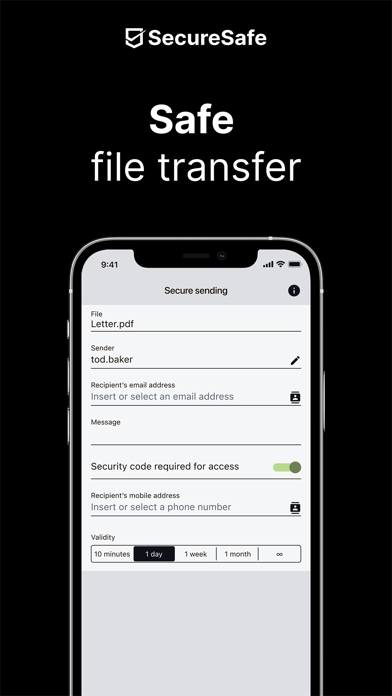
• SecureSend: Thanks to SecureSend, you can encrypt and send up to 2 GB large files to any recipient of your choice (recipient does not need SecureSafe to download file).
• SecureCapture: The integrated upload function allows you to use your phone to take a photo and save it directly to your safe.
SecureSafe is winning thousands of new customers every week.
SecureSafe extensions
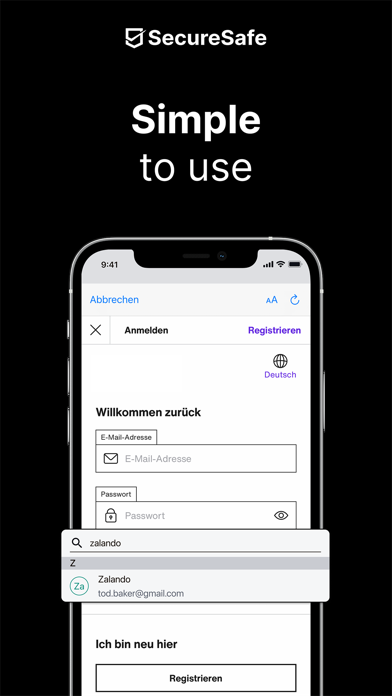
SecureSafe possesses 2 app extensions: “Camera Roll” and “Autofill”. Thanks to the two extensions, you can upload pictures directly into SecureSafe using the app “Photos”, and automatically copy passwords/user names into the appropriate login fields.