StoreIntel
AppsTop ChartsTrendingKeywordsMy Apps
Not affiliated with Apple Inc. App Store is a trademark of Apple Inc.Top chartsSupportTermsPrivacy

Scanner app: QR Code Reader

Roman Sorochak · Utilities · 7.2y old

Free
◆ ProTrack this app App Store

Performance · Worldwide

Est. downloads / month · WW

<5K

Below chart threshold

Est. revenue / month · WW

<$5K

Below chart threshold

Rating · WW

4.5★

173 ratings

Chart position

Rank history — US · Top Grossing

Apple's Top Grossing chart — all apps ranked by revenue (purchases + subscriptions).

Top FreeTop Grossing

Ratings count — US

173
◆ Pro1 chart locked

See the numbers behind the rankings

  • Keyword RankingsWhich App Store searches it ranks for, and where
Unlock everything

Listing

About

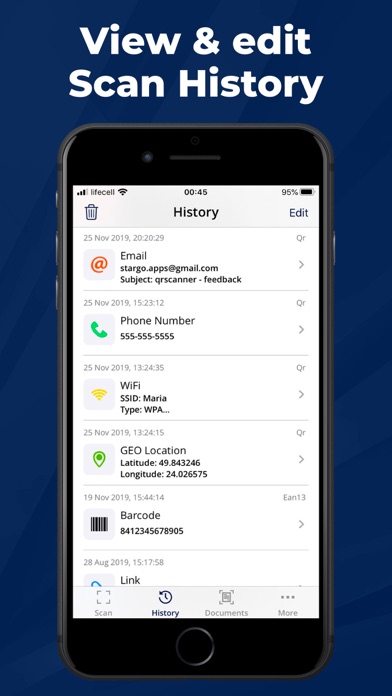
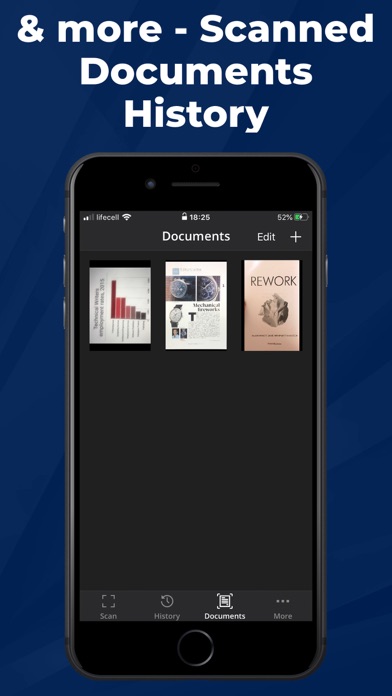
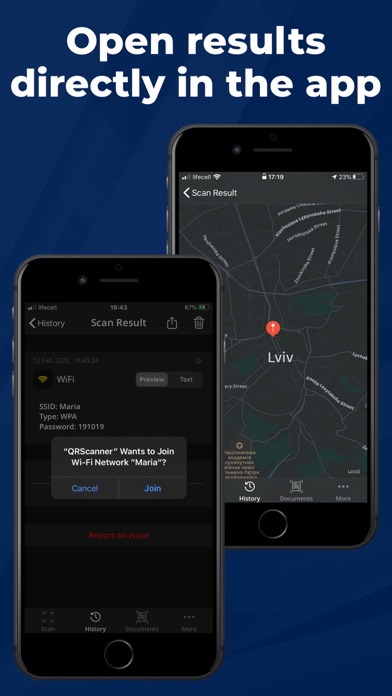
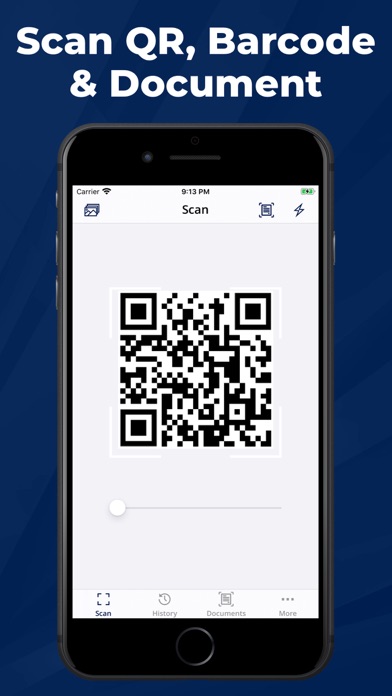
Scan all QR code, barcodes and documents! Features: * All-in-one scanner: scans all standard 1D and 2D code types * Documents scanner: scans any paper document * History of scanned QR & barcodes, documents * Rapid scan * Internet connection is not required for scanning * Flashlight supported: supports scanning even in the dark * Scan history saved The barcode can be searched in browsers, as well as copied/sent. Scanner decodes information from 2-D codes such as: * WiFi with ability to join network * email (matmsg, mailto, smtp): send email * phone number (tel, sms, smsto): call or send sms * GEO location: show location on map or open in Apple Maps or Google Maps * Link: open inside the app, open in browsers * Contact (VCard): create new contact or update existing one A must-have app in your iPhone & iPad! Download now! In case of any ideas on how to improve the app please contact us through email: stargo.apps@gmail.com Privacy Policy: https://stargoapps.web.app/#/privacy-policy Terms Of Use: https://stargoapps.web.app/#/terms-of-service
Released
Aug 15, 2019
Category
Utilities
Content rating
4+
Price
Free
In-app purchases
No
Developer site
stargoapps.web.app ↗
WWUSGBDEJPINBR

No chart data

No rank history yet for this selection.

→

Screenshots

4
Scanner app: QR Code Reader screenshot 1Scanner app: QR Code Reader screenshot 2Scanner app: QR Code Reader screenshot 3Scanner app: QR Code Reader screenshot 4