Retouch AI can auto detect, remove objects, people and background from your photos
RETOUCH - Photo & Selfies Editor is the best option for you with enhanced photo editing tools & exclusive features such as skin whitening, acne & blemish removal, body reshape, object erase, background change, сropping, text, filters, and many other up-to-date retouch functions.
You will get an impactful and easy photo retouch experience with RETOUCH - Photo & Selfies Editor with advanced features includes:
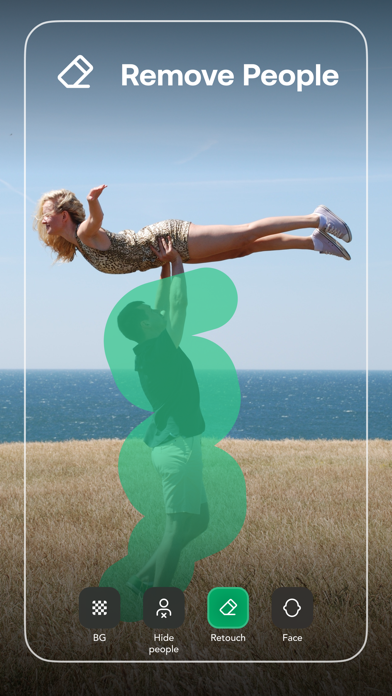
EASY OBJECT ERASER
• Remove and restore unwanted objects like clothes, people, watermarks- no matter the complexity - with resizeable brush and pixel zoom.
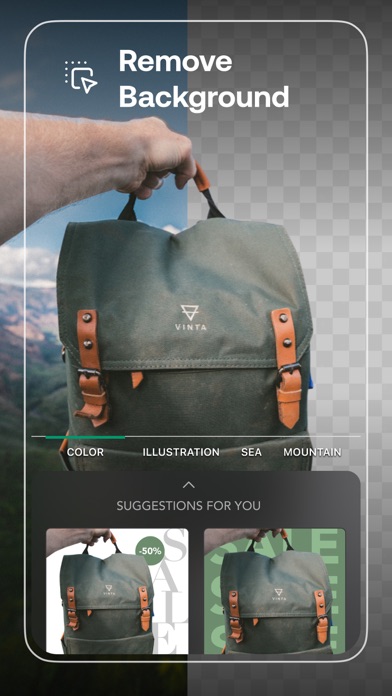
PRACTICAL BACKGROUND CHANGER:
• Easily cut-out, remove background or transparent it and replace with a new one from our selective backgrounds or your own selections.
FACE STRUCTURE RETOUCH (NEW)
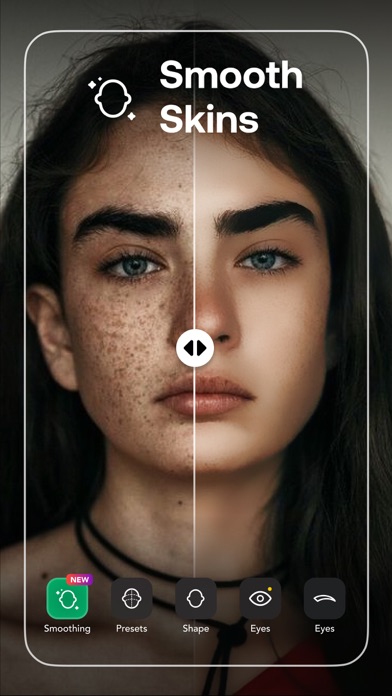
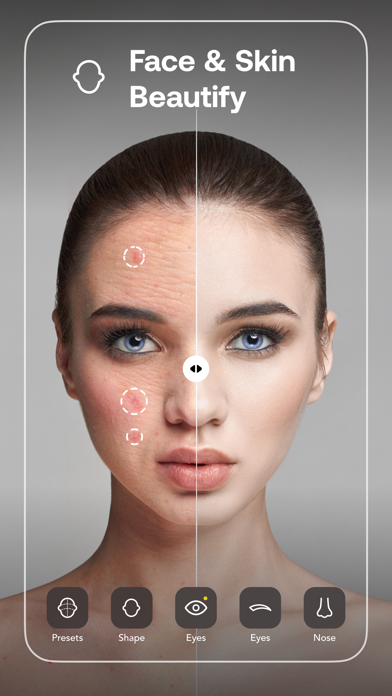
• Beautify your selfie, slim your face, enlarge your eyes acne & blemish blur, pimple & wrinkle removal, editors that will make you look gorgeous in every way.
BODY SHAPE EDITOR (NEW)
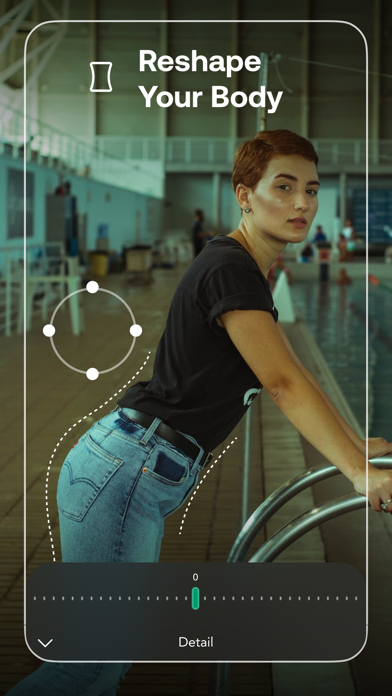
• Reshape your body and facial structure or any specific area, for example, arms, breast, abs, as well as buffing your muscle.
POWERFUL ADJUSTMENT:
• Professionally enhance your pics with customized exposure, contrast, saturation, vibrance, warmth, tint, shadows, highlights, fade, sharpness, and blur.
1-TAP FILTERS AND EFFECTS:
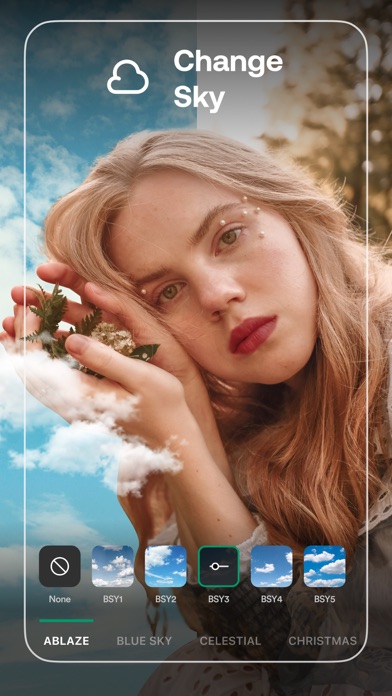
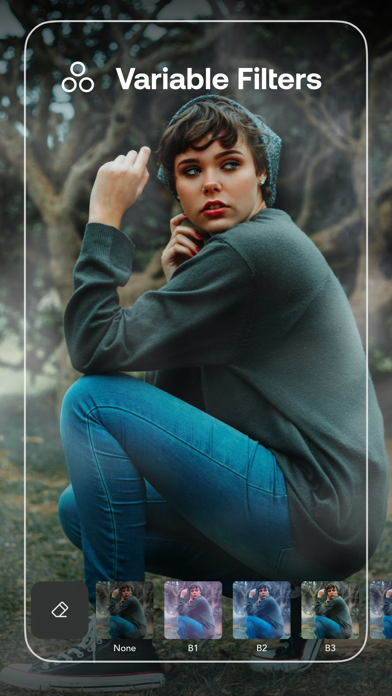
• Elevate your photos simply by add-in stunning customizable filters, creative glitch effects, background blurring, and so on.
SAVE WITH HD QUALITY
• Export your works quickly to high-quality output.
PREMIUM SUBSCRIPTION
- Subscription starts from USD 2.99.
+ a week subscription
+ a month subscription
+ a year subscription
• Check in app for exact pricing in your region
• Payment will be charged to your iTunes account at confirmation of purchase and will automatically renew (at the duration/price selected) unless auto-renew is turned off at least 24 hours before the end of the current period.
• Account will be charged for renewal within 24-hours prior to the end of the current period, and identify the cost of the renewal.
• Any unused portion of a free trial period, if offered, will be forfeited when the user purchases a subscription to that publication, where applicable
• You can manage your subscription and/or turn off auto-renewal by going to your iTunes Account Settings, but refunds will not be given for any unused portion of the term.
Terms of Service: https://www.maplelabs.co/policies/#terms
Privacy: https://www.maplelabs.co/policies/#terms
If you have any feedback, do not hesitate to contact us at support@maplelabs.co