StoreIntel
AppsTop ChartsTrendingKeywordsMy Apps
Not affiliated with Apple Inc. App Store is a trademark of Apple Inc.Top chartsSupportTermsPrivacy

Quick Steps

Richard Levy · Health & Fitness · 9.0y old

Free
◆ ProTrack this app App Store

Performance · Worldwide

Est. downloads / month · WW

<5K

Below chart threshold

Est. revenue / month · WW

<$5K

Below chart threshold

Rating · WW

1.0★

8 ratings

Chart position

Rank history — US · Top Free

Apple's Top Free chart — free apps ranked by recent downloads.

Top FreeTop Grossing

Ratings count — US

8
◆ Pro1 chart locked

See the numbers behind the rankings

  • Keyword RankingsWhich App Store searches it ranks for, and where
Unlock everything →

Listing

About

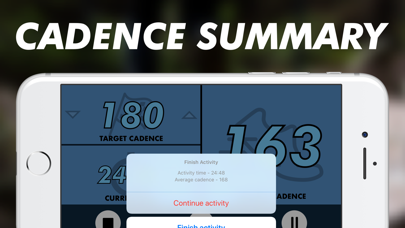
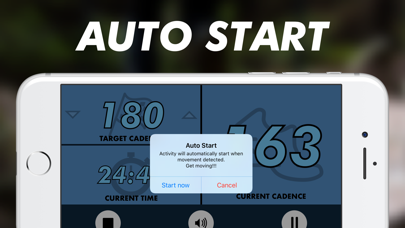
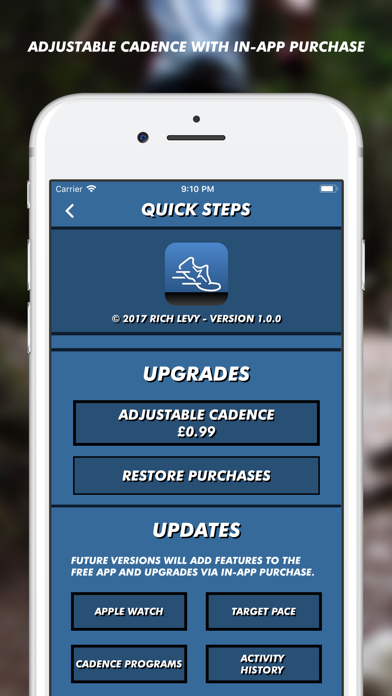
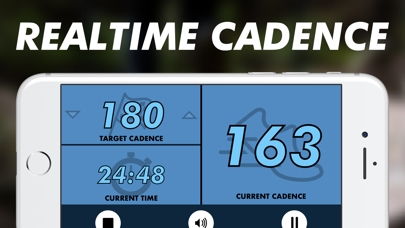
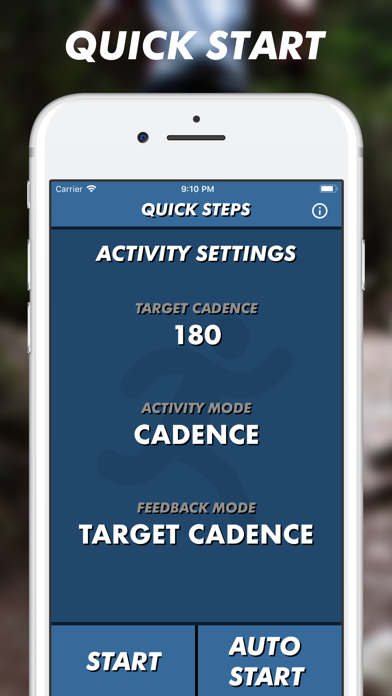
Quick Steps is a fitness app to help improve your running cadence (steps per minute). 180 steps per minute has been recognised as the ideal running cadence. By increasing your cadence, you will be able to run faster and will be less prone to certain types of injury. The free version of Quick Steps defaults to a cadence of 180 steps per minute and will display your current cadence and activity time. It will also play a step-sound at 180 beats per minute to allow you to synchronise your cadence to 180. Through in-app purchase, you can change the target cadence to suit your needs. Using this feature, you can ease towards 180 steps per minute. If you put Quick Steps in the background the sound will continue to play, allowing you to add cadence training to your workout alongside other fitness apps. Quick Steps still tracks your activity, even in the background. At the end of your run, hold down the stop button to finish and show a summary of your activity, including an average cadence.
Released
Oct 25, 2017
Category
Health & Fitness
Content rating
4+
Price
Free
In-app purchases
No
Developer site
avsubapp.co.uk ↗
WWUSGBDEJPINBR

No chart data

No rank history yet for this selection.

Screenshots

5
Quick Steps screenshot 1Quick Steps screenshot 2Quick Steps screenshot 3Quick Steps screenshot 4Quick Steps screenshot 5