StoreIntel
AppsTop ChartsTrendingKeywordsMy Apps
Not affiliated with Apple Inc. App Store is a trademark of Apple Inc.Top chartsSupportTermsPrivacy

QR Scanner: Scan & Create

Do Tri · Utilities · 9.7y old

Free
◆ ProTrack this app App Store

Performance · Worldwide

Est. downloads / month · WW

<5K

Below chart threshold

Est. revenue / month · WW

<$5K

Below chart threshold

Rating · WW

4.5★

22 ratings

Chart position

Rank history — US · Top Free

Apple's Top Free chart — free apps ranked by recent downloads.

Top FreeTop Grossing

Ratings count — US

22
◆ Pro1 chart locked

See the numbers behind the rankings

  • Keyword RankingsWhich App Store searches it ranks for, and where
Unlock everything →

Listing

About

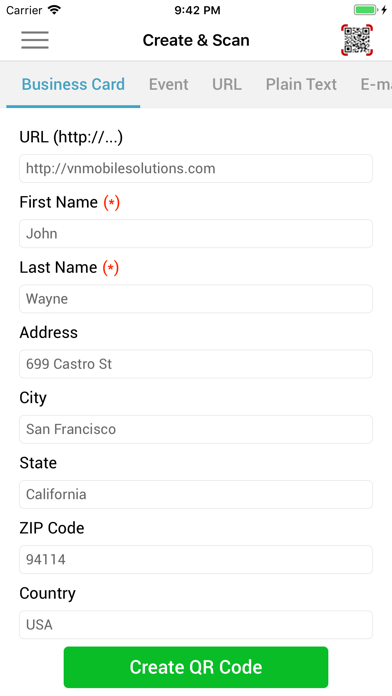
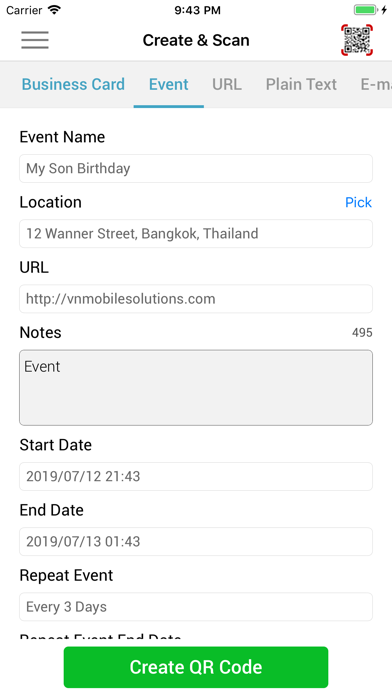
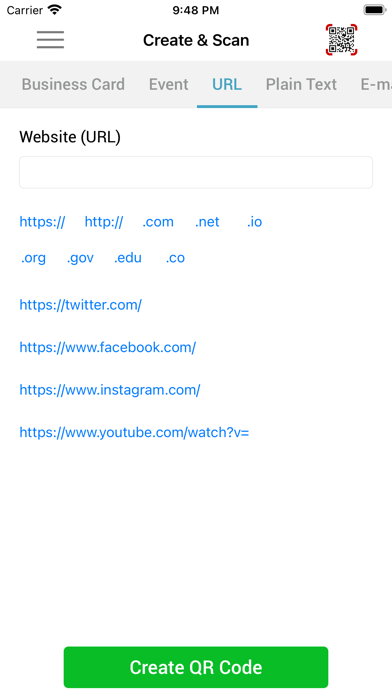
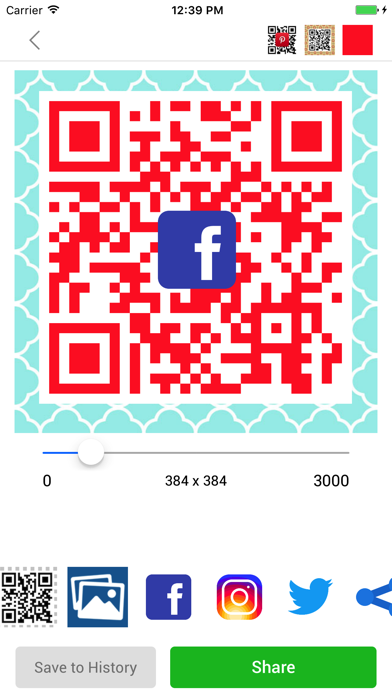
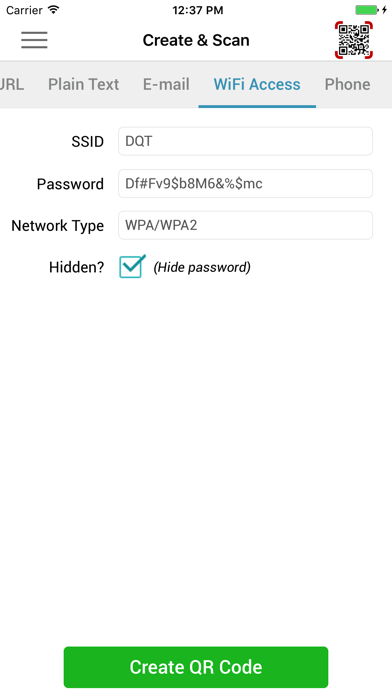
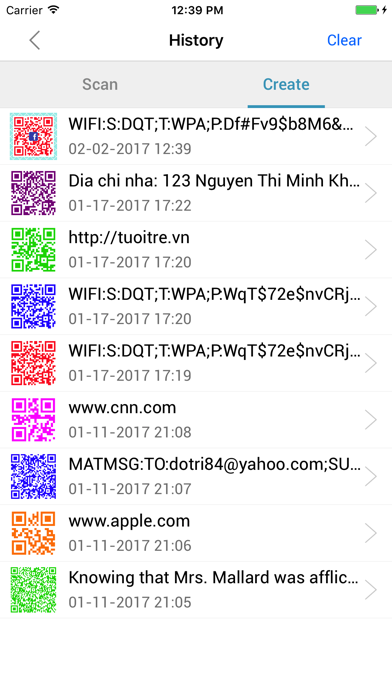
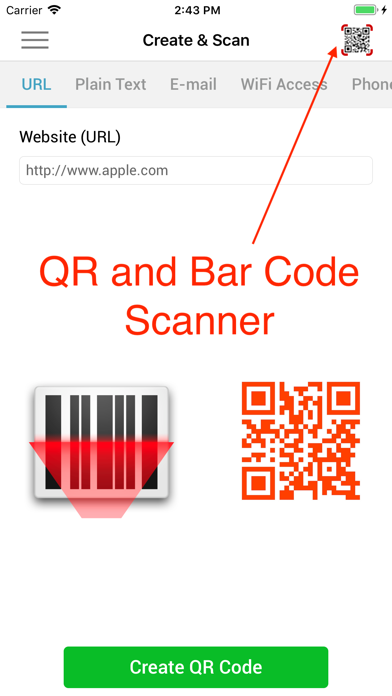
Scan, create, and share QR codes instantly. Fast, accurate, and beautifully simple — everything you need in one powerful QR & barcode app. Turn your iPhone into an everyday tool for scanning payments, sharing WiFi, saving contacts, and more. FEATURES Scan QR & Barcodes • Instant scanning with your camera • Scan codes from photos or gallery • Works in low light with flashlight • Automatic scan history Smart Actions • Save contacts from vCard • Add events to Calendar • Pay quickly with VietQR • Open websites instantly Create QR Codes • WiFi, URL, contact, email, text, phone, events • Customize colors and size • Add logo to your QR code • Use photos as background Share Easily • Share via Messages, Mail, or social apps • Save to Photos • Access your codes anytime WHY YOU’LL LOVE IT • Fast and accurate scanning • Clean, easy-to-use design • Works whenever you need it • All-in-one QR solution
Released
Jan 16, 2017
Category
Utilities
Content rating
4+
Price
Free
In-app purchases
No
Developer site
vnmobilesolutions.com ↗
WWUSGBDEJPINBR

No chart data

No rank history yet for this selection.

Screenshots

8
QR Scanner: Scan & Create screenshot 1QR Scanner: Scan & Create screenshot 2QR Scanner: Scan & Create screenshot 3QR Scanner: Scan & Create screenshot 4QR Scanner: Scan & Create screenshot 5QR Scanner: Scan & Create screenshot 6QR Scanner: Scan & Create screenshot 7QR Scanner: Scan & Create screenshot 8