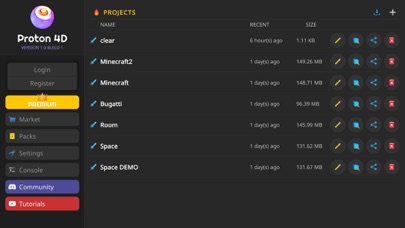
Proton4D is a powerful and user-friendly 3D modeling tool for artists and enthusiasts. It offers a smooth and intuitive experience, leveraging the graphics processing power of your mobile device. With its easy-to-use navigation and hierarchy system, Proton4D is similar to traditional PC 3D applications, making it accessible for users of all skill levels.
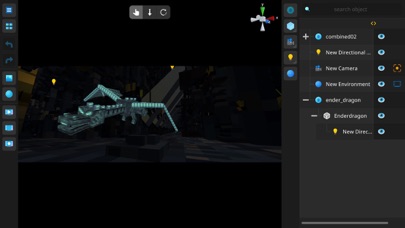
With built-in support for both Minecraft GEO Model and OBJ file formats, Proton4D allows for seamless import and export of 3D models. You can easily transfer your creations between Minecraft and other 3D applications or even bring them into the real world through 3D printing (compatibility may vary depending on the hardware and software).
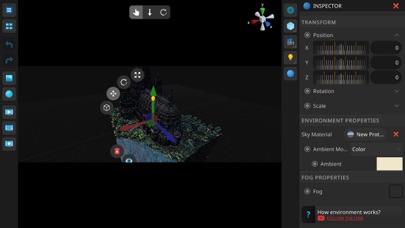
In addition to modeling, Proton4D also offers a range of environment and camera features, allowing you to create dynamic and immersive scenes with ease. With access to advanced shading techniques, you can apply realistic textures, materials, and lighting to your models, creating unique and eye-catching scenes.
With Proton4D, you can:
Model and sculpt complex shapes and structures, such as characters, buildings, and landscapes, with ease thanks to its intuitive navigation and hierarchy system.
Import and export Minecraft GEO Models and OBJ files, bringing your creations to life in Minecraft or transferring them to other 3D applications.
Apply realistic textures, materials, and lighting to your models, such as metal, wood, and glass, using advanced shading techniques.
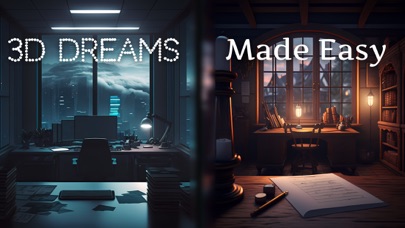
Experiment with different shaders and materials to create unique and eye-catching scenes, such as futuristic cities and enchanted forests.
Create dynamic and immersive scenes with environment and camera features, such as weather effects and cinematic camera movements.
Use Proton4D for various applications, such as game design, architectural visualization, and product design.
For support or any questions please email: meliorapps@gmail.com
Terms of Service: https://www.meliorapps.org/terms-of-service
Privacy Policy: https://www.meliorapps.org/privacy-policy