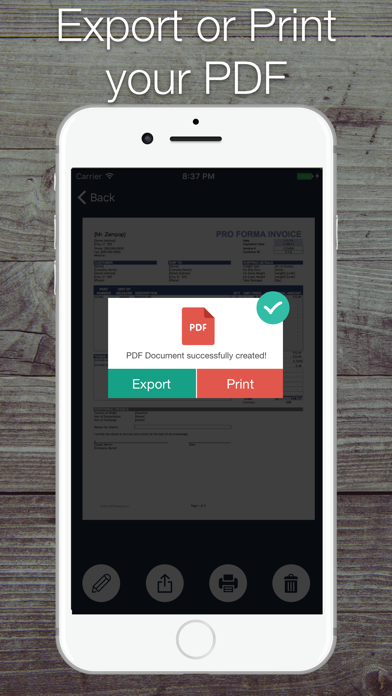
Turn your iPhone & iPad into a portable scanner that is always with you!
With SCANNER PLUS APP you can instantly scan and print any written, printed or graphic material, including:
• Contracts for your partners or clients;
• Business cards;
• Receipts to track your expenses;
• Paper notes and mind maps to save the best ideas for future reference;
• Book pages and articles for further reading and analysis;
• Texts that don't offer a digital copy;
Or any other multi page document for different purposes.
Manage your documents easily:
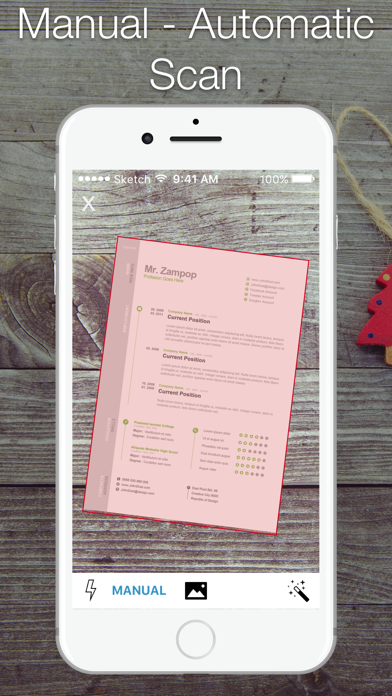
• SCAN with camera. You can scan as many pages as you want!
• PRINT scanned documents, as well as the text from Clipboard, attached to emails documents and web pages.
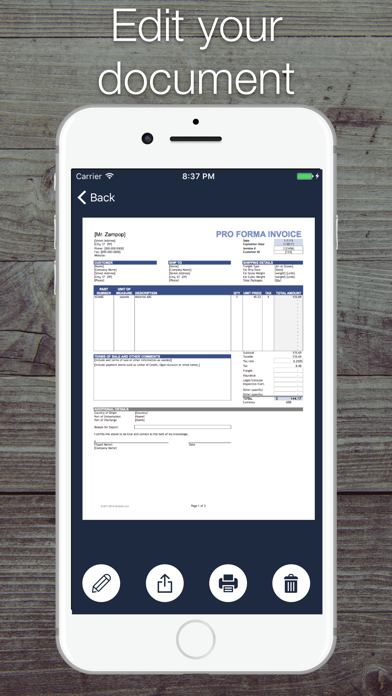
• EDIT scans perspective and borders, apply filters, adjust contrast, correct or change the orientation.
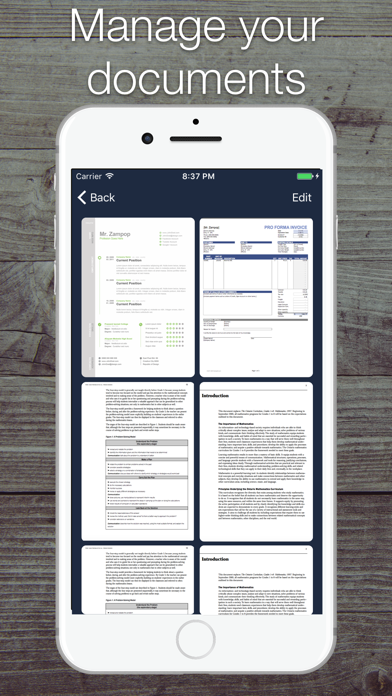
• STORE and Manage your scans.
• SHARE scans or send a number of files in PDF file via Mail, or simply save to Photos.
Accurate scans, simple editing, and sharing: Scanner Plus is your indispensable companion for studies, home finances and business use!
Got questions or suggestions? Please don’t hesitate to email us at: ettammar.dev@gmail.com.