StoreIntel
AppsTop ChartsTrendingKeywordsMy Apps
Not affiliated with Apple Inc. App Store is a trademark of Apple Inc.Top chartsSupportTermsPrivacy

PDF Scanner - Documents Scan +

Hendrych Kowalski · Productivity · 3.1y old

Free
◆ ProTrack this app App Store

Performance · Worldwide

Est. downloads / month · WW

<5K

Below chart threshold

Est. revenue / month · WW

<$5K

Below chart threshold

Rating · WW

4.8★

32 ratings

Chart position

Rank history — US · Top Grossing

Apple's Top Grossing chart — all apps ranked by revenue (purchases + subscriptions).

Top FreeTop Grossing

Ratings count — US

32
◆ Pro1 chart locked

See the numbers behind the rankings

  • Keyword RankingsWhich App Store searches it ranks for, and where
Unlock everything

Listing

About

The PDF Scanner App transforms your iPhone or iPad into a high-powered mobile scanner, enabling rapid scanning, editing, storage, and sharing of various documents. Our intelligent scanning tool is indispensable for individuals engaged in remote work, on-the-go tasks, students, educators, as well as those participating in small-scale businesses such as accountants, real estate agents, managers, and lawyers. Convert essential files—contracts, tax forms, tickets, receipts, handwritten notes, assignments—into digital formats like PDF, JPG, DOС, XLS, PPT, or TXT, and effortlessly export them. With the PDF Scanner App, you can seamlessly work and study from anywhere, even in situations where a laptop or scanning/ printing equipment is unavailable. Features: - Smart Scanning - Security & Privacy - Document Organization - Available for iPhone and iPad Privacy Policy: http://pdf-scannerapp.tilda.ws/policy Terms of Use: http://pdf-scannerapp.tilda.ws/terms

Released
Aug 25, 2023
Category
Productivity
Content rating
4+
Price
Free
In-app purchases
No
WWUSGBDEJPINBR

No chart data

No rank history yet for this selection.

→

Screenshots

3
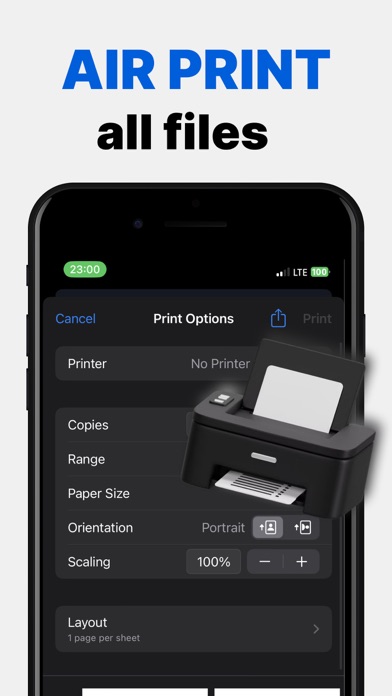
PDF Scanner - Documents Scan + screenshot 1PDF Scanner - Documents Scan + screenshot 2PDF Scanner - Documents Scan + screenshot 3