StoreIntel
AppsTop ChartsTrendingKeywordsMy Apps
Not affiliated with Apple Inc. App Store is a trademark of Apple Inc.Top chartsSupportTermsPrivacy

PDF Reader Pro - Sign,Edit PDF

PDF Technologies, Inc. · Business · 12.3y old

$19.99 · Paid
◆ ProTrack this app App Store

Performance · Worldwide

◆ Pro

Downloads & Revenue estimates

Monthly, by storefront, with daily history

Unlock →

Rating · WW

4.3★

548 ratings

Chart position

Rank history — US · Top Paid

Apple's Top Paid chart — paid apps ranked by recent downloads.

Top PaidTop Grossing

Ratings count — US

221

Listing

About

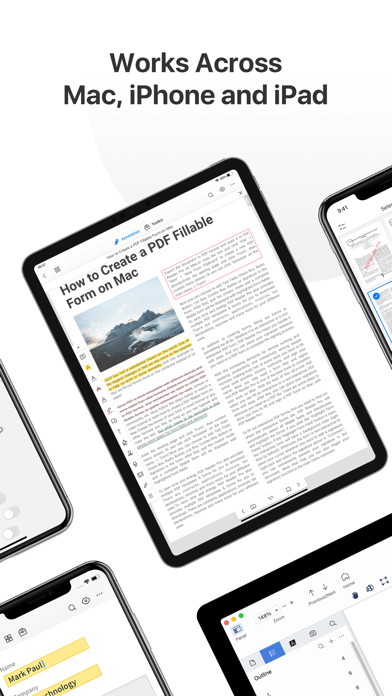
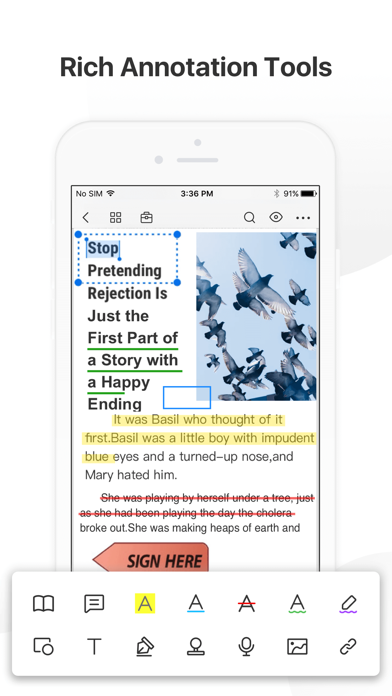
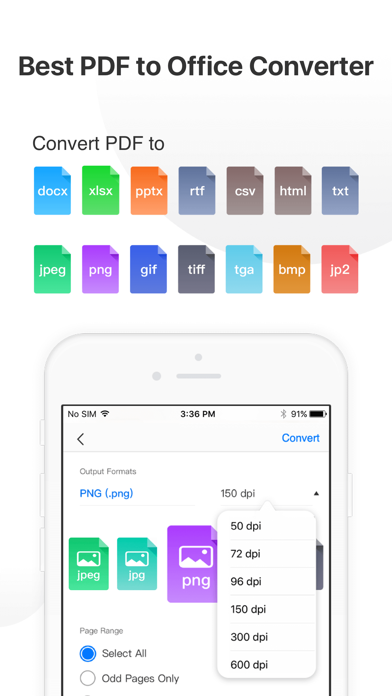
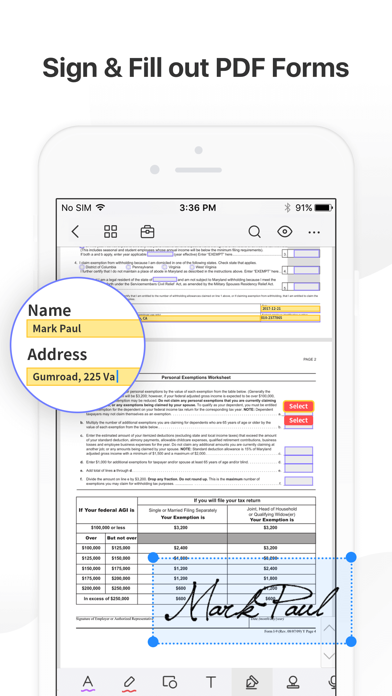
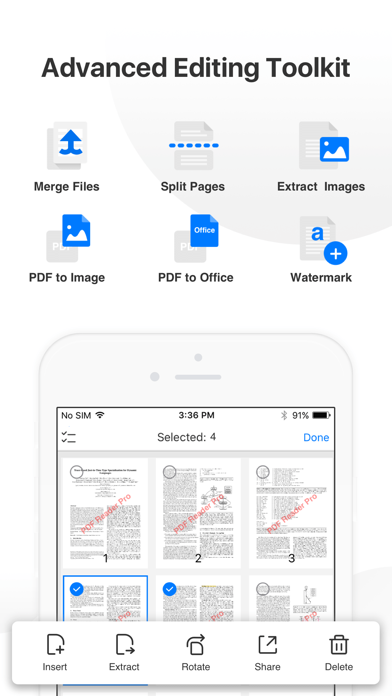
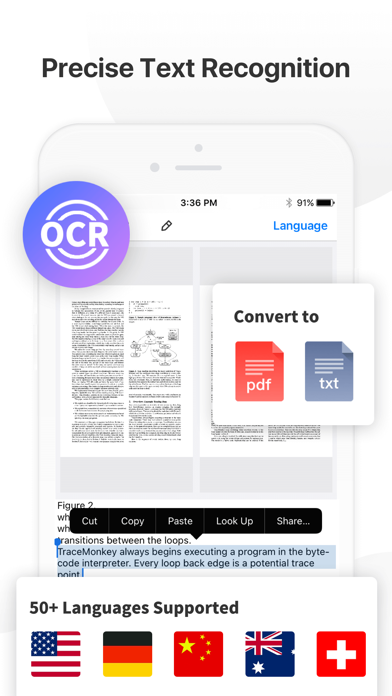
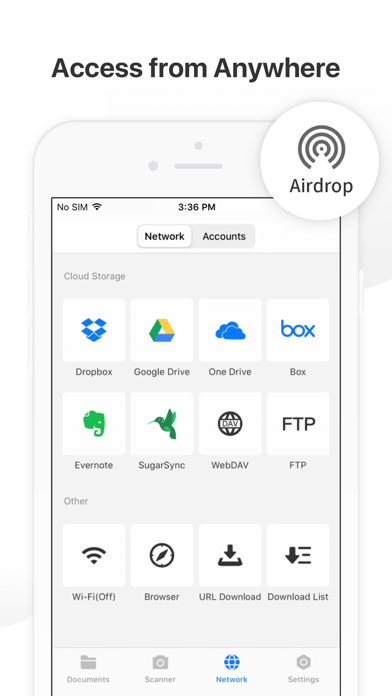
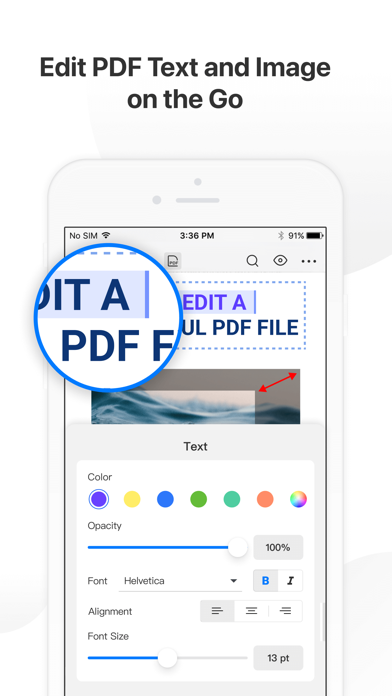
PDF Reader Pro helps much for anyone who reads, edit, highlights, OCR, signs, converts, creates, protects, compresses and fills out PDFs on their iPhone and iPad. It also makes it easy to organize, annotate and edit your PDFs. Import files from your computer or the cloud, then complete forms, add freehand drawings and audio notes and more. PDF Reader Pro offers even more - merge and combine multiple documents, split your PDFs, insert pages from another PDF, insert photos or hyperlinks to your P

Released
Jun 22, 2014
Category
Business
Content rating
4+
Price
$19.99
In-app purchases
Yes
Developer site
pdfreaderpro.com ↗
WWUSGBDEJPINBR

#58latest · best #35 in 90d

◆ Pro4 charts locked

See the numbers behind the rankings
  • Daily RevenueModeled in-app revenue per day, worldwide or by storefront
  • Daily DownloadsModeled installs per day, with the monthly trend
  • Top MarketsWhere it charts and earns, country by country
  • Keyword RankingsWhich App Store searches it ranks for, and where
Unlock everything →

Screenshots

9
PDF Reader Pro - Sign,Edit PDF screenshot 1PDF Reader Pro - Sign,Edit PDF screenshot 2PDF Reader Pro - Sign,Edit PDF screenshot 3PDF Reader Pro - Sign,Edit PDF screenshot 4PDF Reader Pro - Sign,Edit PDF screenshot 5PDF Reader Pro - Sign,Edit PDF screenshot 6PDF Reader Pro - Sign,Edit PDF screenshot 7PDF Reader Pro - Sign,Edit PDF screenshot 8PDF Reader Pro - Sign,Edit PDF screenshot 9