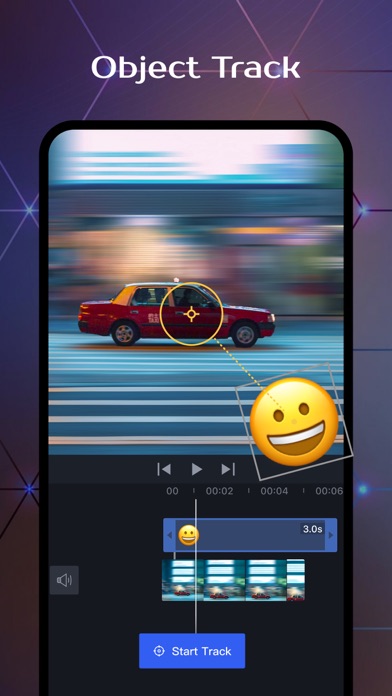
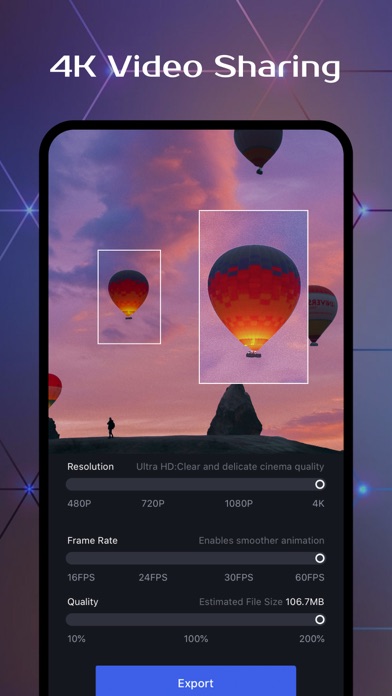
OviCut: All-round and easy-to-use video editing software, easily create excellent 4K videos and experience the fun of creation.
Multi-platform adaptation
• Supports multiple platforms such as iPad and iPhone;
• Focus on flexible interface layout, clear structure and smooth interaction;
• Support Apple M1 chip, available on both Mac and iPad;
• Support external keyboard and mouse & shortcut key operation to improve editing efficiency;
Efficient and easy to use
• Support real-time preview, drag and drop materials, clearly see all operations;
• Support drag and drop various materials from the multitasking window to directly add to the timeline;
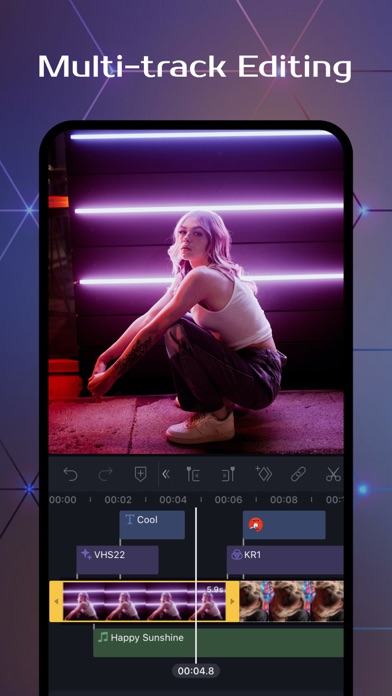
• Multi-track editing frame by frame, no limit on the number of tracks, the segment can switch tracks at will;
• Support video material preview, pre-cutting, and quick selection of available clips;
• Convenient and practical material classification and media file management;
• Support fast cutting, copying, and deleting clips;
Professional Editing
• Associated main and sub track objects, and synchronized materials let you easily organize your timeline;
• Support chroma key keying, with mixed mode, handle various special effects.
• Support a variety of key frame operations, realize zoom lens movement, and grasp the video rhythm;
• Non-destructive editing, automatic saving all operation steps, support undo and redo;
• Accurately add time axis markers, and quickly locate clips;
• Set the resolution, frame rate and bit rate up to Ultra HD 4K, 60 frames;
Basic Editing Features
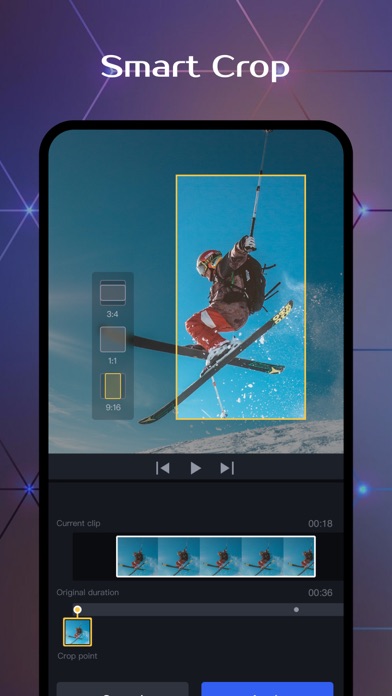
• Support the aspect ratio of various mainstream social platforms;
• Support fast multi-segment microphone recording, easy recording of dubbing narration;
• Flexible control of video speed, support for variable speed, frame freeze and reverse playback;
• Supports masking, cropping, rotation, mirroring, and common operations are all available;
• Supports dot, keep pitch, one-key mute, turn off the original sound, etc.for audio editing;
• Powerful video post-production, providing high-quality filters and professional parameter adjustment;
Built-in Effects & Materials
• 「Material Library」: various built-in video materials to prompt the quality of the video;
• 「Special Effects」: unique and high-quality special effects, easy to create movie-like images;
• 「Transition」: provides a variety of complex transitions to achieve seamless transition of video clips;
• 「Stickers」: commonly used popular stickers, suitable for various scenarios;
• 「Text」: rich artistic titles and copyright-free fonts;
• 「Music」: massive royalty-free music, sound effects, and support video extraction audio;
Privacy Policy: http://vmix-rc.vccresource.com/web/h5template/782b7207-ca1c-4d56-a9e5-00c76497d734-language=en/dist/index.html
Terms of Use: http://rc.vccresource.com/web/h5template/f4bd4df3-5843-426c-a329-64fad9545553-language=en/dist/index.html
For any questions or suggestions, please feel free to contact us.
Email: vmixeditor2020@gmail.com