StoreIntel
AppsTop ChartsTrendingKeywordsMy Apps
Not affiliated with Apple Inc. App Store is a trademark of Apple Inc.Top chartsSupportTermsPrivacy

No Crop - Square quick sized

HOANG PHAM · Photo & Video · 9.0y old

Free
◆ ProTrack this app App Store

Performance · Worldwide

Est. downloads / month · WW

<5K

Below chart threshold

Est. revenue / month · WW

<$5K

Below chart threshold

Rating · WW

4.7★

10.6K ratings

Chart position

Rank history — US · Top Free

Apple's Top Free chart — free apps ranked by recent downloads.

Top FreeTop Grossing

Ratings count — US

10.6K
◆ Pro1 chart locked

See the numbers behind the rankings

  • Keyword RankingsWhich App Store searches it ranks for, and where
Unlock everything

Listing

About

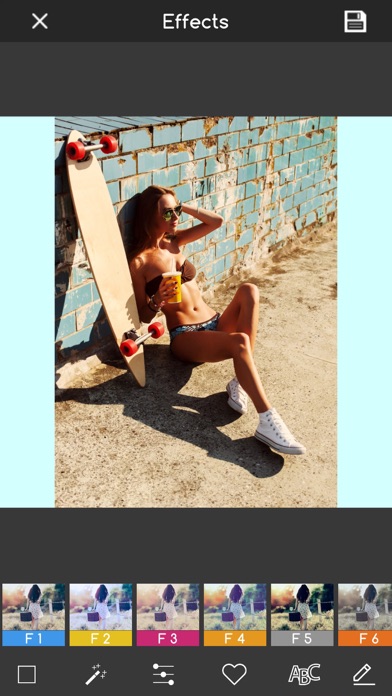
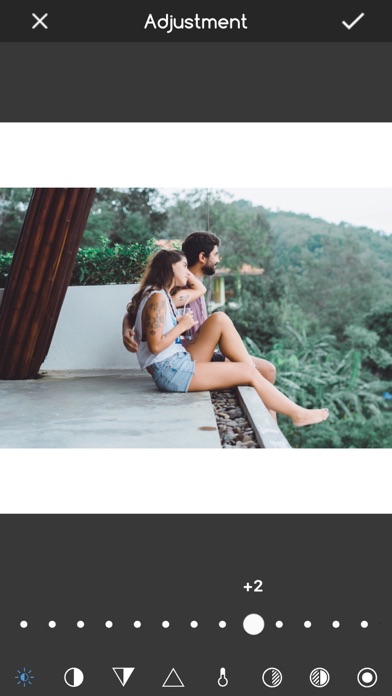
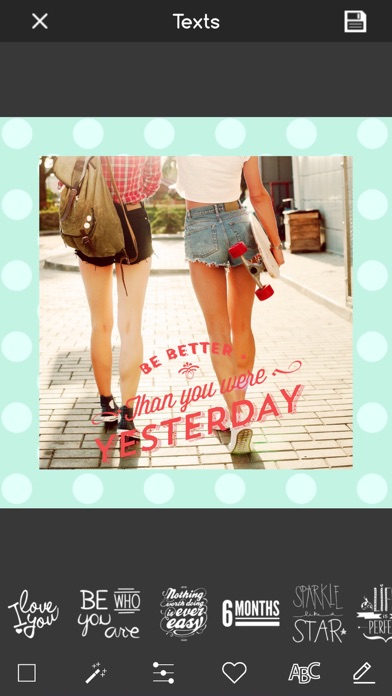
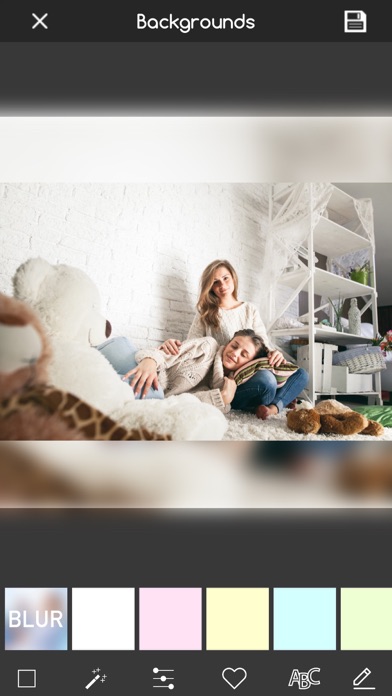
No Crop provide a best way to post full size photo. No crop help you save your time, If you are tired of cropping images, It is the best way to square your photos quickly. Square sized is All-In-One Photo editor with many amazing frames, effects, filters, captions... FEATURES - Square size help to post entire photo. The best and simplest no crop photo editor - Make collage photo your photos be more popular with funny sticker and texts. - Add unique frames for inside photo: There are many beautiful frame for your photos - Unique photo effects art & photo filters - Blur image background is a powerful to make blur background for square function. - Add over 150+ texts, captions, stickers and funny emojis: You can add text and emoji together on you photo. - Writing text on photo with font studio - Pinch to resize the photo, Rotate, flip, crop photo with multiple ratio, 1:1 , 2:3, 4:3... - Save high quality photos and share to media social networks - Simple and easy to use interface. Thanks for your using and make feedback if you enjoy No Crop.
Released
Oct 18, 2017
Category
Photo & Video
Content rating
4+
Price
Free
In-app purchases
No
Developer site
letapps.com ↗
WWUSGBDEJPINBR

No chart data

No rank history yet for this selection.

→

Screenshots

4
No Crop - Square quick sized screenshot 1No Crop - Square quick sized screenshot 2No Crop - Square quick sized screenshot 3No Crop - Square quick sized screenshot 4