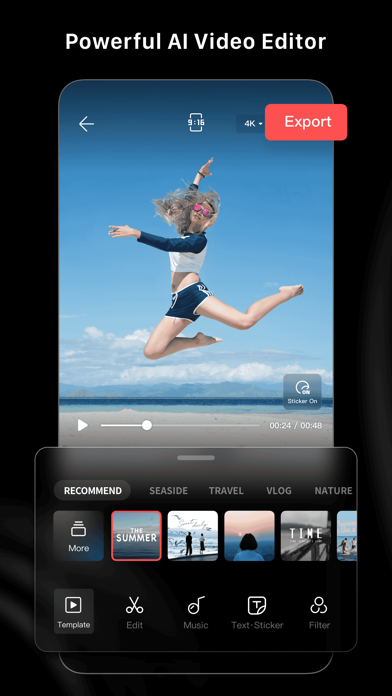
LightCut is an AI-powered video editing app with awesome templates and effects that help you create stylish videos and vlogs with ease. Try the AI video editor for unique videos with just a tap, or the Inspire Cam feature, which lets you shoot like a pro. You can also trim and merge your video clips and add text, music, stickers, effects, transitions, and more for expanded creativity. Simple but powerful, LightCut is an all-in-one video editing app that’s great for beginners, professionals, and everyone in between.
Superfast AI-powered Video Editor
-Automatic video creator to edit content in seconds.
-Simply select your favorite video clips and photos, and after analyzing them for a few moments, the AI-powered One-Tap Edit feature will turn them into share-worthy clips, even in 4K UHD.
-AI can analyze your footage and select highlight moments, matching them with suitable video templates for outstanding results.
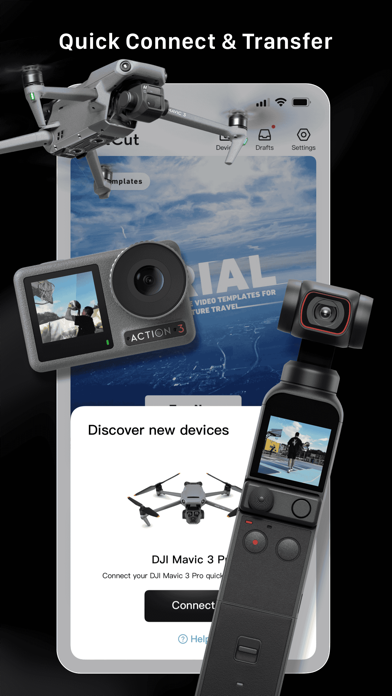
-Supports editing drone footage from the Mavic 3 Series, Air 3, Mini 4 Pro and Mini 3 Series, as well as handheld footage from the Osmo Mobile Series, Osmo Action Series, and Osmo Pocket Series without exporting the footage, saving storage space on your smartphone or mobile device.
Diverse Video Templates
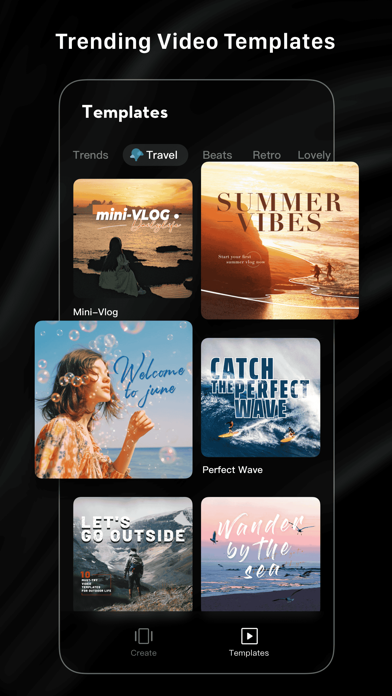
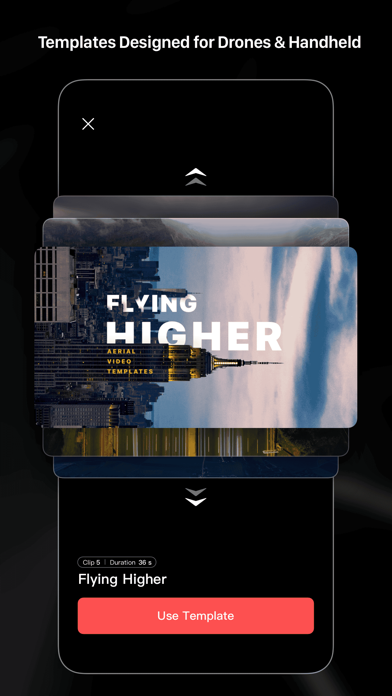
-Easy-to-use Templates: Just choose the template and tempo you like, and then an eye-catching video will be made automatically.
-Multiple creative template styles available: travel, road trips, nature, building & city, fashion, lifestyle vlogs, sports, aerials, and more.
Inspire Cam Shooting Modes for a Pro-level Look
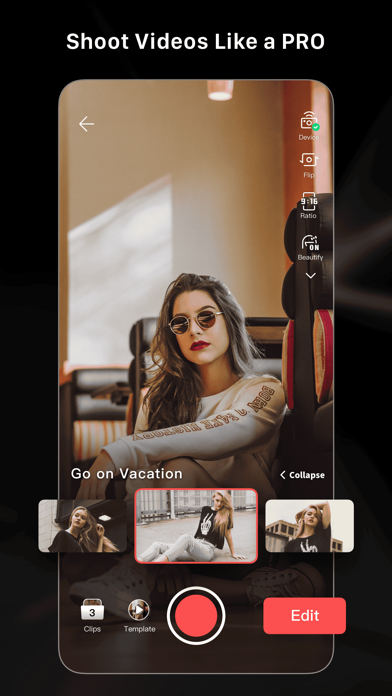
-Unsure how to film or edit? No worries! Convenient tutorials give you step-by-step guides on how to get great shots in a wide variety of scenarios.
-After shooting, a super cool video will be made automatically. This gives you everything you need to shoot, edit, and share videos in one quick step.
All-in-one Video Editor with Powerful Tools
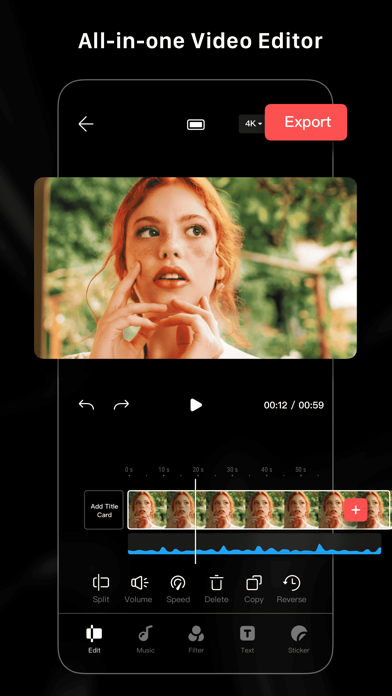
- Professional editing tools and features help you make epic videos in a flash.
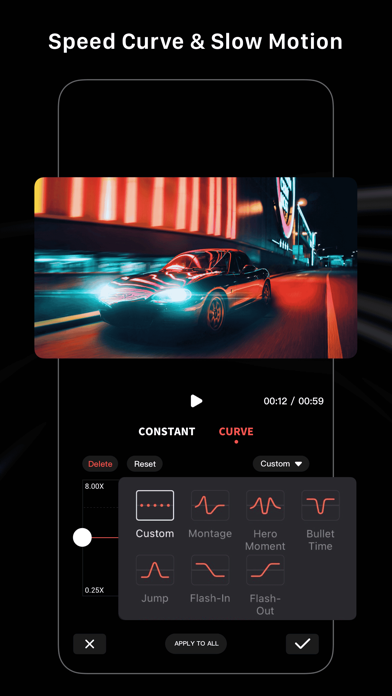
- Convenient features like video trimmer, video cutter, and slow/fast motion with easy adjustments make your videos instantly more attractive. You can even split videos into multiple clips.
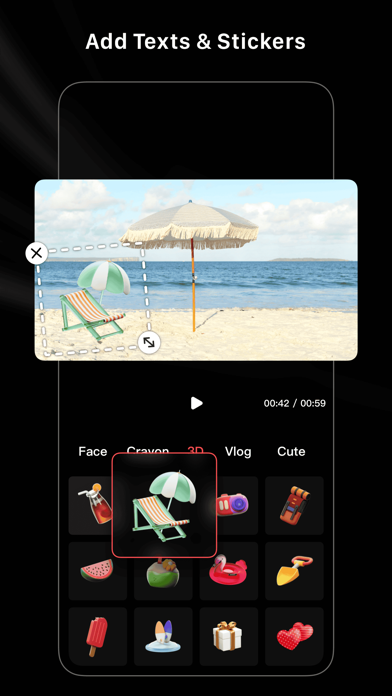
- Multiple stickers and font styles help you get ultra-creative.
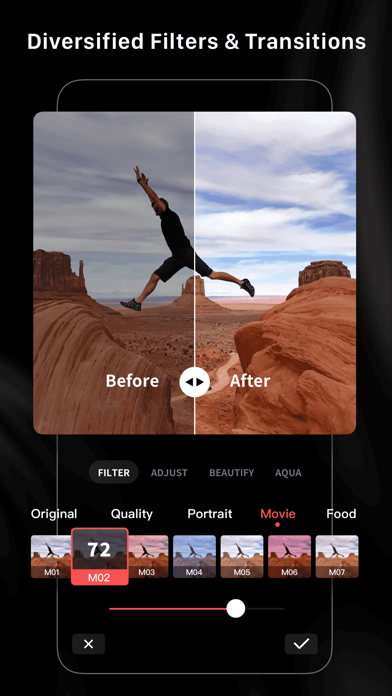
- Edit and combine videos with filters, effects, and transitions.
Tilt-Shift Effects for a Surreal Look
-Try Tilt-Shift Effects to give your shots a miniaturized and unique look.
-Try city streets and other urban settings for truly stunning results.
Aerial AudioMatch: Automatically Add Sound Effects
-AI can automatically add sound effects to your drone footage based on themes like Forest, Sea, Field, Urban Street, and more.
-With just a few taps, you can add high-quality sound effects to your videos without having to manually search for and edit them. Whether you're creating a vlog, a short film, or just having fun, this AI-powered tool can automatically detect the action in your video and suggest an optimized sound effect to match.
-With a library of thousands of professionally recorded sounds, you can easily enhance the audio of your videos and take your content to the next level.