StoreIntel
AppsTop ChartsTrendingKeywordsMy Apps
Not affiliated with Apple Inc. App Store is a trademark of Apple Inc.Top chartsSupportTermsPrivacy

Inventory mail/Send email

Hideyuki Aono · Productivity · 7.5y old

Free
◆ ProTrack this app App Store

Performance · Worldwide

Est. downloads / month · WW

<5K

Below chart threshold

Est. revenue / month · WW

<$5K

Below chart threshold

Rating · WW

2.0★

2 ratings

Chart position

Rank history — US · Top Grossing

Apple's Top Grossing chart — all apps ranked by revenue (purchases + subscriptions).

Top FreeTop Grossing

Ratings count — US

2
◆ Pro1 chart locked

See the numbers behind the rankings

  • Keyword RankingsWhich App Store searches it ranks for, and where
Unlock everything

Listing

About

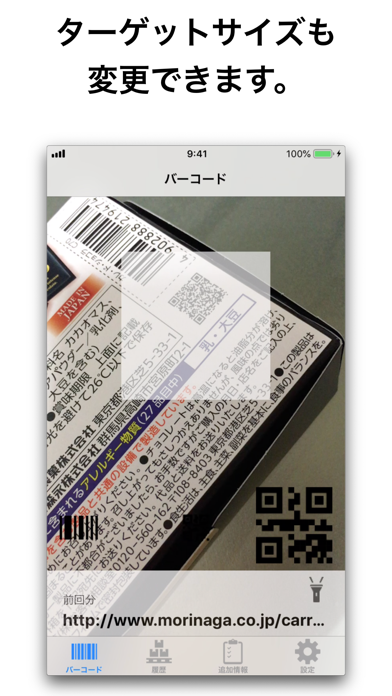
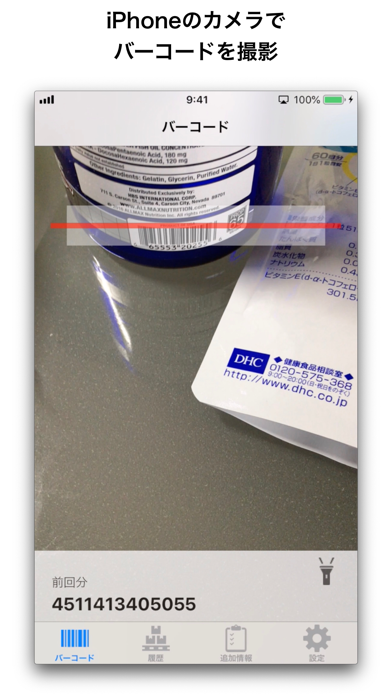
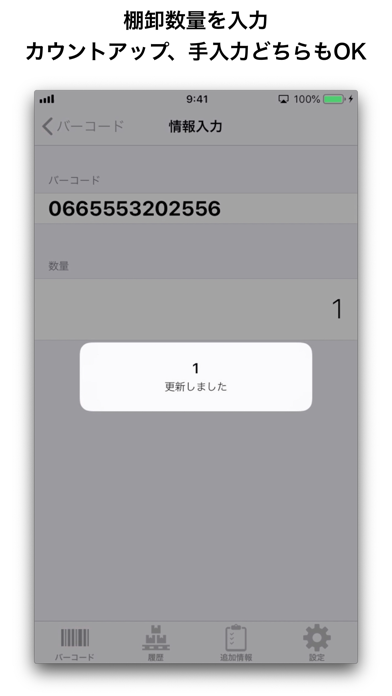
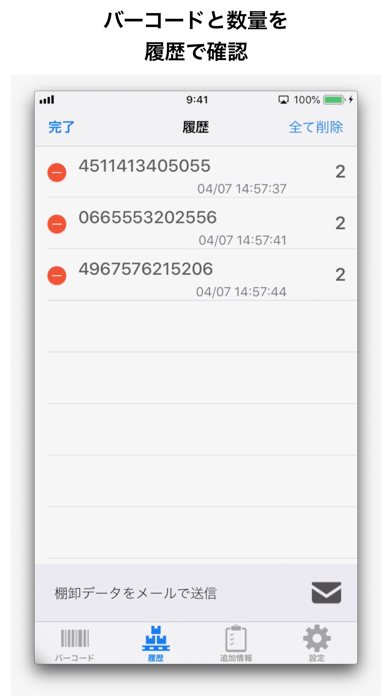
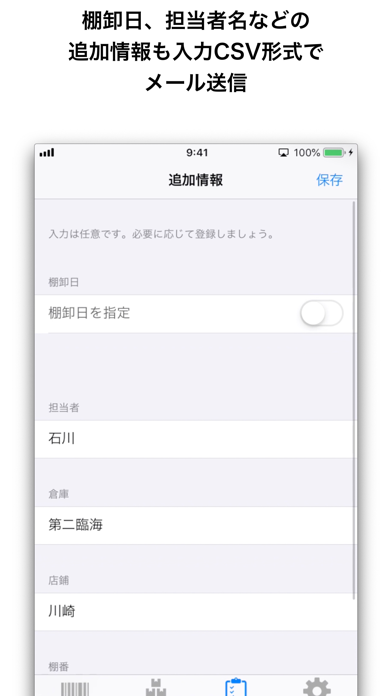
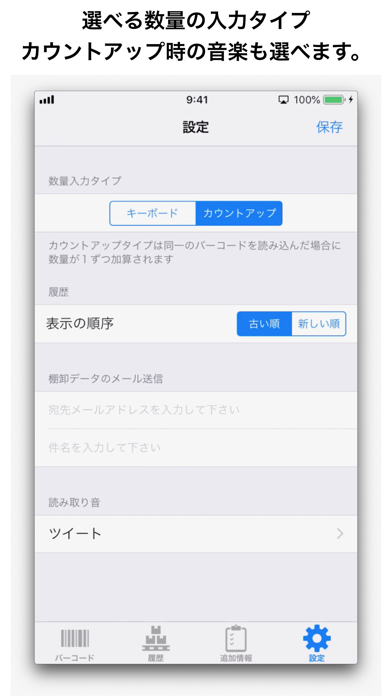
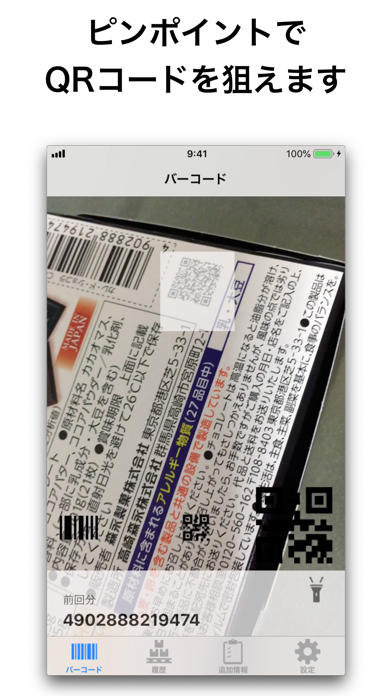
You can perform inventory by using the camera function of iPhone. ■ Procedure 1. Shoot the barcode with the camera 2. Enter quantity 3. Repeat the above 1 and 2 4. Send mail (CSV format) There is also a registration function for additional information, and you can add information such as the inventory date, name of the person in charge, etc. ■ Features Both 1D and 2D barcodes can be scanned at pinpoint. In physical inventory, you can not load other goods by mistake. Pinpoint scanning is a feature of this app. *Note* ・ Some barcodes can not be read with this application. ・ There are also barcodes that can not be read depending on the printing conditions of the light source and barcode. Recommended for such people ▽ ・ I just want to do inventory on a low budget -Anyway, if you only have barcode data and CSV data of quantity, you can manage somehow ・ I like the iPhone anyway ■ Request If this app stands out for your part, please rate it and review it.
Released
Apr 19, 2019
Category
Productivity
Content rating
4+
Price
Free
In-app purchases
No
Developer site
bluestone57-a584d.web.app ↗
WWUSGBDEJPINBR

No chart data

No rank history yet for this selection.

→

Screenshots

7
Inventory mail/Send email screenshot 1Inventory mail/Send email screenshot 2Inventory mail/Send email screenshot 3Inventory mail/Send email screenshot 4Inventory mail/Send email screenshot 5Inventory mail/Send email screenshot 6Inventory mail/Send email screenshot 7