Transform your images into professional PDFs effortlessly with Photo to PDF Editor app ! Whether you need to create PDFs, secure them with a password, or unlock existing PDFs, this app has you covered. Organize your documents, save them securely, and access them anytime—all from one convenient app!
Key Features:
1. Create PDFs from Images
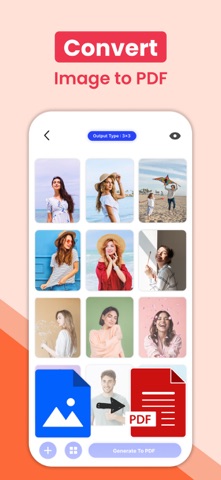
Select multiple images and convert them into high-quality PDFs.
Customize pdf by sorting and arranging images or photos before exporting.
2. Lock
Protect your PDFs with a password to keep them secure.
Easily unlock password-protected PDFs when needed.
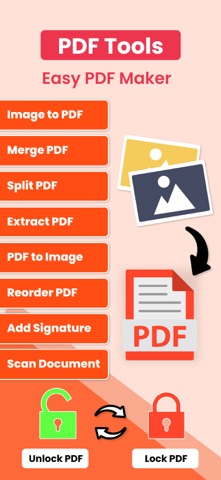
3. Unlock Pdfs
You can unlock locked pdf using image to pdf converter app.
4. Save and Organize PDFs
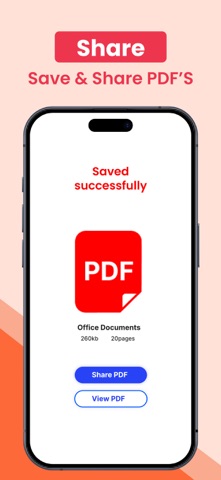
Save your PDFs directly to the Files app or share them with others.
View and manage all your saved PDFs in one place for quick access.
5. Merge Pdf Files & Split Pdf Files
You can merge multiple pdf files in to one . Easy to split pdf file into separate pdf files.
6. Extract PDF file
If you need to extract some pdf files , you can do it easily using this app extract pdf feature.
7. User-Friendly Interface
Simple and intuitive design for hassle-free PDF creation and management.
Works offline—no internet connection required!
8. Add Signature
It's very easy now to add signatures to your existing pdf files with very simple steps and save it again with signatures.
9. Share & Export Options
Share your PDFs via email, messaging apps, or cloud storage.
Export PDFs to other apps or print directly from your device.
Why Choose Pdf Maker ?
+ Lightweight and fast PDF maker with secure encryption features.
+ Perfect for students, professionals, and anyone needing quick PDF solutions.
+ All-in-one solution for creating, locking, unlocking, and organizing PDFs.
+ Take control of your documents today. Download Image To PDF app and enjoy the easiest way to create and secure PDFs on your iPhone or iPad!
Download Now!
Start creating professional, secure PDFs in just a few taps!
Terms of Use: https://www.apple.com/legal/internet-services/itunes/dev/stdeula/
Privacy Policy: http://178.128.6.196/privacypolicyiosapp.php