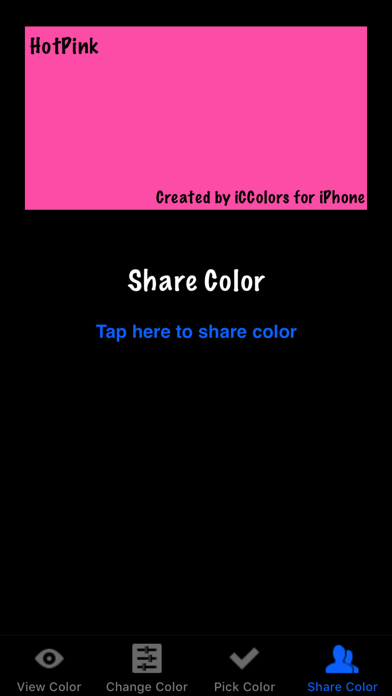
iCColors for iPhone and iPod Touch gives you a pocketful of over 16 million colors. Pick your favorite color and share it with your friends and family!
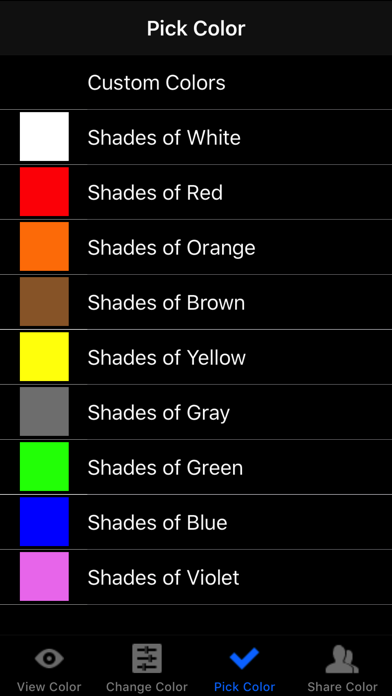
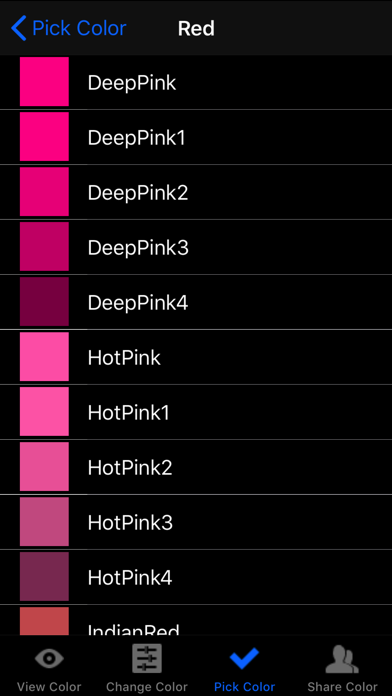
Start by selecting a color from over 700 predefined colors in shades of white, red, orange, brown, yellow, gray, green, blue and violet.
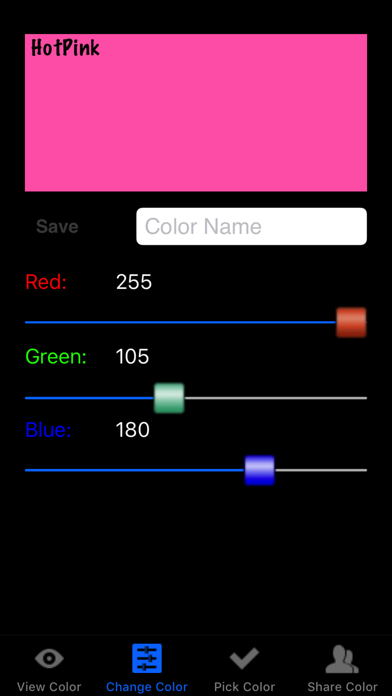
Edit your color by varying the amounts of red, green and blue. Over 16 million colors can be created! When you're done, give your color a name and save it to the list of Custom Colors.
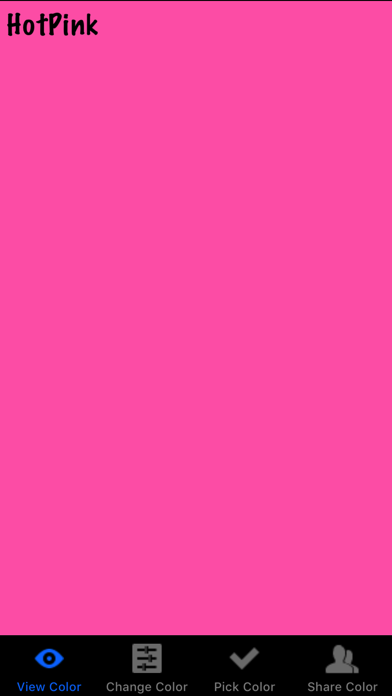
Your new color can be displayed full screen on the iPhone or iPod Touch. This can be useful for selecting paint or fabric colors.
You can also share your new color with friends and family via email, text messages, Facebook or Twitter ("I'm planning to paint my bathroom this color -- what do you think???")
iCColors can also be used as a simple flashlight by selecting a light color and displaying it full screen.
Features
- Over 700 predefined colors available.
- Over 16 million different colors can be created.
- Colors can be shared via email, text messages, Facebook, or Twitter.
Thanks to Kevin J. Walsh for his compilation of colors and color names.