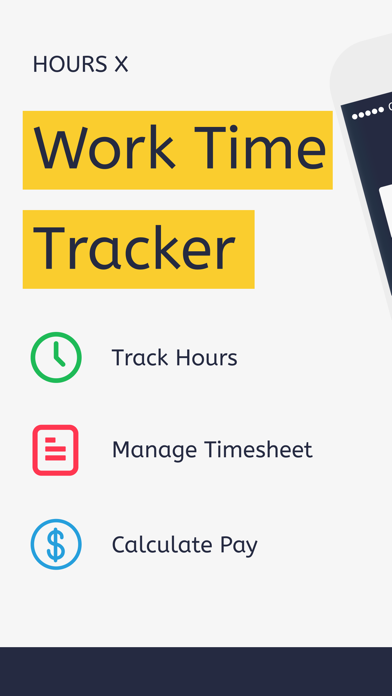
Tracking work hours & earnings now made effortless with the Hours X app.
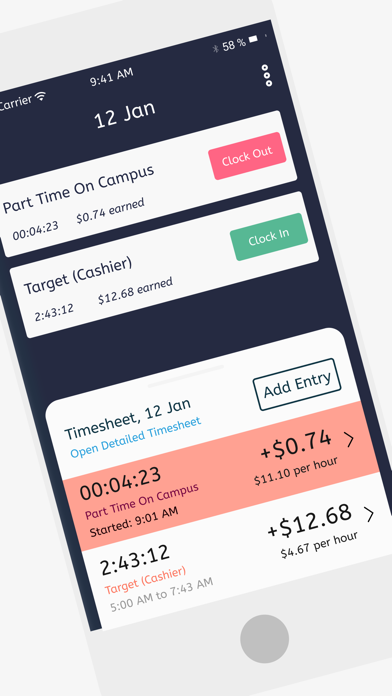
With the easy clock in and clock out feature, the Hours X app helps you to track work hours & calculate earnings for all your full-time & part-time jobs.
Forgot to clock in or clock out? We got it sorted for you. You can enter your work hours manually and don’t miss tracking even a single hour.
FEATURES:
*CLOCK IN AND OUT*
One tap clock in and clock out lets you track your work time easily. Moreover, you can also add working hours manually. Hours X automatically calculates real-time earnings based on hourly rates.
*AUTO CLOCK IN AND OUT*
Too rushed up to Clock in when you start working or too chilled to clock out when you are done working? Set up clock in & clock out time and the app will track your work hours automatically.
*TIMESHEET*
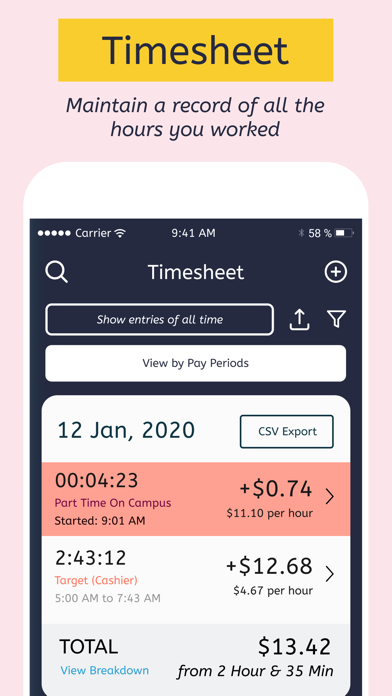
Manage all your time entries in one single timesheet. The app automatically calculates your pay based on the number of hours recorded in the timesheet.
*CSV EXPORT*
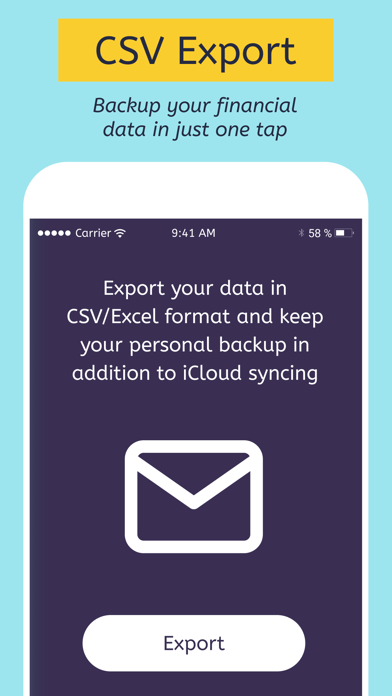
Export the timesheet on your device or cloud storage in a CSV format. Moreover, you can share the exported timesheet over AirDrop, email, messages, and many more directly from the app.
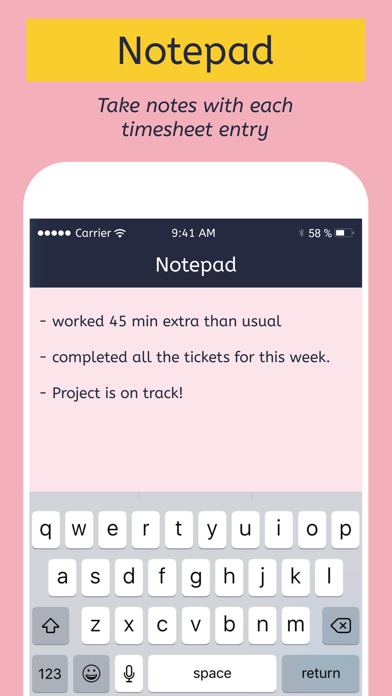
*NOTES*
Take specific notes with each entry. Notes also make it convenient to search for those entries.
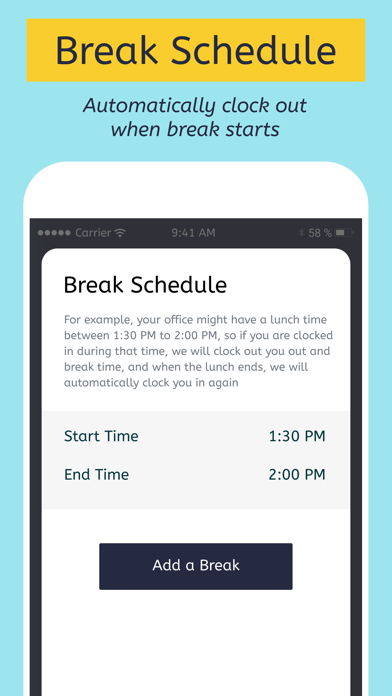
*BREAK SCHEDULE*
Break schedule allows you to automatically clock out when your lunch break starts and clock in back when the lunch break ends.
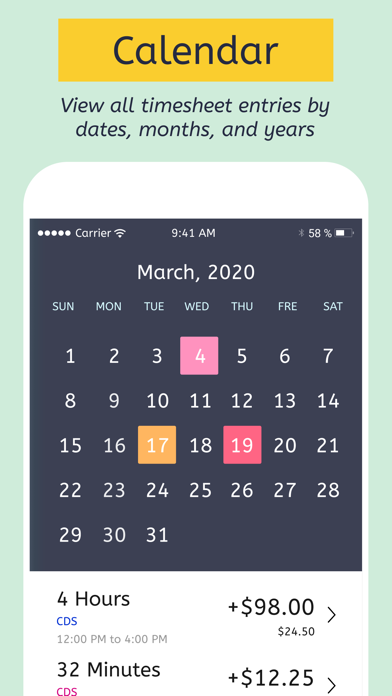
*CALENDAR*
Manage all your timesheet in a calendar and view your time entries by dates.
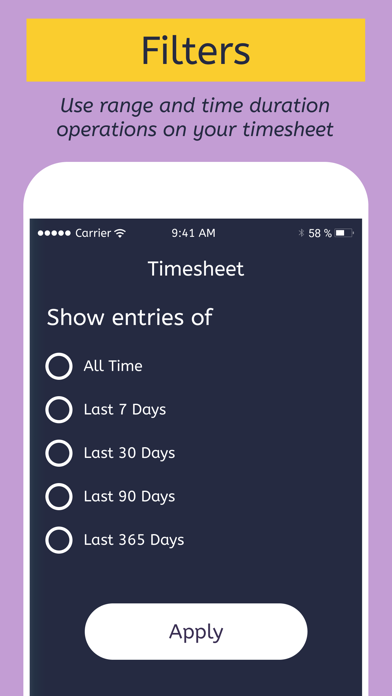
*FILTERS*
Filter your timesheet by days, weeks, months, or jobs.
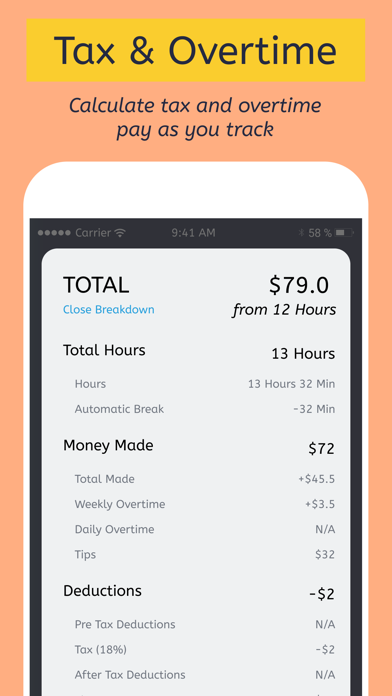
*OVERTIME*
The app automatically calculates your overtime earnings using your existing hourly rate.
*TAX & DEDUCTIONS*
The app automatically calculates your actual earnings by subtracting your taxes and deductions.
IN-APP-PURCHASE TERMS
Some of the features in the app require the user to subscribe to Hours X Pro Subscription. This is an annual auto-renewable subscription, with a price of $20 per year. The user will be charged for renewal within 24-hours prior to the end of the current period. Subscription automatically renews unless auto-renew is turned off at least 24-hours before the end of the current period. Subscriptions may be managed by the user and auto-renewal may be turned off by going to the user's Account Settings after purchase.
Privacy Policy URL: https://docs.google.com/document/d/18GNVMWEktl6eqkI5BSinwPGCbB2His61A2QGEbvDw48/edit
Terms of Use URL: https://firebasestorage.googleapis.com/v0/b/timesheet-x.appspot.com/o/Timesheet%20X%20Terms%20and%20Conditions%20.docx?alt=media&token=8fb12427-d08b-496e-913e-1eb2ba5a4983
If you have any questions or suggestions about the app Hours X or anything in general, hit us up on craftedthoughtsapps@gmail.com. We constantly work to improve the app and provide the best experience to the users.