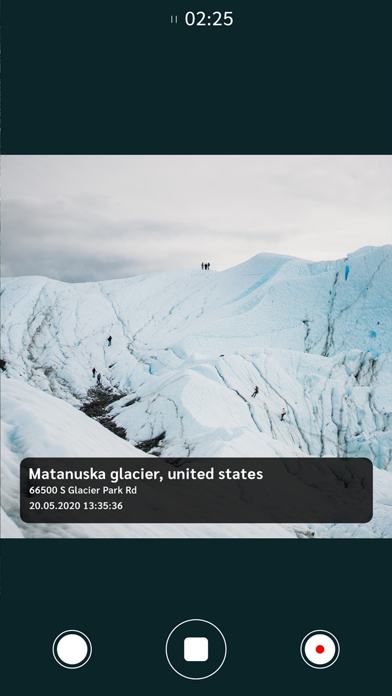
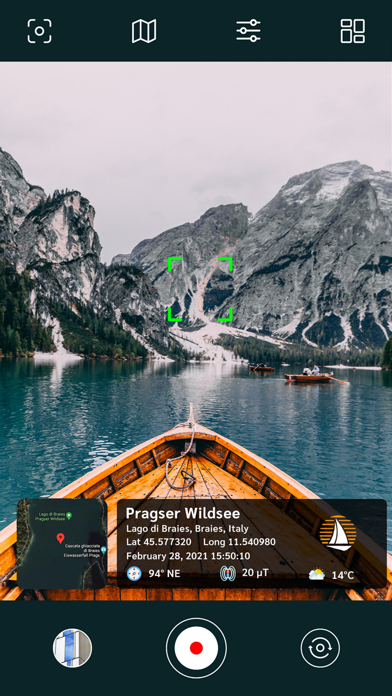
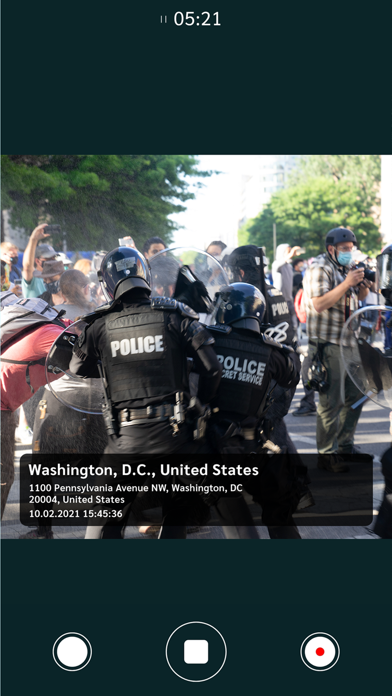
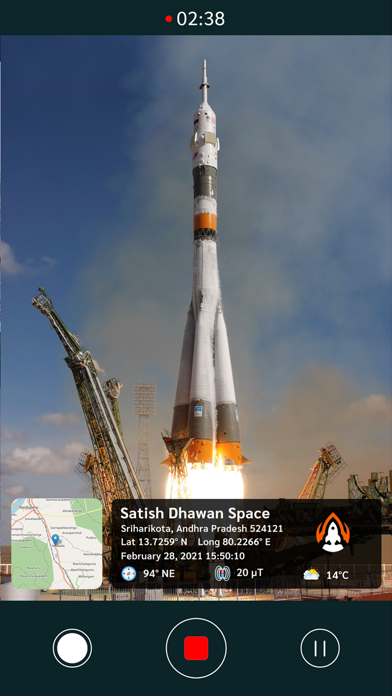
Recording video with GPS location stamps on it has become quite simple with this new GPS video camera App, sister App of GPS map camera.
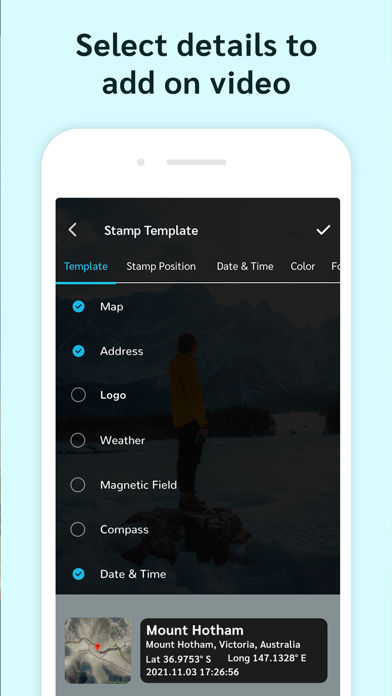
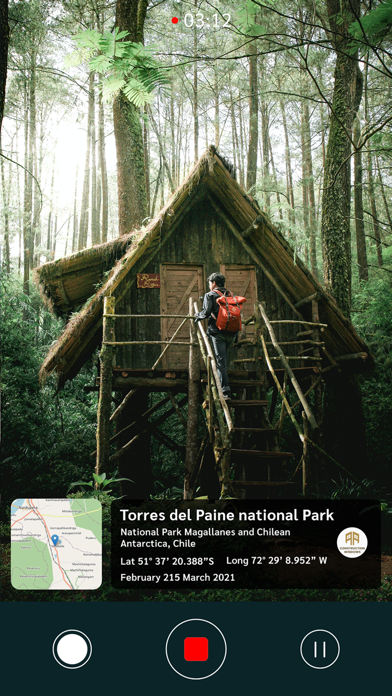
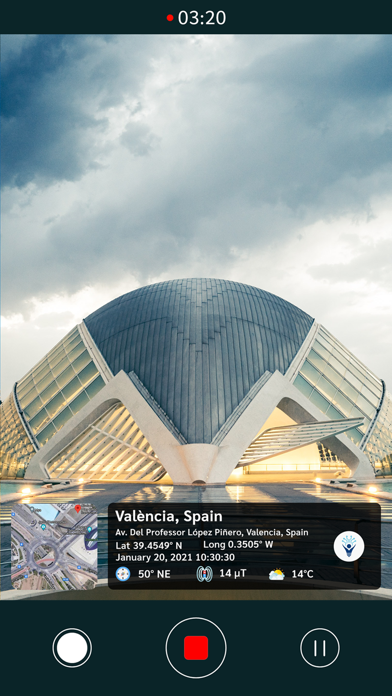
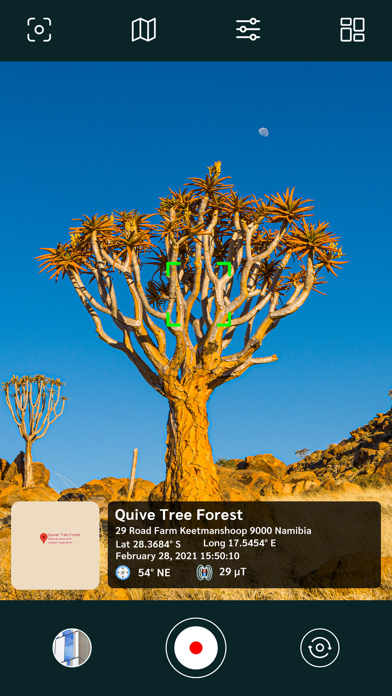
We all enjoy taking and recording videos and pictures, whether it's on a trip to a new location or in our own city. With the GPS overlay video camera app, you can stamp information such as latitude, longitude, date, time, chart, weather, compass, magnetic field, and much other information to your video while recording from your phone.
With this geotagging camera application, you can geotag video to your current location while recording the video. Share your video with GPS Data stamped on it with family and friends so they can also learn about the locations you're visiting.
Essential video camera settings:
- Front and back camera support
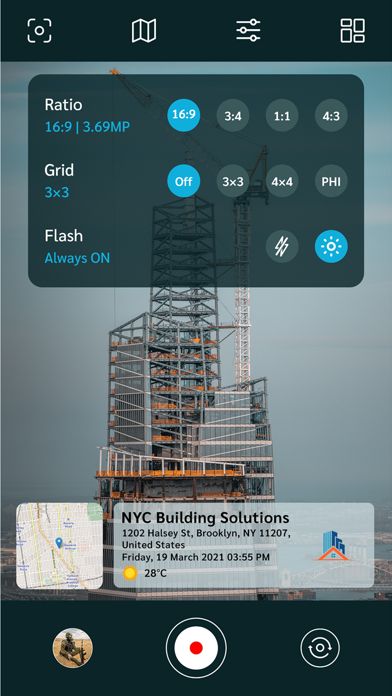
- Flash settings: On / off / Auto
- Adjust the screen ratio
- Use grid lines for better picture layouts
Interesting features:
^ Supports different languages
^ Add Date & Timestamp from various formats and stamp it on video
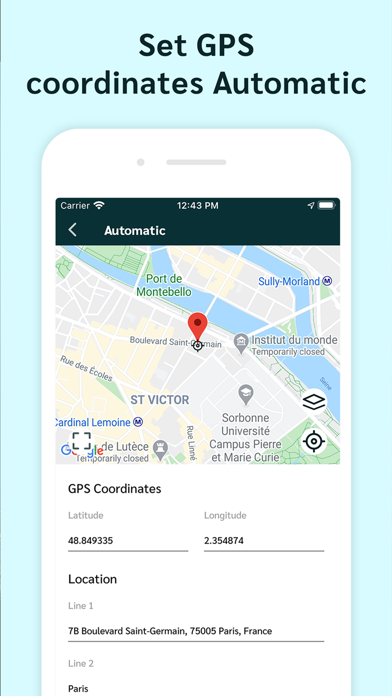
^ Select and add GPS coordinates Automatic or manual
^ Add GPS Coordinates such as Latitude, longitude, GPS address, Magnetic Field, Weather, Compass with live GPS tracking.
^ Save your videos in accordance with custom names & live navigation.
^ Select map type from normal, satellite, terrain or hybrid
^ Choose between Celsius and Fahrenheit as the temperature unit.
^ Set GPS Coordinates for GPS Stamp from DMS or Decimal Options
Why should you have a GPS video camera stamp app?
~ Adding a GPS Map Location Stamp & GPS timestamp to a Video
~ With geotag stamp camera, find a video location stamp in one spot
~ Works as a note-taking camera that can quickly stamp GPS coordinates on video
~ Add timestamp to video with location by video stamping camera
~ Use as a GPS tracker to track live location on video by adding longitude, latitude, address, date stamp, time stamp, and location stamp on videos
~ Custom stamps for manually adding information to the camera timestamp
In-app support for your issues
~ While clicking, you can get a Satellite Map Stamp on your photos
~ To have GPS Stamp video easily available whenever you want location based Videos
~ Use the free video Camera GPS stamp whenever and wherever you want
~ Get Timestamper & Date stamper works as video stamper having GPS stamps
People who can effectively use it:
* Travelers and explorers who record their journeys
* Anyone who wants videos stamped with location and time
* Professionals documenting fieldwork, site visits, or inspections
* Vloggers and content creators who share location-based videos
* Surveyors, inspectors, delivery teams, and field workers needing verified proof
Record amazing videos with the GPS video camera app and start capturing some of your astonishing memories and trips with geotag & GPS watermark on videos.
GPS map video camera app is there for recording video with GPS stamps on it. Add a video tag with location and video watermark to the video. Download it now.