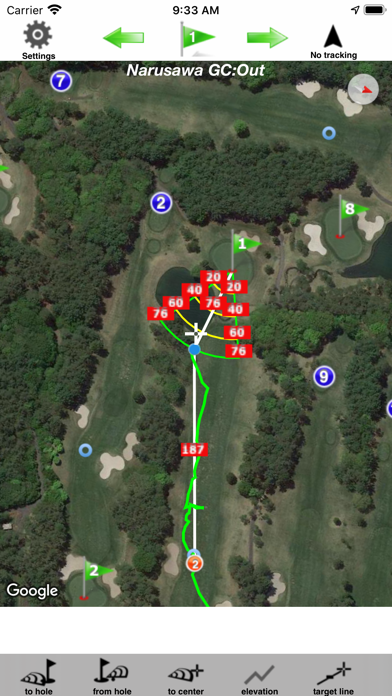
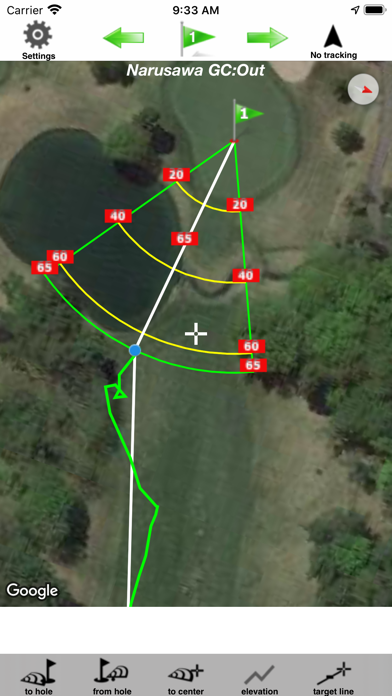
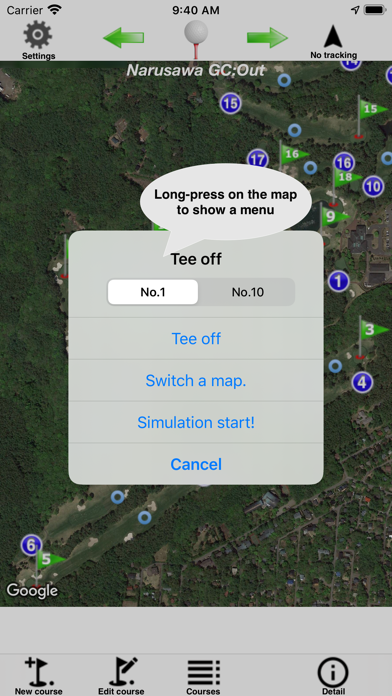
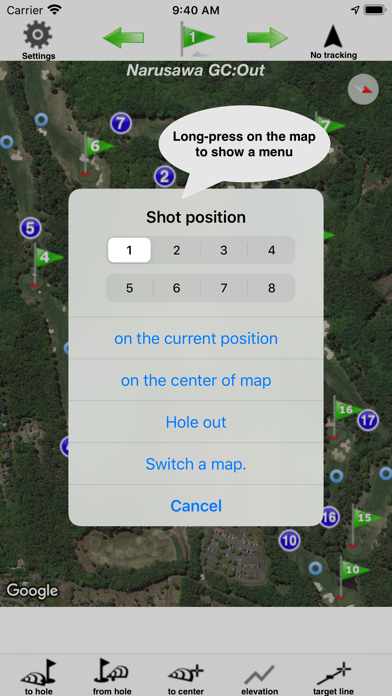
You can navigate shots on course. You can always know the yardage to the hole or the hazard.
You can share/back up a course data between same Apple ID on iCloud. Please turn on iCloud Drive at iOS Settings.
Course, track and shots data can be saved at Document Folder of iTunes file sharing. You can share the course data to your friends.
The elevation graph between current and specified location can be displayed.
Add-On
No-iAd:iAd can not be displayed.
Add-on: Sending location Data
This Add-on can send the current location data to app:GolfShotX on another iPad without GPS every 1 seconds. The purpose of this Add-on is the transmission of current locations to the app(GolfShotX on the device without GPS) at foreground state.
This function needs to the tethering.
This add-on makes GolfShotX on iPad/iPod without GPS to work as if it has GPS receiver.
So you can keep sending location.
usages as follows;
1. You connect your iPad without GPS receiver to iPhone that is available to the tethering by tethering.
2. Launch GolfShotX on the device without GPS and then Start receiving locations.
3. Launch GolfShotX on the device with GPS.
4. Tap “Send locations” at pop-up menu.
5. You can look the blue icon on the left side of GolfShotX without GPS when GolfShotX can receive the data of current location.
6. If pop up the window that indicates that GolfShotX can not be found, please restart GolfShotX.
GolfShotX stops sending the data when GolfShotX on the device without GPS is suspended or quitted.
Notes:Please pay attention to the remaining amount of the battery. Continued use of GPS running in the background can dramatically decrease battery life in similar to foreground.