Daily darshan and spiritual reading is an integral part of our spiritual life. The “Daily Satsang” section on www.baps.org provides a fresh darshan and reading every day. The “Daily Satsang” app has been designed to create the same experience on iPhone and it will also work on iPad.
Features:
1.Daily Satsang as per your time zone:
Daily Satsang will show you Images, Text and History for today as per your phone’s time zone.
2. Scroll up-down to move between sections:
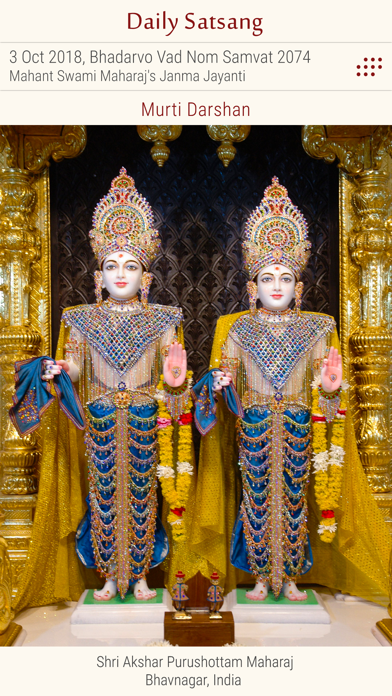
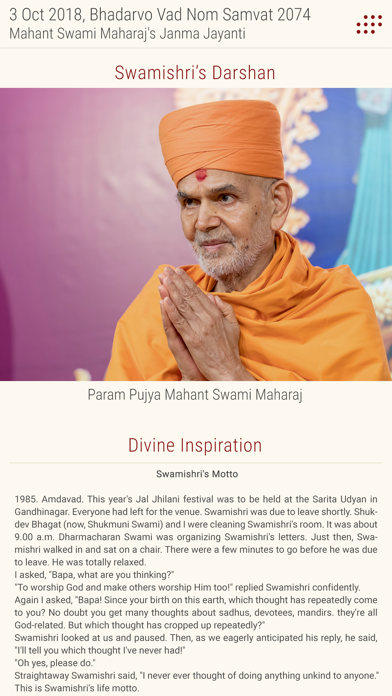
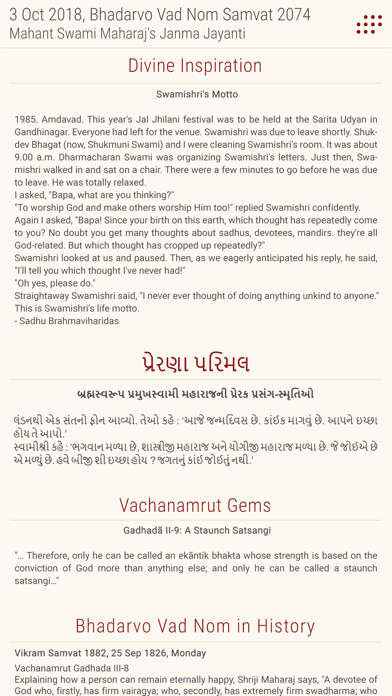
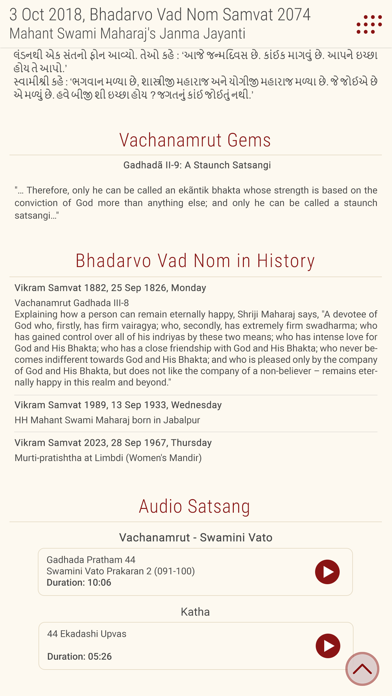
This application has many sections – Murti Darshan, Swamishri’s Darshan, Divine Inspiration, Vachanamrut Gems, Prerna Parimal, Today’s History and Audio satsang which offers daily listening of one Vachanamrut, five Swamini Vato and Katha. Scroll up-down will allow to see these sections.
3.Pinch-zoom gesture for a closer look:
In the picture section, clicking on the picture will open a popup with picture, while a pinch-zoom gesture will enlarge the murti for a closer look of the picture.
4.Option to save the picture:
A long-press on the picture will open a popup menu with the option to ‘Save’ the picture. The picture will be stored in the default image gallery of the device so that you can easily set it as a wallpaper or share on your social network.
5. Archive:
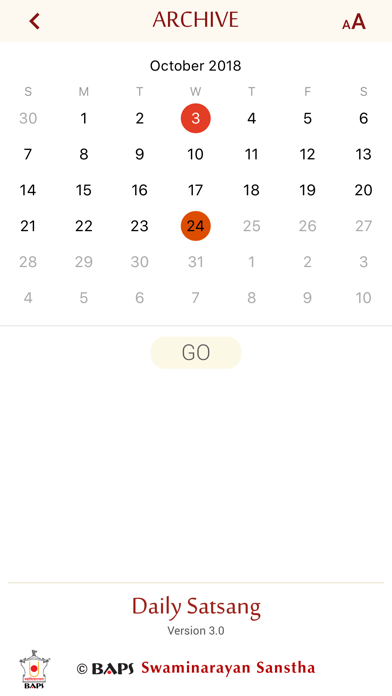
Clicking on archive icon next to Date and Tithi will take you to the calendar page. Choosing any past date and clicking ‘Go’ will load Daily Satsang of that date.
7. Changing font size:
On the ‘Archive’ page, the Font icon will open popup menu to customize font size as ‘Small’ , ‘Medium’ or ‘Large’ to have a better experience in reading text.