StoreIntel
AppsTop ChartsTrendingKeywordsMy Apps
Not affiliated with Apple Inc. App Store is a trademark of Apple Inc.Top chartsSupportTermsPrivacy

Crew Comms

Matthew Fisher · Photo & Video · 8mo old

Free
◆ ProTrack this app App Store

Performance · Worldwide

Est. downloads / month · WW

<5K

Below chart threshold

Est. revenue / month · WW

<$5K

Below chart threshold

Rating · WW

—

0 ratings

Chart position

Rank history — US · Top Free

Apple's Top Free chart — free apps ranked by recent downloads.

Top FreeTop Grossing

Ratings count — US

0
◆ Pro1 chart locked

See the numbers behind the rankings

  • Keyword RankingsWhich App Store searches it ranks for, and where
Unlock everything →

Listing

About

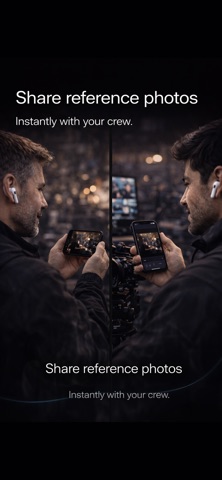
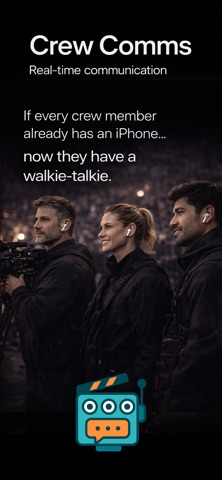
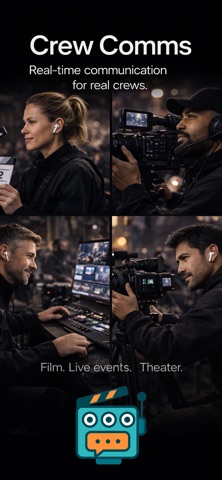
Required: iPhone + Airpods How it works: Open the app on each crew member's iPhone Connect your AirPods or headphones Press and hold the big button to talk Release to listen That's it. Up to 8 crew members on the wifi network can now be connected. Crew Comms was designed specifically for film sets, live events, and theater productions where clear, instant communication is essential. The app uses low-latency audio processing to keep your crew in a private communication Features: Push-to-talk communication with near-zero latency Automatic crew discovery on local WiFi Works with AirPods, headphones, or any Bluetooth audio Built-in text chat for silent coordination (we call it "Banter") Share reference photos instantly with your crew Background audio - hear your crew even when using other apps Private group chats with access by 4 digit code available No headset bundles. No charging stations. No hassle. If every crew member already has an iPhone in their pocket. Now they have a walkie-talkie too.
Released
Feb 3, 2026
Category
Photo & Video
Content rating
4+
Price
Free
In-app purchases
No
Developer site
spatialsense.info ↗
WWUSGBDEJPINBR

No chart data

No rank history yet for this selection.

Screenshots

5
Crew Comms screenshot 1Crew Comms screenshot 2Crew Comms screenshot 3Crew Comms screenshot 4Crew Comms screenshot 5