StoreIntel
AppsTop ChartsTrendingKeywordsMy Apps
Not affiliated with Apple Inc. App Store is a trademark of Apple Inc.Top chartsSupportTermsPrivacy

Combo Widget - Sticky Notes

Shourob Datta · Productivity · 5.1y old

Free
◆ ProTrack this app App Store

Performance · Worldwide

Est. downloads / month · WW

<5K

Below chart threshold

Est. revenue / month · WW

<$5K

Below chart threshold

Rating · WW

4.4★

164 ratings

Chart position

Rank history — US · Top Free

Apple's Top Free chart — free apps ranked by recent downloads.

Top FreeTop Grossing

Ratings count — US

164
◆ Pro1 chart locked

See the numbers behind the rankings

  • Keyword RankingsWhich App Store searches it ranks for, and where
Unlock everything

Listing

About

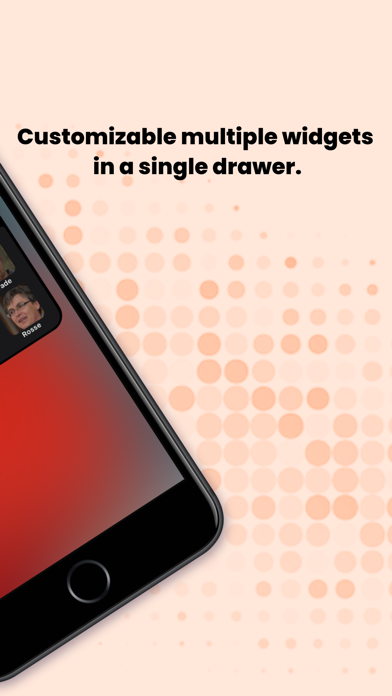
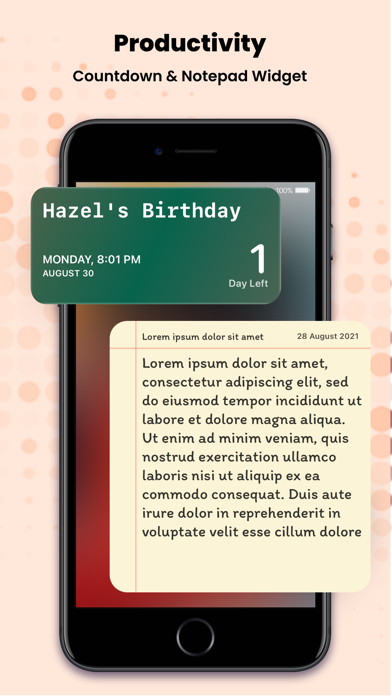
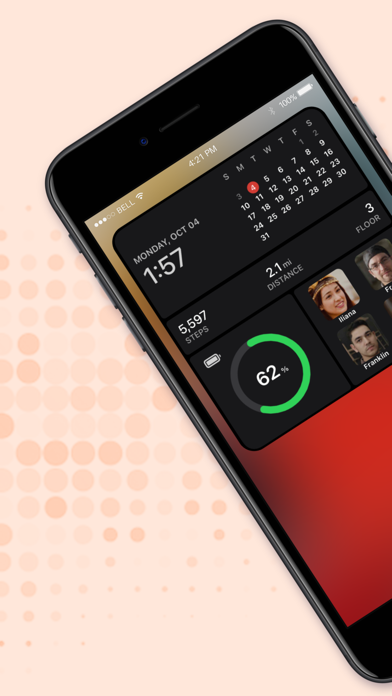
Combo Widget lets you organize your home screen by using daily life items. Normally, widgets represent unique items, whereas we represent both unique and combo items. Our idea is to represent widgets does more useful like we added the calendar, battery, steps, distance, reminder/timer, sticky notes, call/dial option in a single widget. We integrate with the health app (HealthKit) to read and track your steps data and beautifully show them in the Widget Section. We represent steps, distance & floor data in the widget.  It uses HealthKit to show today's steps, distance & floor information in the widget. What you have found in Combo Widget Health Data- Steps, Distance & Floor count widget Call, Dial, Contact widget Photo widget Calendar, date, time widget Sticky Notes widget reminder/timer widget Battery widget
Released
Sep 8, 2021
Category
Productivity
Content rating
4+
Price
Free
In-app purchases
No
WWUSGBDEJPINBR

No chart data

No rank history yet for this selection.

→

Screenshots

10
Combo Widget - Sticky Notes screenshot 1Combo Widget - Sticky Notes screenshot 2Combo Widget - Sticky Notes screenshot 3Combo Widget - Sticky Notes screenshot 4Combo Widget - Sticky Notes screenshot 5Combo Widget - Sticky Notes screenshot 6Combo Widget - Sticky Notes screenshot 7Combo Widget - Sticky Notes screenshot 8Combo Widget - Sticky Notes screenshot 9Combo Widget - Sticky Notes screenshot 10