Widget: Color Widgets & Themes
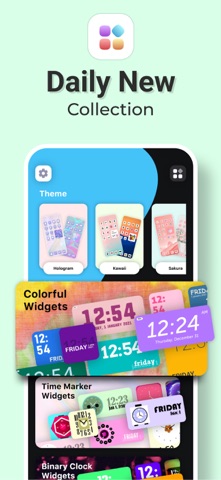
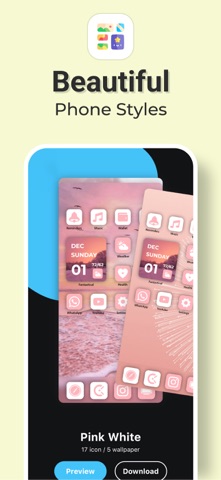
With Color Widgets & Themes, you can customizing home screen. It starts with a wide collection of highly customizable premade widgets. Home Screen widgets includes wallpapers, daily theme text, clocks, wallpapers, Calendars, quotes & other many tools. You can browse & precisely adjust your favorite functions and design appearance as you want.
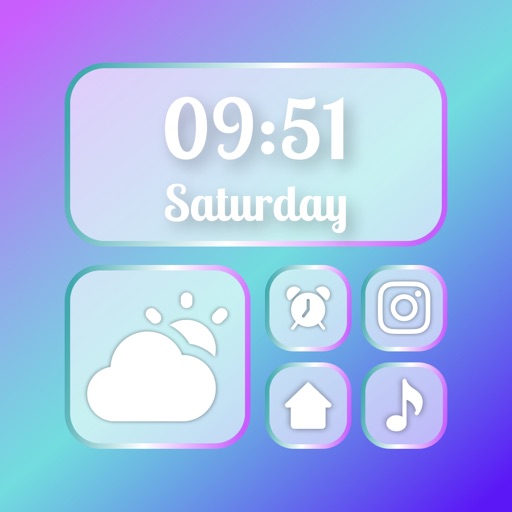
Tired of the usual style? Make your phone unique with our brand-new widgets & themes! Make your phone gorgeous with different style of widget for iOS14.
WIDGETS
Here’s a glimpse of our widgets:
Time, Date & Battery
Countdown
Daily, Hourly, & Current Weather
Music & Playlists
Calendar
Analog Clock
Quotes & Custom Text
Calendar with Events
Reminders
Step Count/Pedometer
Sunset & Sunrise
HOW CAN YOU SET?
- Select the style of widget you'd like to use and choose Edit Widget.
- Select Set Widget. This will now show up at the top as Active Widget. You can tap on it.
- Exit app.
- Hold down your finger anywhere on your screen (or on an app and select "Edit Home Screen") until the apps wiggle.
- Tap the + icon in the top left corner.
- Search and select, pick the size you want to use, and tap Add Widget to add it to your home screen.
- Move your widget to the location you want on the home screen and then select Done in the top right corner to set it in place.
Privacy Policy: - https://flyingpigeonsllc.wordpress.com/privacy-policy/
Terms of Use: - https://flyingpigeonsllc.wordpress.com/terms-of-use/
If you're ready to renovate your home screen with custom color widgets & themes, roll up your App Store & take us…You will not be disappointed!