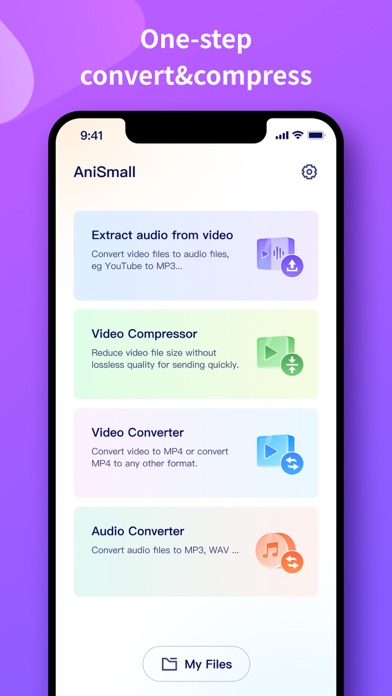
AniSmall is a simple tool for converting and compressing media files. It supports four main functions: Extract audio from video, Video Compressor, Video Converter, and Audio Converter. Quickly convert your videos to nearly any video or audio format!
Try it now and conversions usually take less than 15 seconds!
KEY FEATURES:
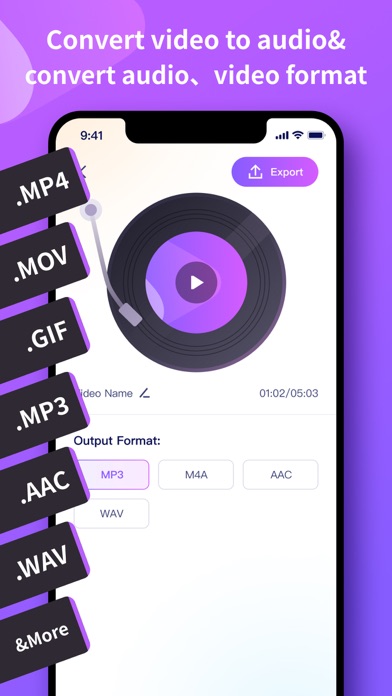
[Audio extraction]
Easily extract any audio from the video you want.
Audio data can be saved as MP3、M4A、AAC、WAV.
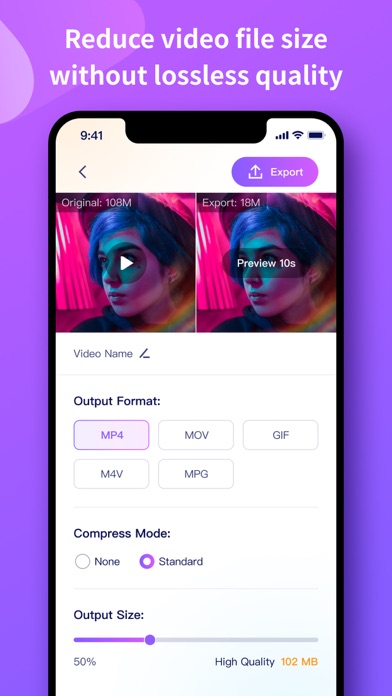
[Video Compressor]
Batch compress video files in seconds.
Reduce video size without losing quality.
[Video Converter]
Almost any video formats supported.
Effortless video conversion, make video changes happen everywhere.
[Audio Converter]
Convert and compress your audio to almost any audio formats
High conversion speeds while ensuring that the audio quality is not affected
Here are the video and audio output formats you can choose from:
MP4, MOV, GIF, M4V, MPG, MP3, M4A, AAC, WAV
You can convert from dozens of input formats, here are some of the most popular formats we support converting from:
MP4, MOV, MKV, M4V, F4V, FLV, AVI, MPG, MPEG, 3GP, 3G2, WMV, MOV, MP3, WAV, WMA, AC3, AAC, FLAC, AIF, AIFF, CAF, M4B and many more!
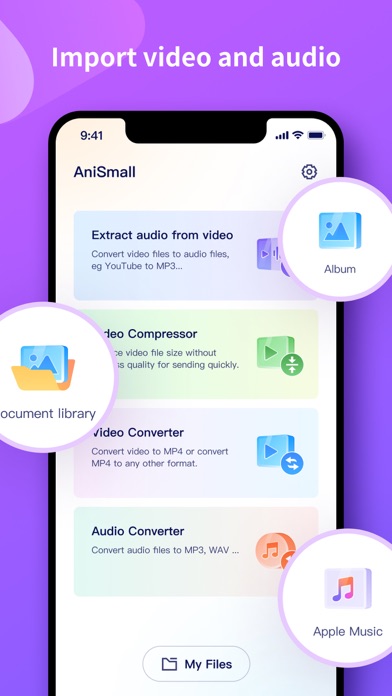
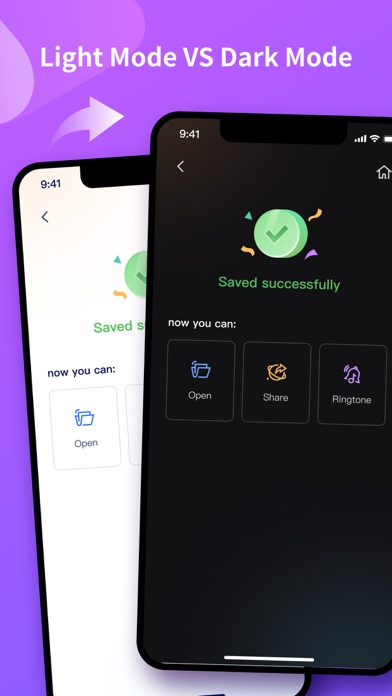
Save, Share or View your converted videos in your favorite apps immediately. You can even browse your previously converted files with our in-app file browser. After conversion, you can immediately AirDrop or Wi-Fi Transfer your files right to your Mac or another device.
Terms of Use: https://www.wondershare.com/company/terms_conditions.html
Privacy Policy: https://www.wondershare.com/privacy.html
We value your feedback.
Here’s how you can contact us: http://support.wondershare.com