StoreIntel
AppsTop ChartsTrendingKeywordsMy Apps
Not affiliated with Apple Inc. App Store is a trademark of Apple Inc.Top chartsSupportTermsPrivacy

AirPort Utility

Apple · Utilities · 15.0y old

Free
◆ ProTrack this app App Store

Performance · Worldwide

Est. downloads / month · WW

<5K

Below chart threshold

Est. revenue / month · WW

<$5K

Below chart threshold

Rating · WW

3.1★

2K ratings

Chart position

Rank history — US · Top Grossing

Apple's Top Grossing chart — all apps ranked by revenue (purchases + subscriptions).

Top FreeTop Grossing

Ratings count — US

2K
◆ Pro1 chart locked

See the numbers behind the rankings

  • Keyword RankingsWhich App Store searches it ranks for, and where
Unlock everything

Listing

About

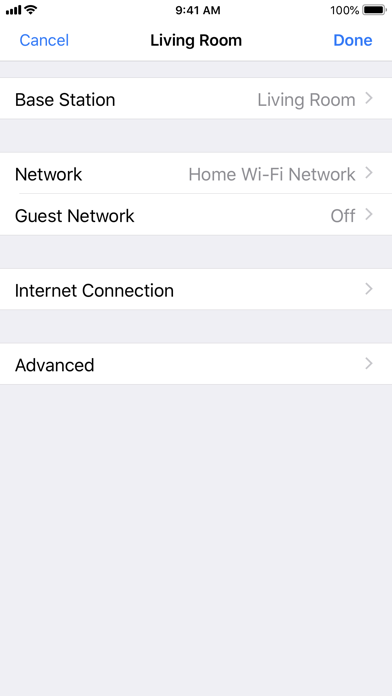
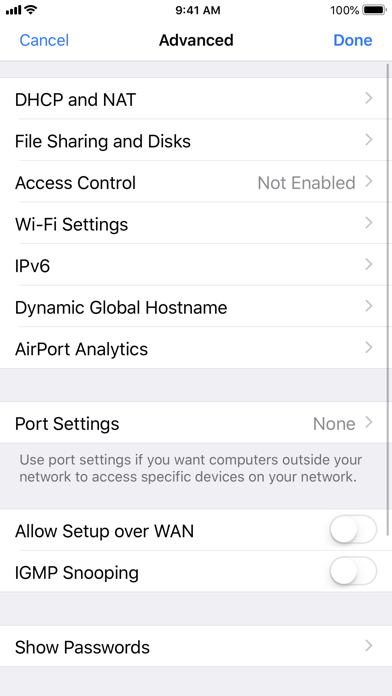
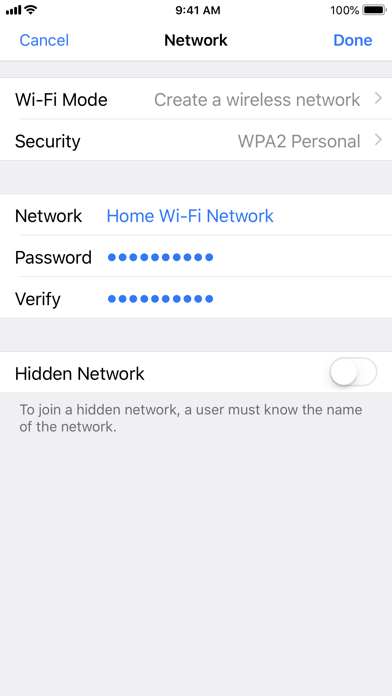
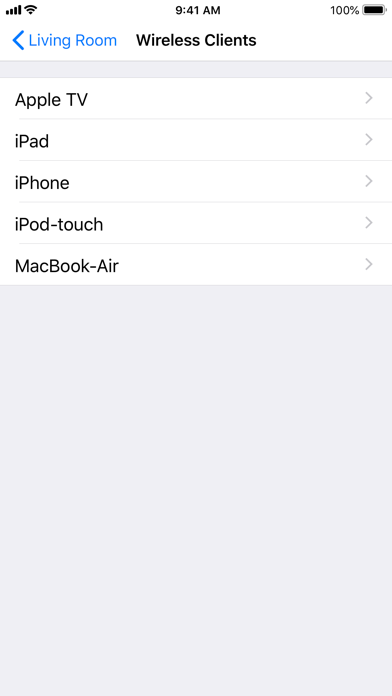
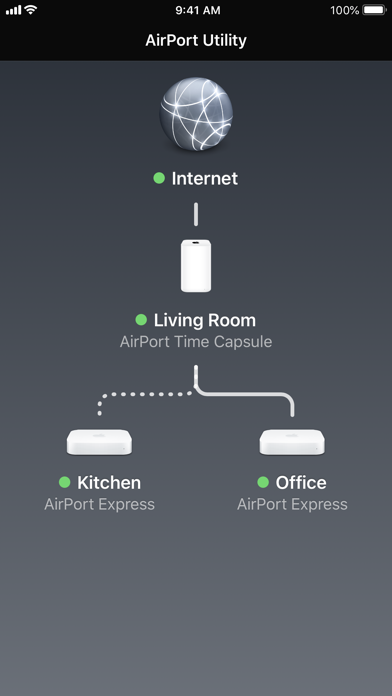
Use AirPort Utility to manage your Wi-Fi network and AirPort base stations, including AirPort Express, AirPort Extreme, and AirPort Time Capsule — right from your iPad, iPhone, or iPod touch. See a graphical overview of your Wi-Fi network and devices. Change base station and network settings, or manage advanced features such as security modes, wireless channels, IPv6 configuration, and more. AirPort Utility works with all Apple 802.11n and 802.11ac Wi-Fi base stations, including AirPort Express, AirPort Extreme, and AirPort Time Capsule. Features • See a graphical overview of your Wi-Fi network • Get information about your connected Wi-Fi devices • View and change network and Wi-Fi settings • Restart or restore a base station, or update the firmware on a base station when available • View or update passwords for your network, base stations, or disks • Easily access network information such as IP address, DNS servers, and router address • Manage DHCP reservations and port mappings • Configure base stations for IPv6 • View status or error messages • Archive Time Machine backups
Released
Oct 14, 2011
Category
Utilities
Content rating
4+
Price
Free
In-app purchases
No
Developer site
WWUSGBDEJPINBR

No chart data

No rank history yet for this selection.

→
apple.com ↗

Screenshots

5
AirPort Utility screenshot 1AirPort Utility screenshot 2AirPort Utility screenshot 3AirPort Utility screenshot 4AirPort Utility screenshot 5