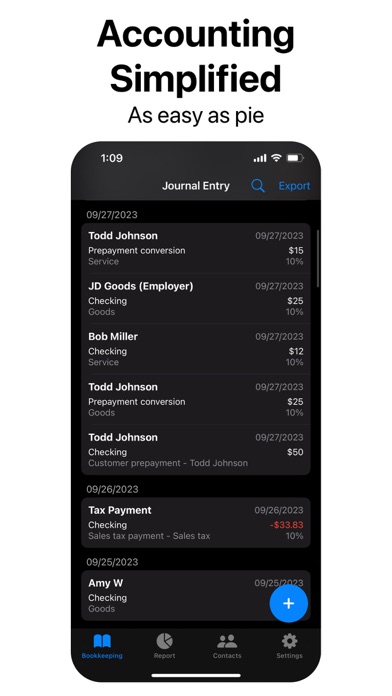
Are you a freelancer, small business owner, market vendor, independent contractor, working self-employed or a student? Discover your ultimate financial companion with AccountingPie - the app that makes accounting, bookkeeping, and tax management as easy as pie. Our all in one App will simplify your finances. Whether you need to generate and print invoices, scan receipts for bookkeeping, or access to income and expense statement, AccountingPie is here to streamline your financial tasks no matter where you work.
Key Features:
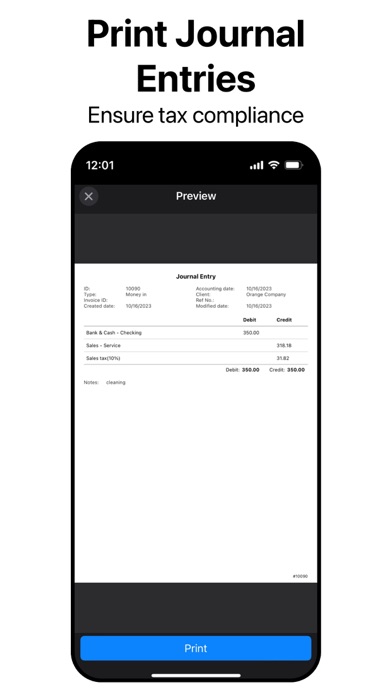
- Invoices Made Easy: Generate and print invoices directly from the app in seconds.
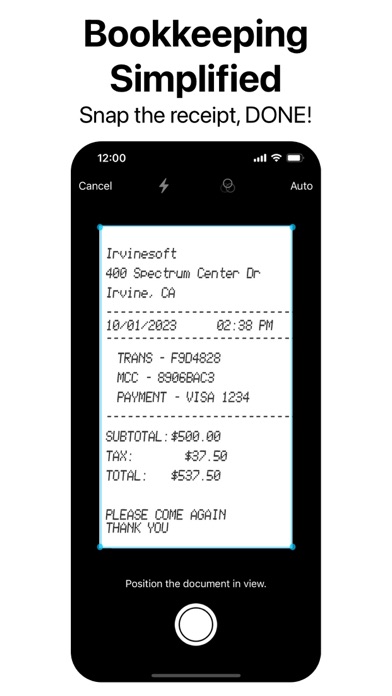
- Scan and Simplify: Digitize your receipts with our Scan feature, keeping your bookkeeping organized and paper-free.
- Ready to Roll with Pre-set Chart of Accounts: Say goodbye to tedious setup with preset accounts for quick financial management.
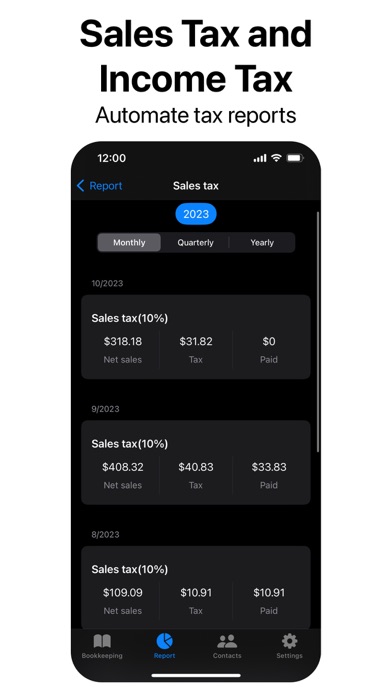
- Automate Tax Reporting: Never miss a tax deadline again - AccountingPie automates tax report generation, saving you time and reducing errors.
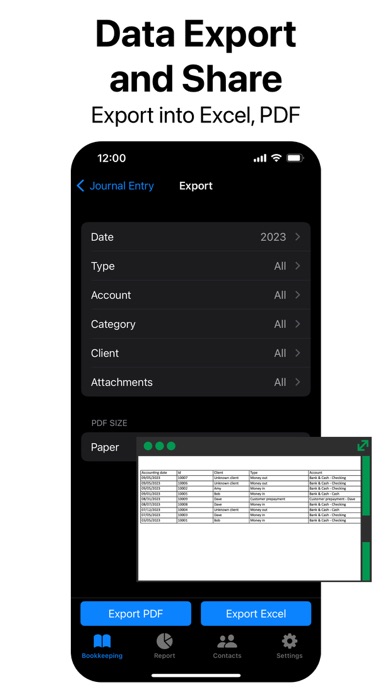
- Seamless Exporting: Easily export transactions, invoices, and accounts to Excel/PDF formats for in-depth analysis.
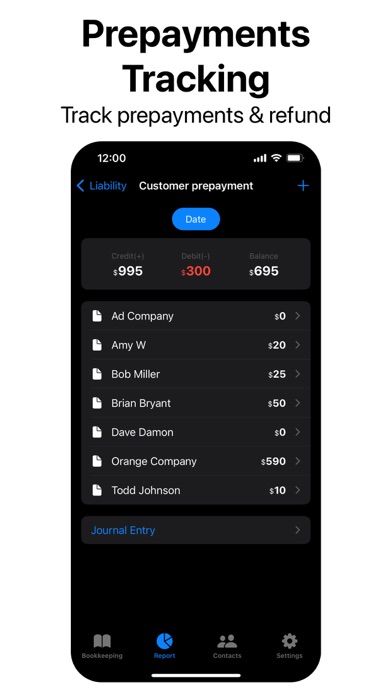
- Efficient Prepayment Tracking: Manage vendor and customer prepayments effortlessly.
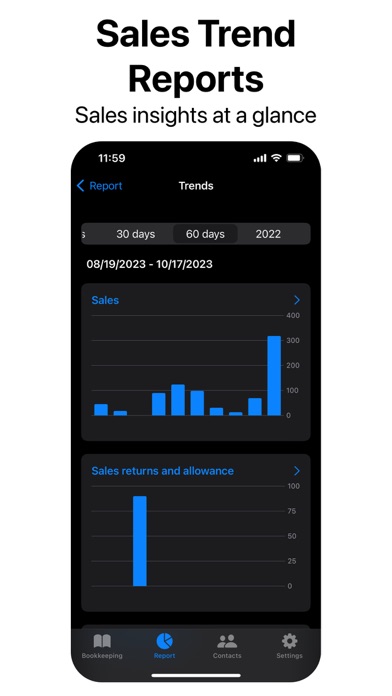
- Visualize Success: Customize bar graphs to view your sales trends.
- Asset Management: Efficiently handle assets, including depreciation support.
- Financial Statements on Demand: Access income statements, cash flow charts, and balance sheets anytime, anywhere.
- Seamless Cloud Sync: Synchronize records across devices in real time for efficient collaboration.
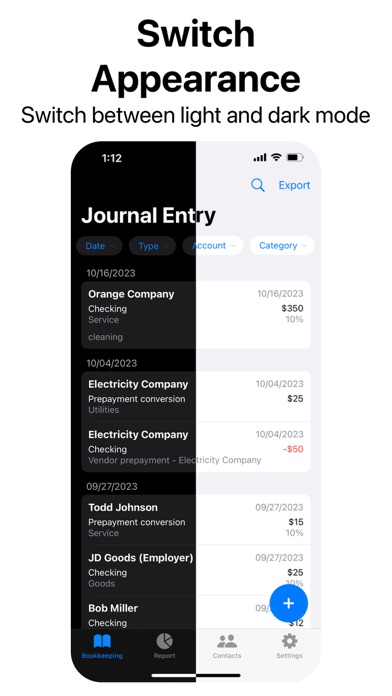
- Dark Mode: Enjoy a darker aesthetic with our Dark Mode.
- Global Reach, Local Compliance: AccountingPie adapts to worldwide operations and local tax laws, simplifying VAT and sales tax management.
Why Choose AccountingPie?
- Affordable: Cost-effective accounting solutions.
- Free Plan: Start for free with up to 1000 transactions per year and three users.
- Simplified: Designed with small businesses in mind.
- User-Friendly: Intuitive interface for easy navigation.
Ready to take control of your finances? Download AccountingPie for effortless accounting and tax management.
[Subscriptions]
Payment will be charged to iTunes Account at confirmation of purchase. Subscription automatically renews unless auto-renew is turned off at least 24-hours before the end of the current period. Account will be charged for renewal within 24-hours prior to the end of the current period, and identify the cost of the renewal. Subscriptions may be managed by the user and auto-renewal may be turned off by going to the user's Account Settings after purchase. Any unused portion of a free trial period, if offered, will be forfeited when the user purchases a subscription to that publication, where applicable.
[Terms & Policy]
Terms of use: https://account.ivsapi.com#/termsofuse
Privacy policy: https://account.ivsapi.com#/privacy
[Contact us]
Irvinesoft Inc,
An innovation company in California , U.S.
Email: hello@irvinesoft.com