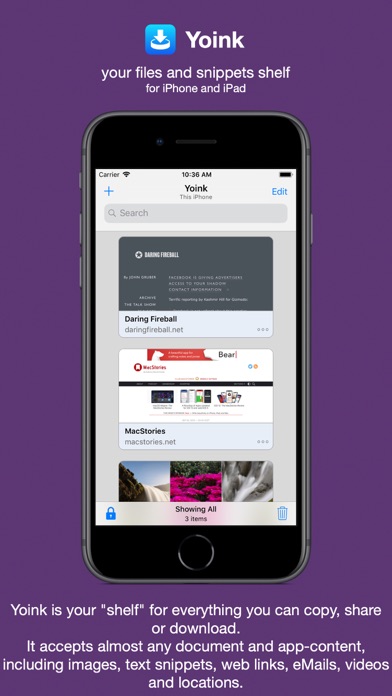
Yoink for iPad and iPhone lets you easily and quickly store items you drag, copy, share or download for later use.
This way, you can collect items in a central place without having to constantly move back and forth between your source- and destination applications.
The app accepts virtually any file type, for example app-content like images from websites, text snippets, web urls, eMails and documents - no matter if you drag, copy, share or download them.
Here's what users say about Yoink:
"The best shelf app on iOS" - Igloouk, UK App Store
"Most useful app in the iOS store. What a gem." - noway170, Austrian App Store
"A godsend. Get this. Now." - mr chairboy, US App Store
As a Slide-Over or Side-by-Side app on iPad, Yoink is always ready for you to drag something to it, no matter what app you're in. Just slide Yoink into view and conclude your drag operation.
On iPhone, use Yoink's Share extension, or copy-paste items into Yoink.
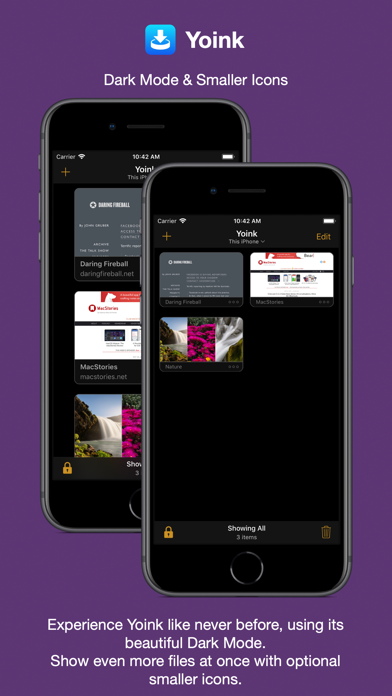
Items are stored in Yoink for later use, featuring rich previews for easy identification and full previews for most file types.
Drags containing multiple items are combined into a Stack.
Yoink comes with deep system integration:
- Clipboard Monitor:
Yoink's clipboard monitor saves everything you copy or cut, even when Yoink itself is in the background.
Use the Picture-in-Picture overlay to select what type of data Yoink should save, as well as to pause or stop it at any time.
- Picture-in-Picture for more than just videos:
Among others, Yoink can show pictures, PDFs, eMails and even websites in the Picture-in-Picture overlay, and lets you scroll through pages of documents right there.
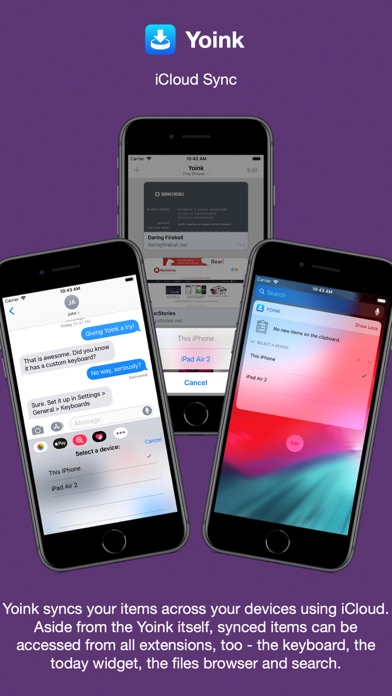
- iCloud Sync
Synchronize Yoink's items across your devices using iCloud
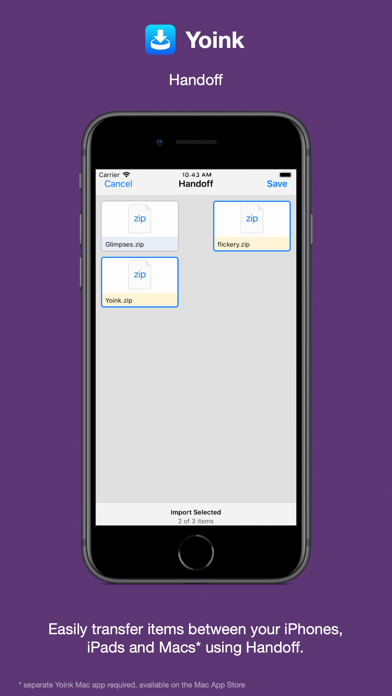
- Handoff
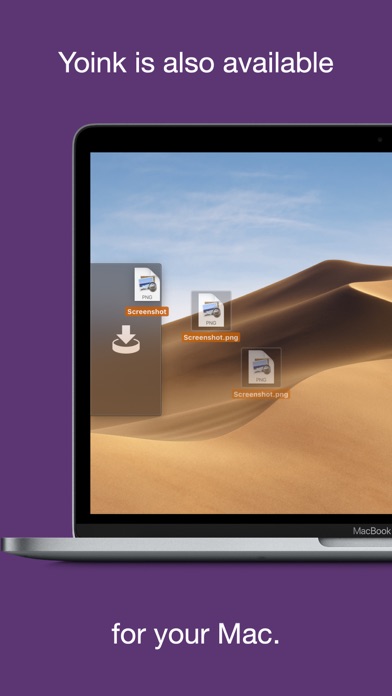
Transfer files between iPhones, iPads and Macs (separate Mac Yoink app required) using Handoff
- Action/Share Extension
Almost any item you can share via the system-wide Share sheet, you can send directly to Yoink from there
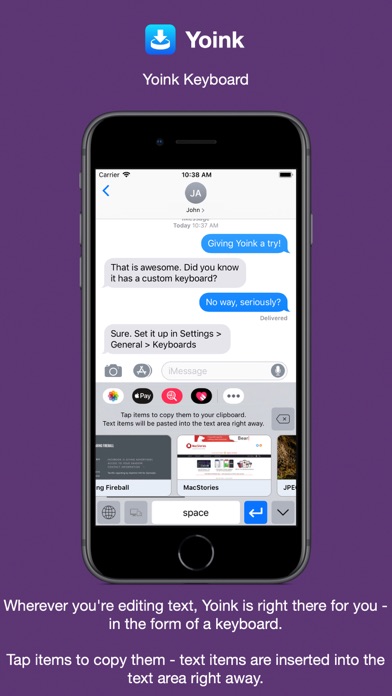
- Keyboard
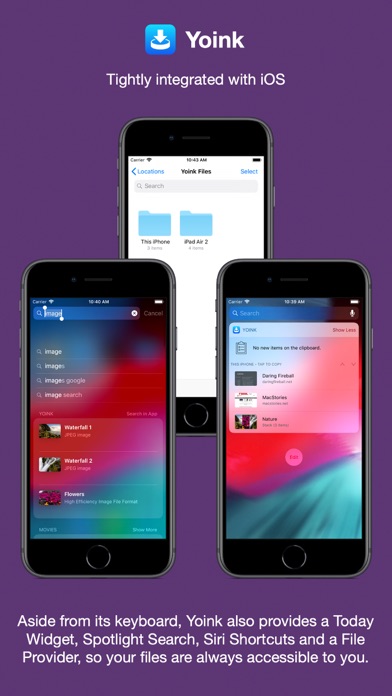
Yoink has its own keyboard so that inserting items you've stored in Yoink is easy and quick, without having to launch Yoink.
- Spotlight Integration
Any item in Yoink can be found via Spotlight - and the search-results are draggable.
- Today Widget
Access Yoink's items and save the contents from your clipboard in Yoink from Notification Center
- Shortcuts / Siri Suggestions
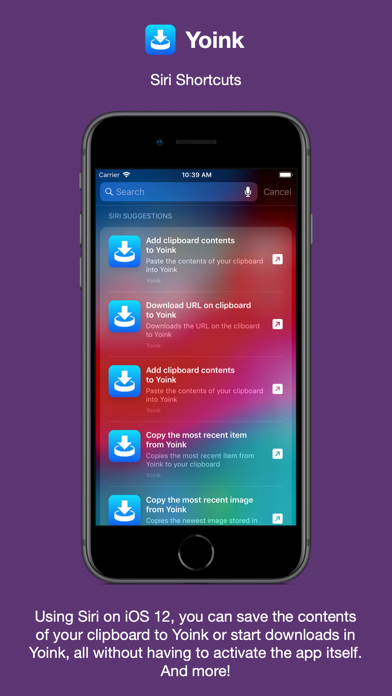
Yoink offers you Siri Shortcuts and Suggestions so you can automate processes, like adding items from the clipboard to Yoink, or copying items from Yoink, as well as starting downloads in Yoink.
- Files Integration
Access Yoink's files from any app that supports iOS 11's document browser
Here's what the press says about Yoink:
"Yoink is the shelf app Apple should have made." - Federico Viticci, MacStories.net
"Yoink is a must-have app" - Jeff Benjamin; 9to5mac.com
"Indispensable for power users." - Craig Grannell; techradar.com