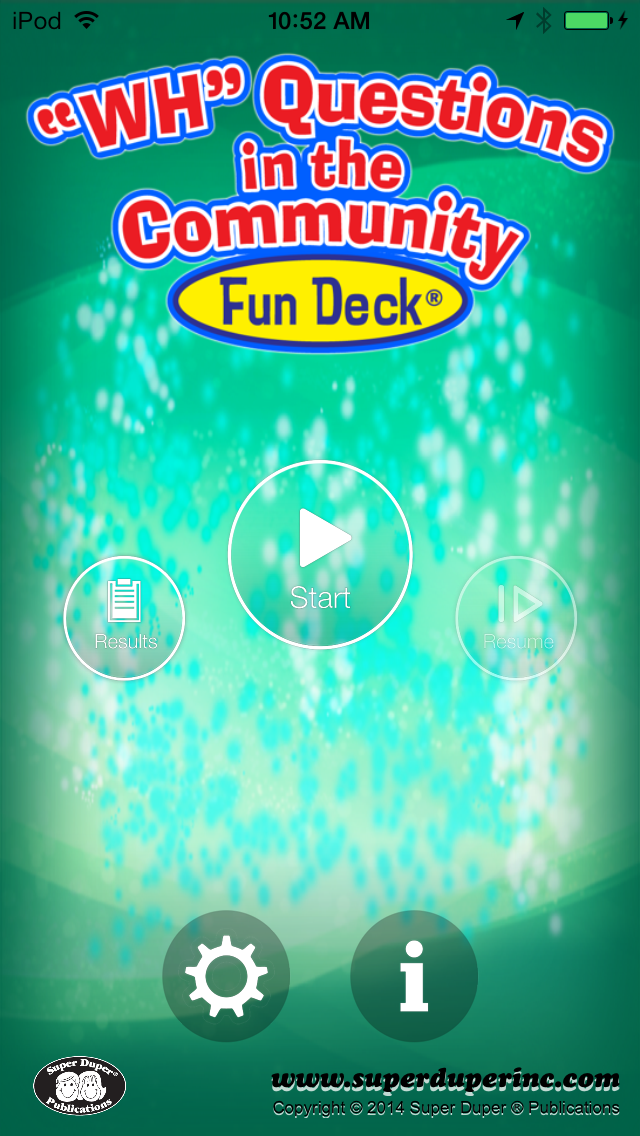
This colorful educational App for the iPhone®, iPad®, and iPod touch® has all 56 illustrated picture flash cards (plus audio of each card’s text) from the WH Questions in the Community Fun Deck® by Super Duper® Publications. Select the cards you want to use in order to discuss what happens in and around various locations throughout the community. The prompts include questions like, “What do you do at the post office?” and “Who watches over children at a swimming pool?”
WH Questions in the Community Fun Deck® App lets you:
• Use the app in portrait or landscape orientation.
• Select all 56 cards or just the ones you want students to see.
• Track correct and incorrect responses for an unlimited number of players.
• Advance players and cards manually or automatically.
• Discontinue game play and continue at any time.
• View results in a graph and see which questions a player missed during a session.
• Print, e-mail, and share your results.
This App is simple to use — each student looks at an illustration and either reads the prompt or touches the screen to listen to the prompt. The student then gives a verbal response. After each answer, tap the green (correct) or red (incorrect) button to score the student’s verbal response. Move to the next card by sliding the card currently on the display screen to the side. To move to the next player, tap the bar at the top of the screen and select a name. You can also advance cards and players automatically by selecting the Auto-Advance option in the Game Options menu. You can leave a game temporarily and return to it later by selecting Pause Game from the menu. To return to the game, select Continue Game from the main menu. When you finish, view the results in a graph, and print or email your data.