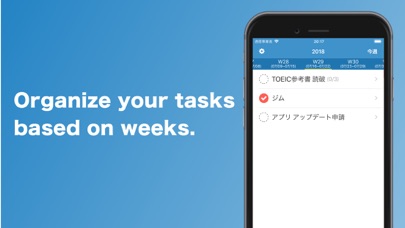
Weekly ToDo let you to simply manage your tasks, ToDo for the each weeks!
For example, you can use this app before you leave your company on Friday to inputs tasks for next week.
Or, you can use it every Sunday to review your last week and make new tasks for next week! :)
■■■ Weekly Task / ToDo List ■■■
It’s super easy to look into tasks and ToDo for your week!
Also, you can simply swipe the app to see next and past weeks.
The task can be done in this screen too.
■■■ Create/Delete Task and Todo as you want ■■■
You can easily add tasks as you think!
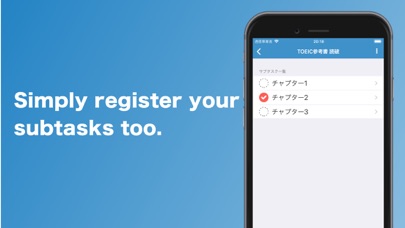
Also, the task can be complicated. So, the task can have sub-tasks!
The task can be done if you complete all sub-tasks.
The app can handle any kinds of tasks :)
Of course, you can edit or delete tasks which you wrongly made or are not necessary anymore.
Don’t worry about anything! Please try it!
■■■ Change the beginning of week ■■■
The default setting of the beginning day for the week is Monday.
I thought it’s easy to handle your job tasks if the beginning day is Monday.
However, you might Sunday is better. So, you can change it on the setting screen.