Watch Reader (Watch Reader) is a watch-only text viewer app.
You can view the txt file you have by sending it to the watch.
First check if you have a watch.
(Supported from devices with WatchOS 9.0 or higher installed)
It is possible to run the watch app alone, but
The phone app is required to import files to the watch app.
The steps to import the file are as follows.
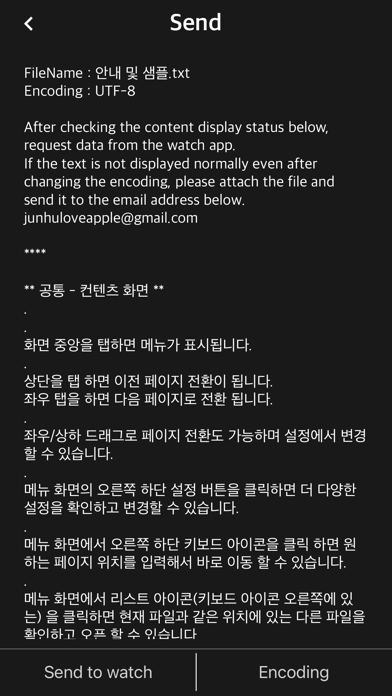
1. The phone app checks some text contents in advance and waits to send the file to the watch app.
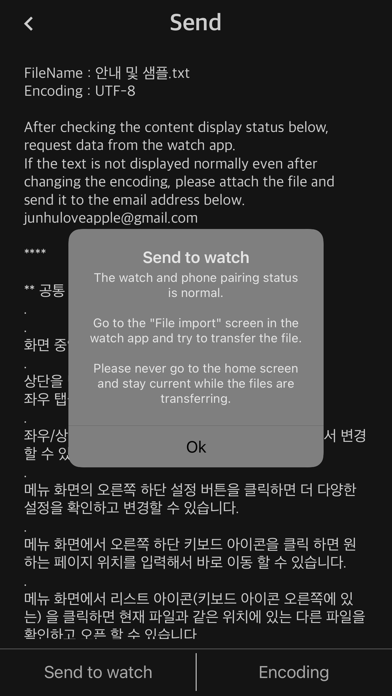
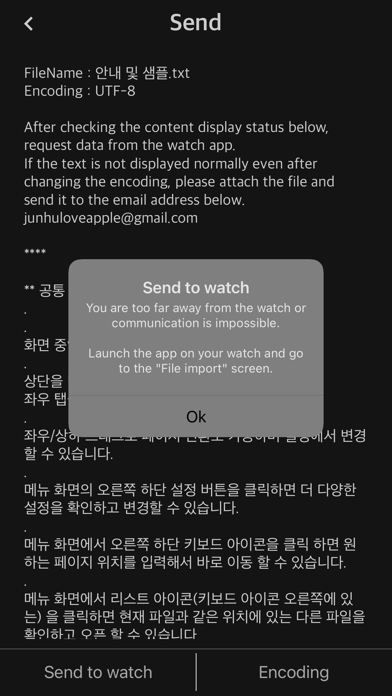
2. Launch the watch app and import the file to the watch app through “Import File”.
3. iPhone/iPad and Watch must be in close proximity when transferring files using the watch app.
** Watch App Features **
- Supported from devices with WatchOS 9.0 or higher installed (WatchOS 9.0+)
- txt file
- ePub: Display only text (not supported: image, audio, style (css), chapter)
- Font: Watch default font
- External font file: Transfer and apply font files in otf and ttf formats to the watch app
- font size
- letter spacing
- line spacing
- indent
- Alignment (left, right, center, and justification are not supported)
- Text color & recommended text color
- Background color & recommended background color
- Top information: Select one of non-display, progress, and battery
- TTS: Background playback after Bluetooth connection
- iCloud sync: sync last read location
- App lock: If a password is set for the watch app
- Clear all caches
- Reset settings
- Remove continuous blank lines from original file (automatic)
- Remove blank lines
- Remove a file from the watch app: Swipe left in the file list
- App language: Auto / English / Japanese / Korean
- Search (Location: Settings - Search)
- Designate long-click operation: Unused/TTS/Search
- App brightness
- Internal speaker playback (background playback is not possible when the internal speaker is set)
** Phone App Features **
- Send files to the watch app
- file management
- Webdav, SMB, FTP, Synology NAS
- If you experience significant noise or stuttering during TTS playback while using AirPods or Bluetooth headsets/earphones, please disconnect them from any other iPhone, iPad, or Bluetooth device and connect them exclusively to your Apple Watch.
** Search for "Watch Reader" on YouTube for a demonstration video