StoreIntel
AppsTop ChartsTrendingKeywordsMy Apps
Not affiliated with Apple Inc. App Store is a trademark of Apple Inc.Top chartsSupportTermsPrivacy

Watch Calendar - Monthly

Marcel Mendes Filho · Productivity · 7.6y old

$5.99 · Paid
◆ ProTrack this app App Store

Performance · Worldwide

◆ Pro

Downloads & Revenue estimates

Monthly, by storefront, with daily history

Unlock →

Rating · WW

4.9★

9 ratings

Chart position

Rank history — US · Top Paid

Apple's Top Paid chart — paid apps ranked by recent downloads.

Top PaidTop Grossing

Ratings count — US

128

Listing

About

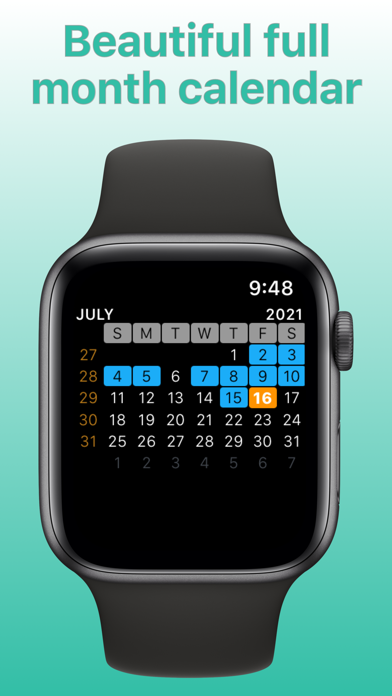
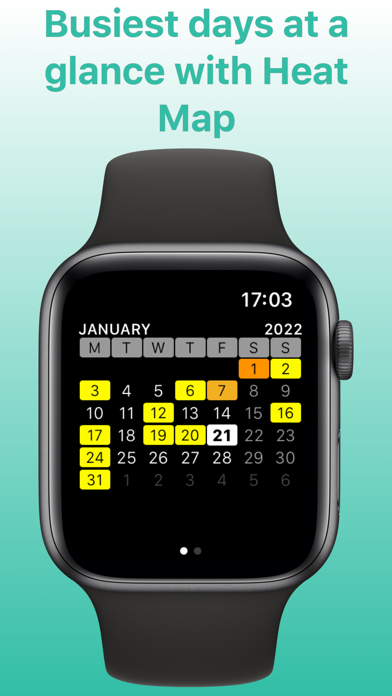
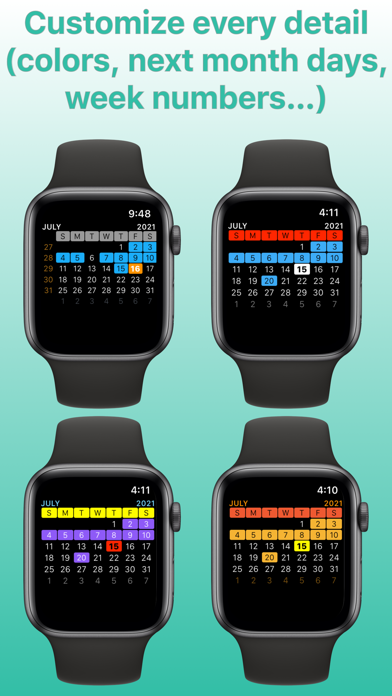
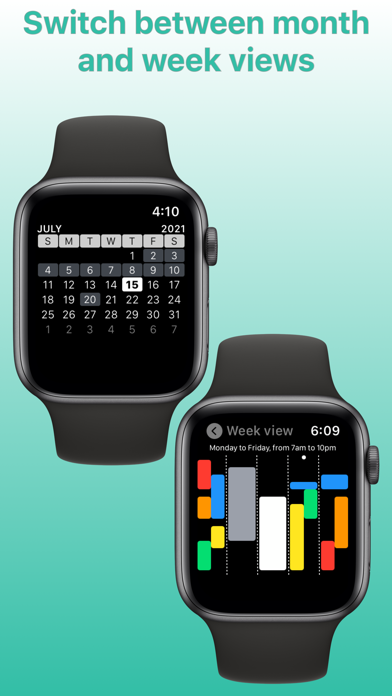
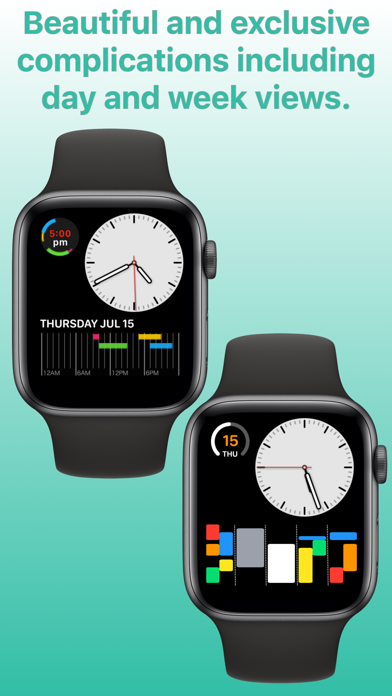
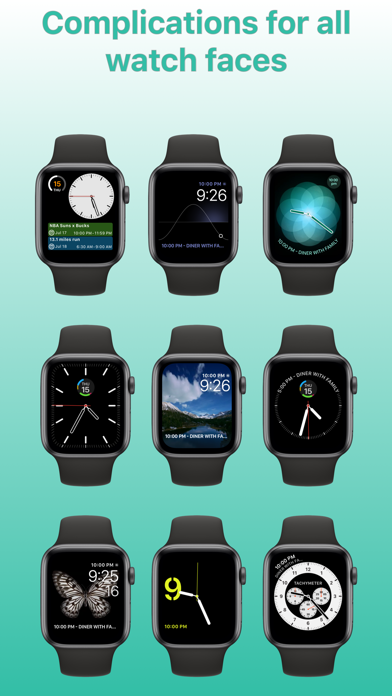
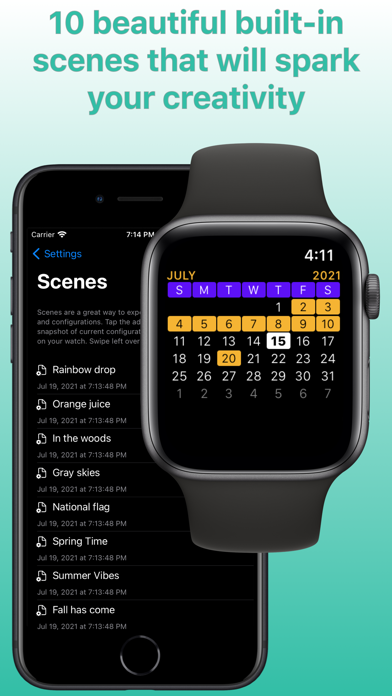
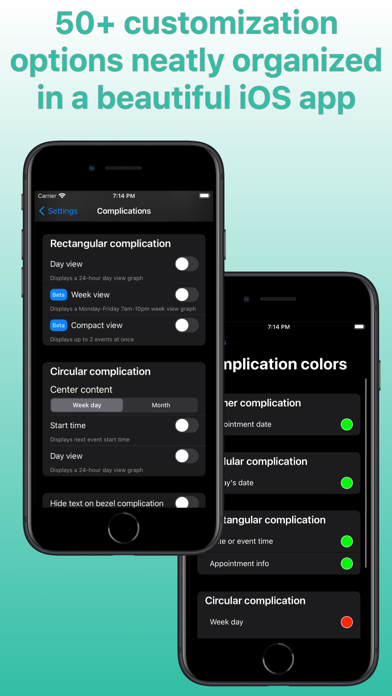
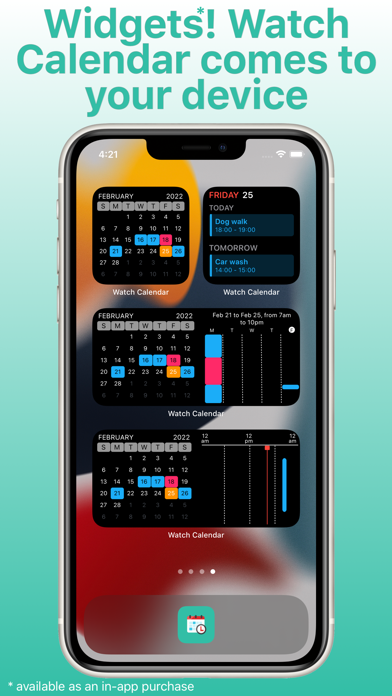
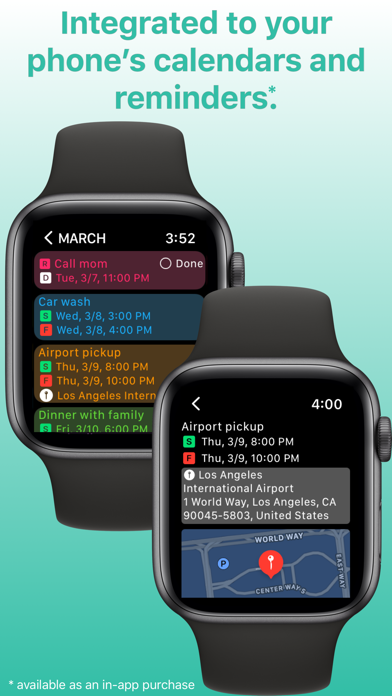
Integration features: - full integration with your phone's calendars and reminders - select which calendars and reminders you want to see on your watch - set calendar priorities for complications when there's conflict between appointments on different calendars - mark reminders as done on your watch - next event on Siri watch face Scenes: - AI generated colors for your calendars (try for free then purchase tokens for additional AI usage) - 10 built-in scenes with beautiful month view and compli

Released
Feb 28, 2019
Category
Productivity
Content rating
4+
Price
$5.99
In-app purchases
No
Developer site
marcelmendesfilho-svps.envatosites.com ↗
WWUSGBDEJPINBR

#98latest · best #98 in 90d

◆ Pro4 charts locked

See the numbers behind the rankings
  • Daily RevenueModeled in-app revenue per day, worldwide or by storefront
  • Daily DownloadsModeled installs per day, with the monthly trend
  • Top MarketsWhere it charts and earns, country by country
  • Keyword RankingsWhich App Store searches it ranks for, and where
Unlock everything →

Screenshots

10
Watch Calendar - Monthly screenshot 1Watch Calendar - Monthly screenshot 2Watch Calendar - Monthly screenshot 3Watch Calendar - Monthly screenshot 4Watch Calendar - Monthly screenshot 5Watch Calendar - Monthly screenshot 6Watch Calendar - Monthly screenshot 7Watch Calendar - Monthly screenshot 8Watch Calendar - Monthly screenshot 9Watch Calendar - Monthly screenshot 10