With Visual Budget, easily manage your personal and business accounts using powerful, advanced analysis and consolidation features.
Visual Budget can be used to handle several accounts simultaneously and sort them into different groups.
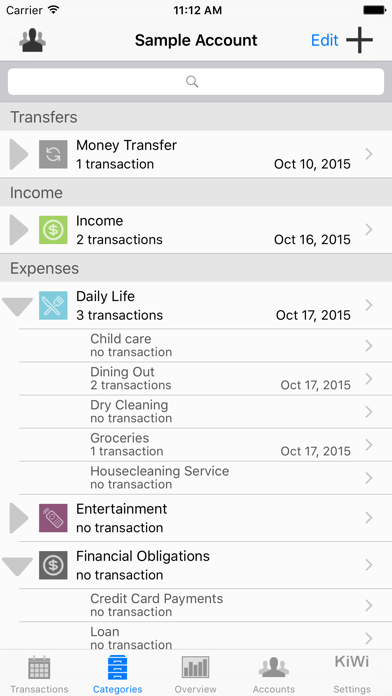
Expense/income categories are automatically created based on a standard model that fits most needs. You can of course modify this category list to suit more particular requirements for each of your accounts. Two levels of categories/sub-categories allow you to define your budget plan in an easy but precise way.
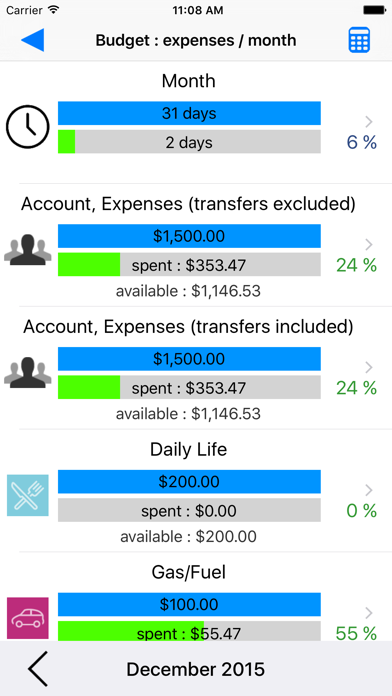
Assign a budget to every category, and accurately monitor the evolution of your income and expenses.
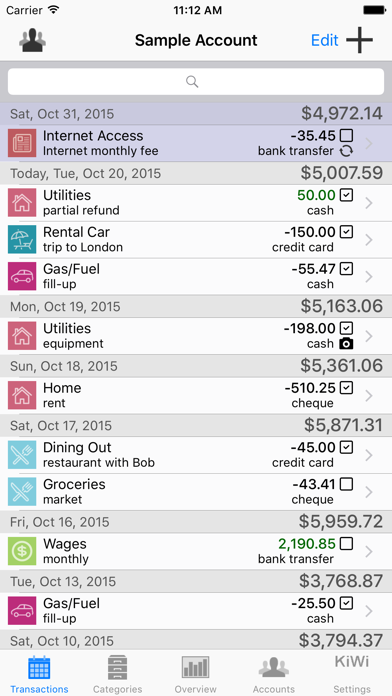
You can input your financial transactions manually, or automatically by importing CSV (spreadsheet) or OFX (bank standard) files with iTunes file sharing.
Check off your transactions to ensure that they match your bank statements.
Define recurring transactions, such as a monthly Internet subscription, once and for all.
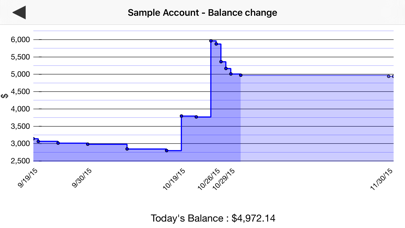
Visual Budget also features Overview tools, allowing you to visualize the breakdown of your transactions and the changes in your balances in the blink of an eye, and to monitor your budgets efficiently
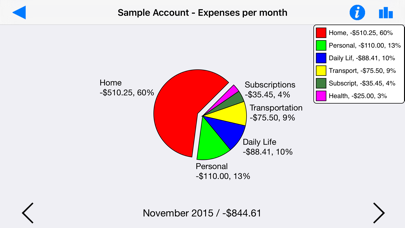
Several graphs (bar or pie charts) provided by the application give you a clear and synthetic view of your transactions and their breakdown into expense, income, category and budgetary changes.
The application comes with an example account featuring a dozen transactions which will allow you to quickly become familiar with it.
Freemium version, limited to 50 transactions per account. Integrated purchase unlocks unlimited transaction creation.
Universal application for iPhone/iPad, iOS 7.1 and above.
Mac Version available on the Mac App Store.