StoreIntel
AppsTop ChartsTrendingKeywordsMy Apps
Not affiliated with Apple Inc. App Store is a trademark of Apple Inc.Top chartsSupportTermsPrivacy

Virtual Stop Light

Lionheart Software LLC · Games · 8.1y old

$0.99 · Paid
◆ ProTrack this app App Store

Performance · Worldwide

◆ Pro

Downloads & Revenue estimates

Monthly, by storefront, with daily history

Unlock →

Rating · WW

4.1★

57 ratings

Chart position

Rank history — US · Top Paid

Apple's Top Paid chart — paid apps ranked by recent downloads.

Top PaidTop Grossing

Ratings count — US

57

Listing

About

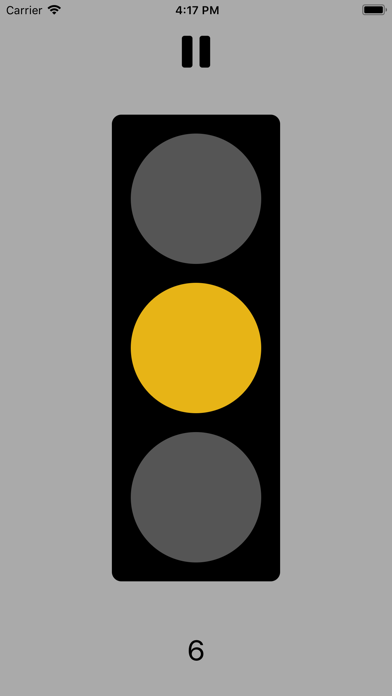
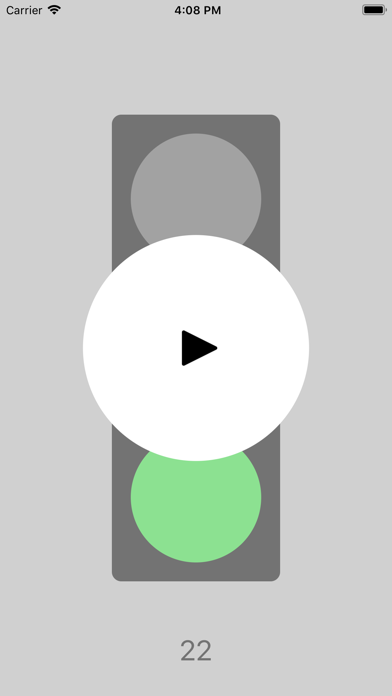
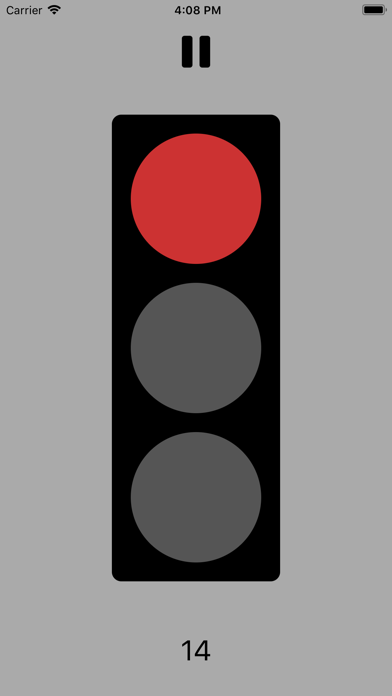
The Virtual Stop Light is the perfect tool to learn how traffic signals work (and it's pretty fun, too!). It's a great app for babies, toddlers, and little kids (I made it for my 2 year old son :) ). If you have a group, here's a fun game to try: Open the app, prop it up where everyone can see the light, and just follow the prompts: red means stop, yellow means move arms but not legs, and green means walk. All you need to do to get started is open the app (which begins with a red light), and wait until it turns green to GO! A counter appears at the bottom of the screen which shows you how much time is left until the light changes, and once 5 seconds are left, little beeps lets you know to start revving your engines. You can also force a light change by just tapping the top, middle, or bottom of the screen. If you want the Virtual Stop Light to take a break, just press the pause button at the top of the screen. Have fun!
Released
Sep 4, 2018
Category
Games
Content rating
4+
Price
$0.99
In-app purchases
No
Developer site
lionheartsw.com ↗
WWUSGBDEJPINBR

#76latest · best #76 in 90d

◆ Pro4 charts locked

See the numbers behind the rankings

  • Daily RevenueModeled in-app revenue per day, worldwide or by storefront
  • Daily DownloadsModeled installs per day, with the monthly trend
  • Top MarketsWhere it charts and earns, country by country
  • Keyword RankingsWhich App Store searches it ranks for, and where
Unlock everything →

Screenshots

4
Virtual Stop Light screenshot 1Virtual Stop Light screenshot 2Virtual Stop Light screenshot 3Virtual Stop Light screenshot 4