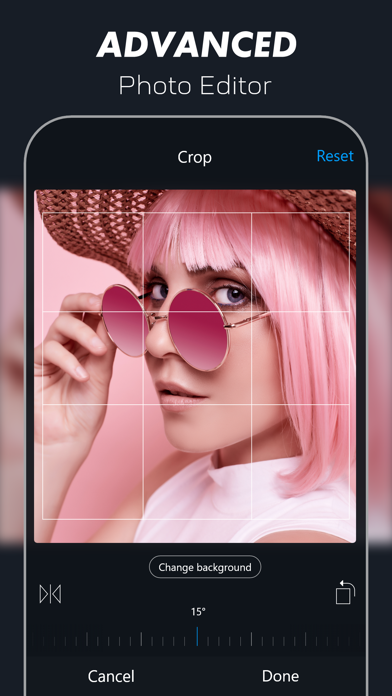
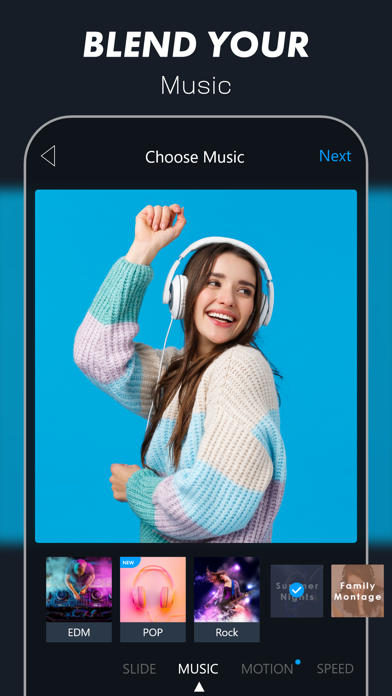
World's easiest video slideshow maker, used by more than 1 million people. Tag #Vimory or #MadeWithVimory in your creations. 100% Social Media Friendly and Optimized instant photo editing, video creation, and slideshow making app.
◉ TOOLS:
•Free Photo Editor
•Free Slideshow Video Maker
◉ BENEFITS:
•Standout from the Social Media Crowd
•Grow Brand Awareness
•Build Relationships
•Increase Sales
◉ TOP FEATURES:
•Trend wise up-to-date content
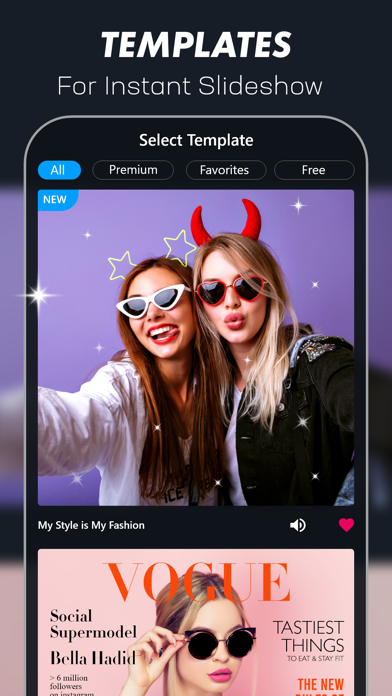
•Eye-catching Video Template
•Advanced Photo Editing Environment
•Dynamic Slide
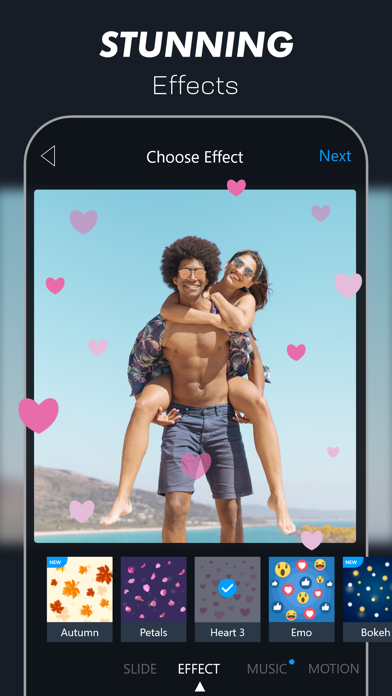
•Breathtaking Effect
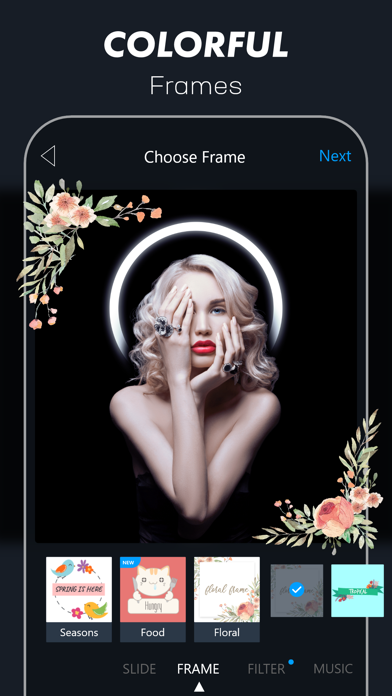
•Elegant Frame
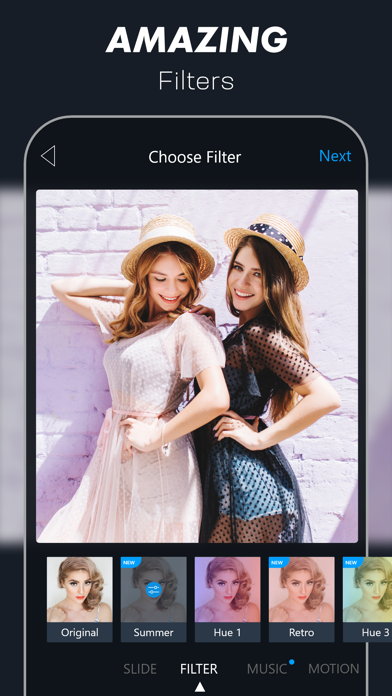
•Stunning Filter
•Cutting-edge Music
•Motion
•Speed Control
•High-resolution Video Output
◉ Who should use Vimory?
Vimory Slideshow Video Maker has been invented for those who are looking for a creative way to make an impression on the web and social media platforms.
Such as:
•video maker
•photo editor
•youngsters
•parents
•friends & family
•celebrity
•blogger
•influencer
•online marketer
•seller
•retailer
•business owner
•athletes
•photographer
•video editor
•graphic designer & the rest of all
Vimory Slideshow Video Maker & Photo Editor lets you turn your images into looping video slideshows to use on your website and helps your social media platform's photo and video posts stand out from the crowd.
Such as:
•Facebook
•Instagram
•Twitter
•LinkedIn
•Tumblr
•Reddit
•MySpace
•YouTube
•Vimeo
•TikTok, etc
◉ Share photo & video:
Vimory Slideshow Video Maker has instant photo & video sharing facilities. You can post a photo or video to the selected social media & share it via several chat mediums.
Such as:
•Messenger
•Snapchat
•WhatsApp
•Viber
•WeChat
•Hangouts
•Skype
•Zoom
•Viber
•IMO
•Kik
•Line, etc.
◉ Photo Editing Features:
•Crop
•Filter
•Adjustment
•Sharpen
•Focus
•Vignette
•Emoji
•Text, etc.
◉ Photo Editing Process [follow the steps 1-11]:
[1]
Install the Vimory Slideshow Video Maker app on your device
[2]
Open Vimory
[3]
Click plus (+) button located on the bottom middle position of your device screen
[4]
Scroll down & click the Single Photo Memory button
[5]
Add a photo & click the Next button
[6]
Choose the PHOTO option & click the Edit button
[7]
Edit photo & click the Done button
[8]
Click the FRAME option
[9]
Choose FRAME & click the Next button
[10]
Choose Resolution & click the Continue button
[11]
Save & share the photo on social media
[Home]
Click the Home button.
◉ Slideshow Video Maker Features:
[Main features]
• Template-based Slideshow Video Maker
• Custom Slideshow Video Maker
[Other features]
[PHOTO]
• Edit
• Crop
• Filter
• Adjustment
• Sharpen
• Focus
• Vignette
• Emoji
• Text, etc.
[MUSIC]
• My Music
• Pop
• Country
• Children
• Hip Hop
• Jazz
• Orchestra
• Rock
• EDM
• R&B Soul
• Reggae
• Christmas
• New Year, etc.
[MOTION]
• Motion on
• Motion off
[SPEED]
• Slow
• Fast
◉ Template-based Slideshow Video Making Process [follow the steps 1-10]:
[1]
Install the Vimory Slideshow Video Maker app on your device
[2]
Open Vimory
[3]
Select Template
[4]
Choose Type
[5]
Add Photos & click the Next button
[6]
Edit default text & click the Done button
[7]
Click the Next button
[8]
Choose Resolution & Click the Continue button
[9]
Processing
[10]
Save & share videos with friends & family, fans, followers, etc
[Home]
Click the Home button
◉ Custom Slideshow Video Making Process [follow the steps 1-18]:
[1]
Install the Vimory Slideshow Video Maker app on your device
[2]
Open Vimory
[3]
Click the plus (+) button located on the bottom middle position of your device screen
[4]
Choose Type
[5]
Add Photos & click the Next button
[6]
Select PHOTO & click the Edit button
[7]
Edit photos & click the Done button
[8]
Choose Slide
[9]
Choose Effect
[10]
Choose Frame
[11]
Choose Filter
[12]
Choose Music
[13]
Set Motion
[14]
Control Speed
[15]
Click the Next button
[16]
Choose Resolution & Click the Continue button
[17]
Processing
[18]
Save & share videos with friends & family, fans, followers, etc
[Home]
Click the Home button
Terms of Use: https://appilian.com/terms.html