"VBA Guide For Excel really delivers very useful and simplified content for those who do not know this programming language, making you increasingly more efficient at using Microsoft Excel. If you are a regular user of this software, I would highly recommend downloading this app on your iPhone or iPad for easy reference."
- AppPicker.com
VBA Guide For Excel explains some of the basic and key functions of Microsoft Excel VBA and also contains handy sample Excel macro's for whenever you may need them when building projects in Excel.
There are several Excel macro's in this app that show you how to send an email, how to find the last modified file in a folder and many more.
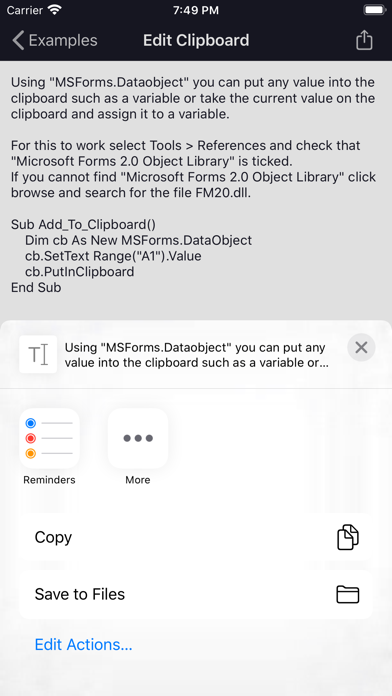
The macro examples pages have images which can be shown by swiping the text to the right.
Example macro's can be exported via the iOS share sheet.
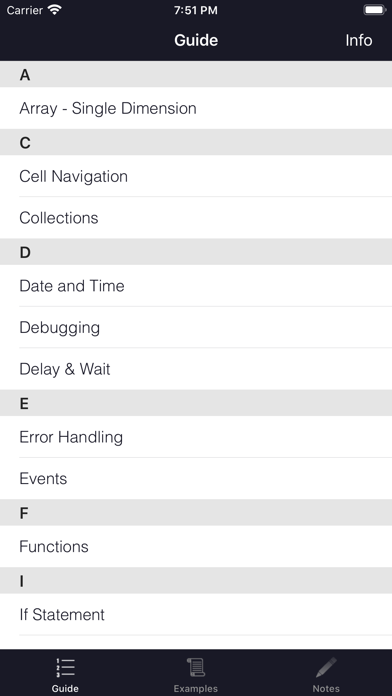
Guide Pages:
> Cell Navigation
> Sheets & Workbooks
> Variables
> If Statement
> Select Case Statement
> Error Handling
> Loops
> Worksheet Functions
> Functions
> References
> Offset Function
> Message Box
> Delay & Wait
> Single Dimension Array
> Date and Time
> VBA Editor Tips
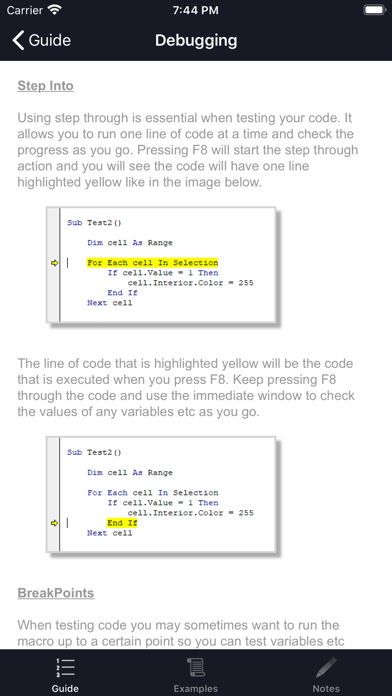
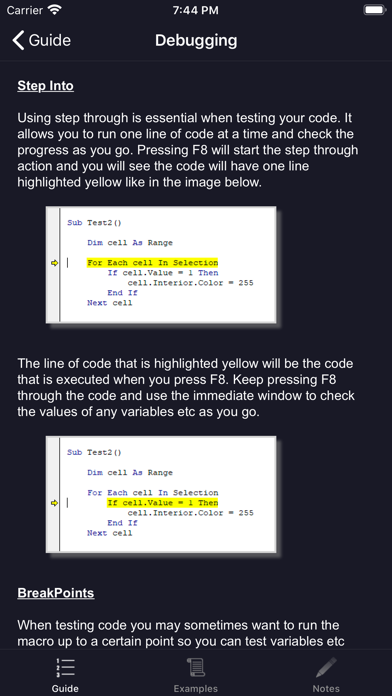
> Debugging
> Events
> Collections
> Screen Updating
> SendKeys
> OnTime Function
> Subroutines
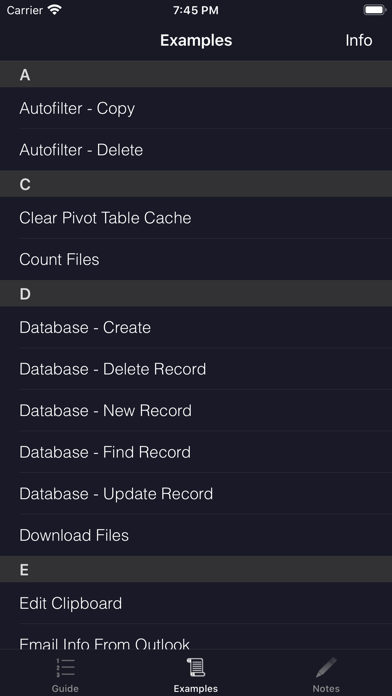
Example Pages: All with export options
> AutoFilter - Copy
> AutoFilter - Delete
> Clear Pivot Table Cache
> Count Files In Folder
> Download Files
> Email - Advanced
> Email - Basic
> Email - Sheet
> Email - Range to HTML
> File Properties
> Find Last Modified File
> Last row or column
> Lookup
> Loop through Files In Folder
> Create and/or Open Folder In Explorer
> Open (and interact with) Internet Explorer
> Open (and add data to) MS Word
> Get PC or Windows Username
> Replace Characters
> Screenshot (save as an image)
> Read and Write .txt files
> Zip Folder - Add Files
> Zip Folder - Extract Files
> Database - Create
> Database - New Record
> Database - Find Record
> Database - Update Record
> Database - Delete Record
> Get Email info from Outlook
> Open Any File
> Files and Folders - Copy
> Files and Folders - Move
> Files and Folders - Delete
> Shell Commands
Universal app compatible with iPhone and iPad.
On Facebook, like the 'VBA Guide for Excel' page for the latest news and updates.
Please leave a review. All feedback is welcome and can be sent from within the app.