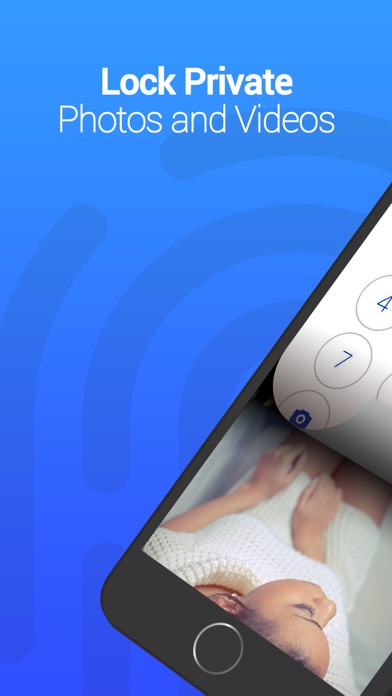
The best app to protect and hide your private photos & videos.
Over millions of people trust Vault to keep their photos & videos hidden.
Vault can back up all your photos & videos on Cloud.
Years of professional mobile security services ensure the most reliable personal privacy protection.
===Why Vault?===
[Convenient Privacy Protection]
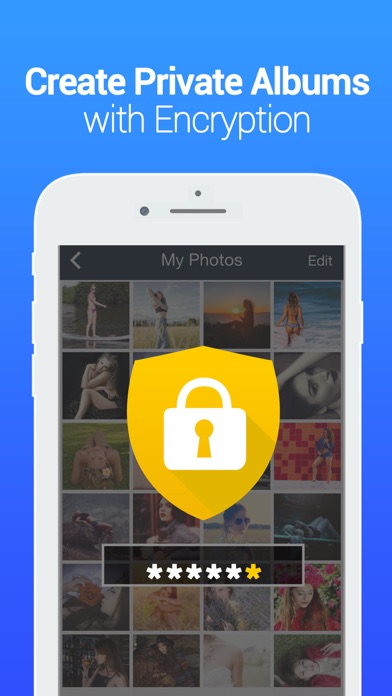
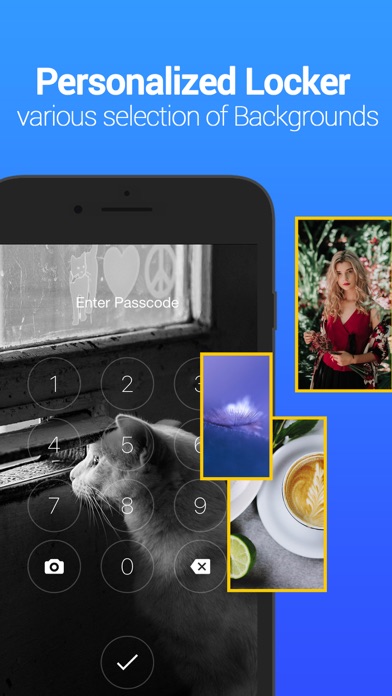
- Space encryption. Access app with personal digital password
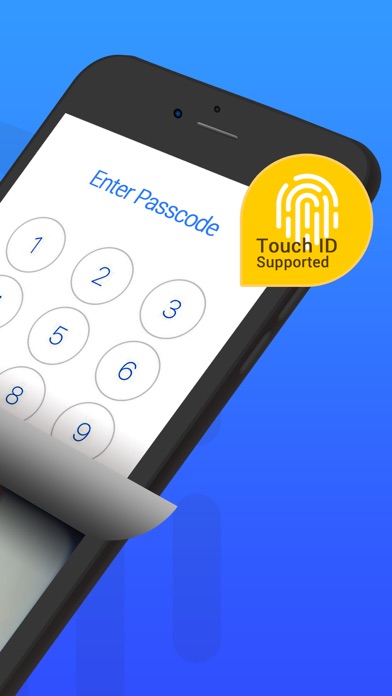
- Also support unlock your Vault with Touch ID
- Bulk photos and videos import and intelligent folder management keep your phone organized
- Newly taken photos can be immediately encrypted and saved rather than showing up in your photo album
- Password for photos and videos can be cancelled anytime
- Save your favorite photos from web to Vault
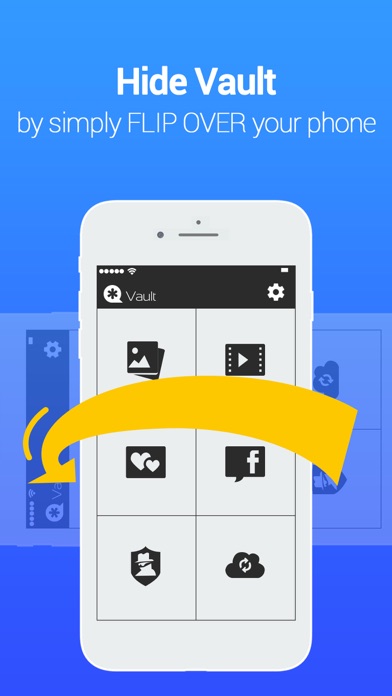
-When you face down the screen, Vault will exit and another app will be launched
[Unique Premium Services]
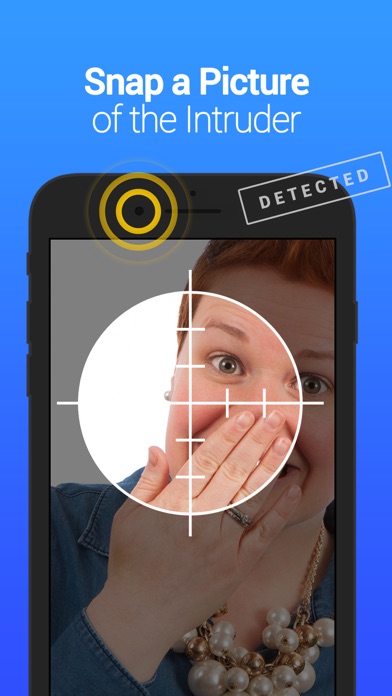
- When an intruder tries to access your Vault with a wrong password, a photo of his/her face will be taken and recorded
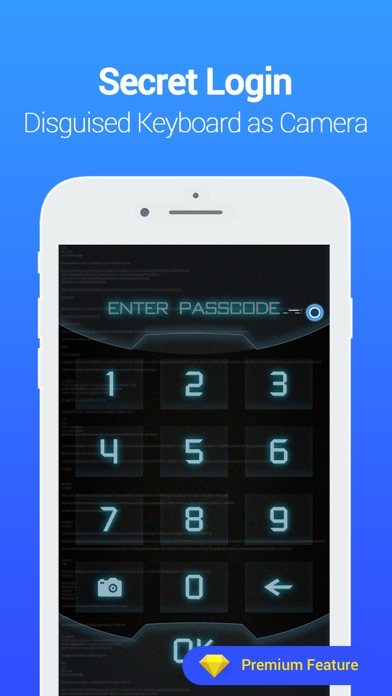
- The app disguises itself as the Camera and show the picture taking interface
- Private Cloud Space. Data will be automatically backed up to your personal Cloud Space
[VAULT PRO PRICING & TERMS]
For Vault Pro, the following subscriptions are offered:
• 1 month for $2.99
• 3month for $7.99
• 12 months for $19.99
The above prices are for U.S. customers. Pricing in other countries may vary, and charges may be converted to your local currency depending on your country of residence.
– information about the auto-renewable nature of the subscription
Your subscription automatically renews 24 hours prior to the end of the subscription term unless auto-renewal is turned off. Subscription renewals cost the same amount as the original subscription, and your credit card will be charged through your iTunes account at confirmation of purchase.
You may turn off auto-renewal at any time after purchase by going to your iTunes Account Settings, but refunds will not be given for any unused portion of the term.
For additional information,please read our Privacy policy and Terms(https://lexing.tech).
– links to the privacy policy and terms of use:
Privacy Policy: https://lexing.tech/privacy.html
Terms of Service: https://lexing.tech/eula.html
[Tips]
Vault team highly value your privacy and aims to provide a safe and reliable space for your privacy. We are willing to accept all user feedback. If you have any questions about the product, please Email us: vault@nq.com. We’re looking forward to hearing from you.