StoreIntel
AppsTop ChartsTrendingKeywordsMy Apps
Not affiliated with Apple Inc. App Store is a trademark of Apple Inc.Top chartsSupportTermsPrivacy

Usage Device Monitor

Oleh Stasula · Utilities · 11.6y old

Free
◆ ProTrack this app App Store

Performance · Worldwide

Est. downloads / month · WW

<5K

Below chart threshold

Est. revenue / month · WW

<$5K

Below chart threshold

Rating · WW

4.6★

3.9K ratings

Chart position

Rank history — US · Top Free

Apple's Top Free chart — free apps ranked by recent downloads.

Top FreeTop Grossing

Ratings count — US

3.9K
◆ Pro1 chart locked

See the numbers behind the rankings

  • Keyword RankingsWhich App Store searches it ranks for, and where
Unlock everything

Listing

About

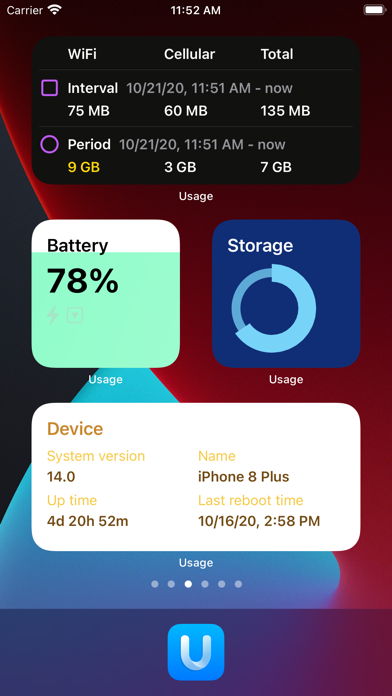
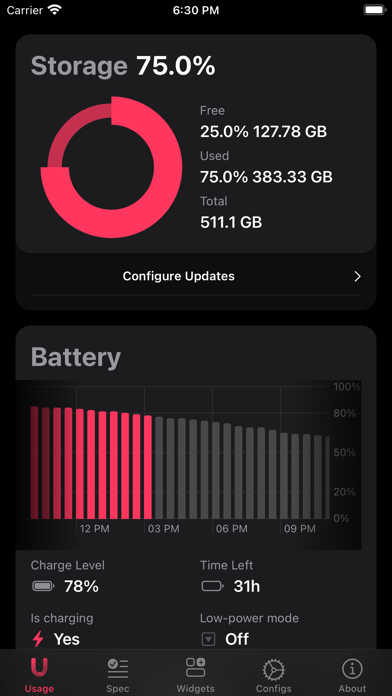
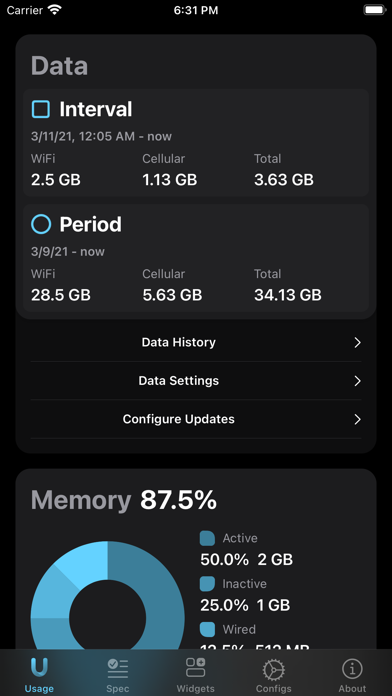
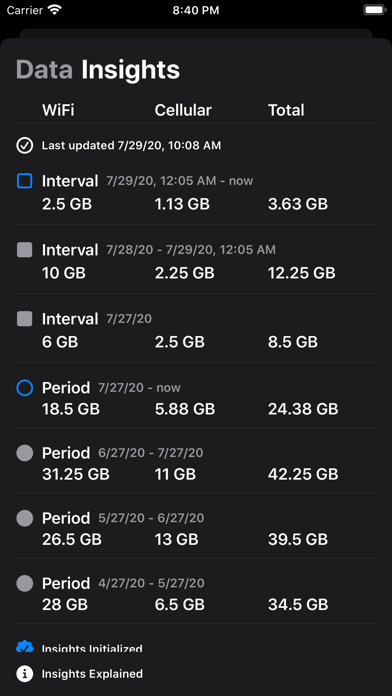
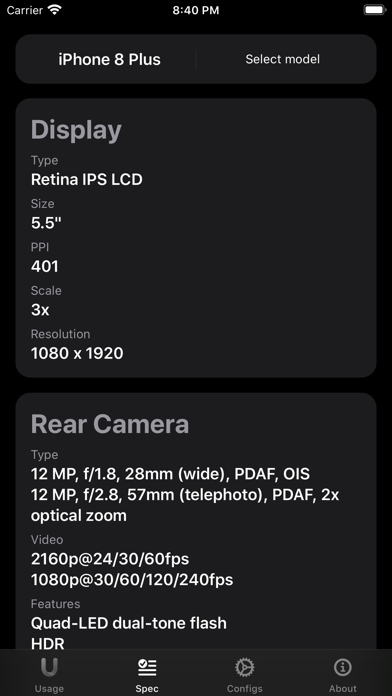
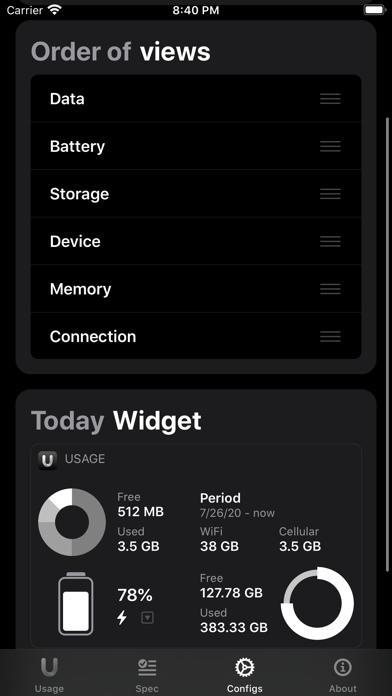
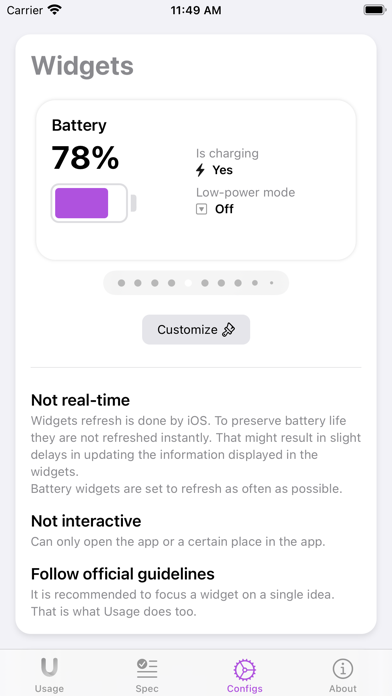
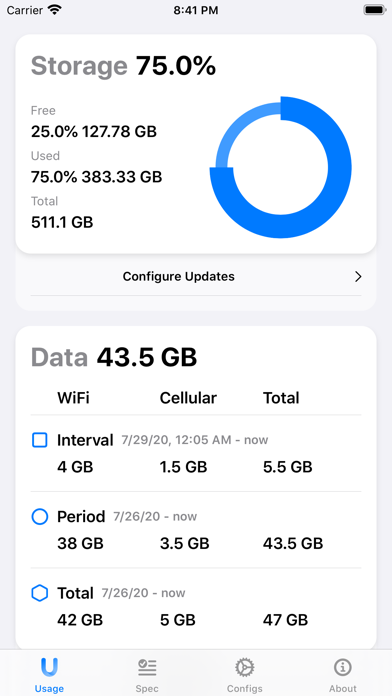
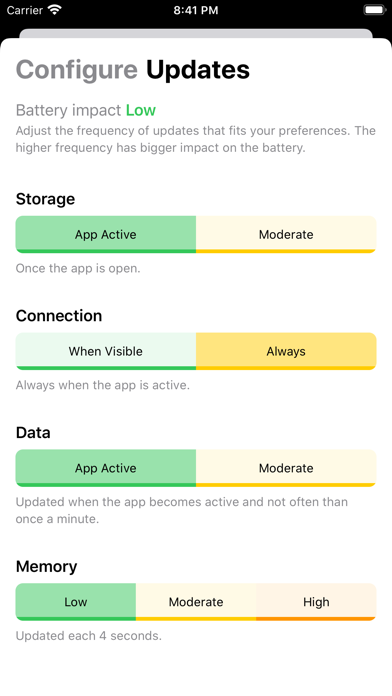
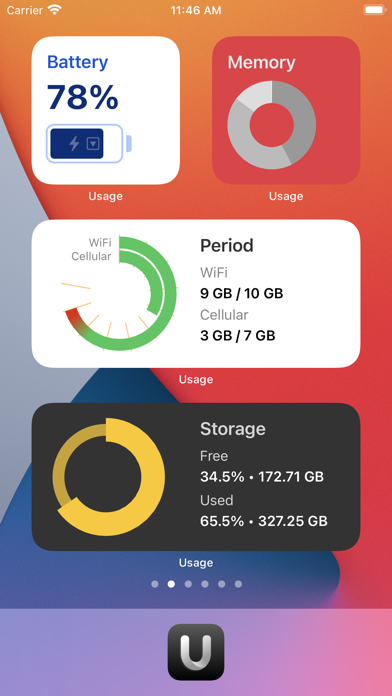
Usage is a tool to monitor your device's activity, data usage, connection speed, and more. It comes with 21 Home Screen widgets, fully customizable Super widgets, and new Lock Screen widgets! √ Main features: - Monthly and daily Data usage tracking - Real-time Network Connection monitoring, with Receiving and Sending speed - Precise Memory allocation by four categories - Storage usage - Battery Graph - Detailed specification about the device's hardware - The widgets! Beautiful and fully customizable. √ Extra features: - List of current network interfaces with details and IP addresses - Different appearance colors and app icons - Custom ordering - Compare your device's specification with any other iPhone or iPad model ever made - Old-style iOS 13 widgets (not available with iOS 18). √ No subscriptions! √ Simple, intuitive, and modern design. √ Built with SwiftUI! √ Thousands of users love the app. You might fall in love with it too!
Released
Mar 4, 2015
Category
Utilities
Content rating
4+
Price
Free
In-app purchases
No
WWUSGBDEJPINBR

No chart data

No rank history yet for this selection.

→

Screenshots

10
Usage Device Monitor screenshot 1Usage Device Monitor screenshot 2Usage Device Monitor screenshot 3Usage Device Monitor screenshot 4Usage Device Monitor screenshot 5Usage Device Monitor screenshot 6Usage Device Monitor screenshot 7Usage Device Monitor screenshot 8Usage Device Monitor screenshot 9Usage Device Monitor screenshot 10