StoreIntel
AppsTop ChartsTrendingKeywordsMy Apps
Not affiliated with Apple Inc. App Store is a trademark of Apple Inc.Top chartsSupportTermsPrivacy

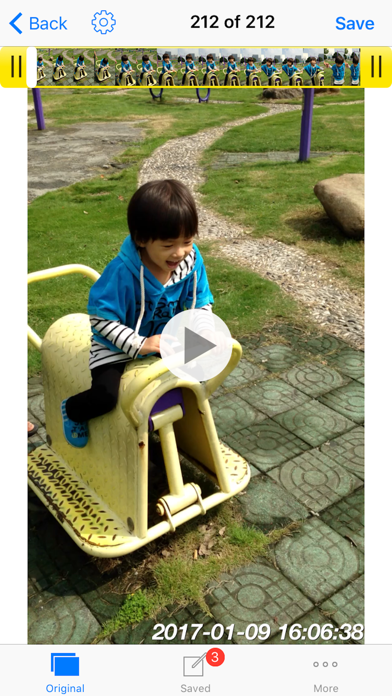
Timestamp photo and video

玉彬 陈 · Photo & Video · 11.8y old

Free
◆ ProTrack this app App Store

Performance · Worldwide

Est. downloads / month · WW

<5K

Below chart threshold

Est. revenue / month · WW

<$5K

Below chart threshold

Rating · WW

4.6★

1.5K ratings

Chart position

Rank history — US · Top Free

Apple's Top Free chart — free apps ranked by recent downloads.

Top FreeTop Grossing

Ratings count — US

1.5K
◆ Pro1 chart locked

See the numbers behind the rankings

  • Keyword RankingsWhich App Store searches it ranks for, and where
Unlock everything →

Listing

About

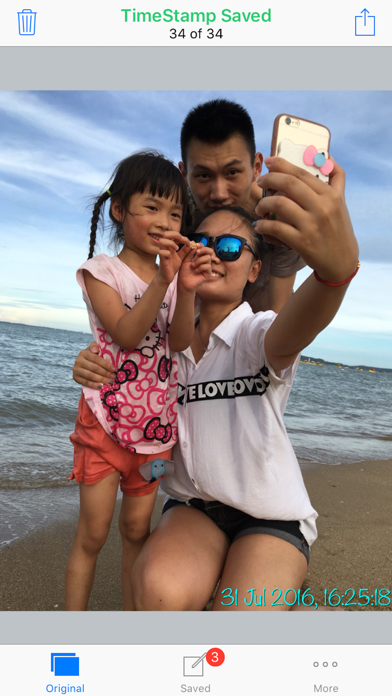
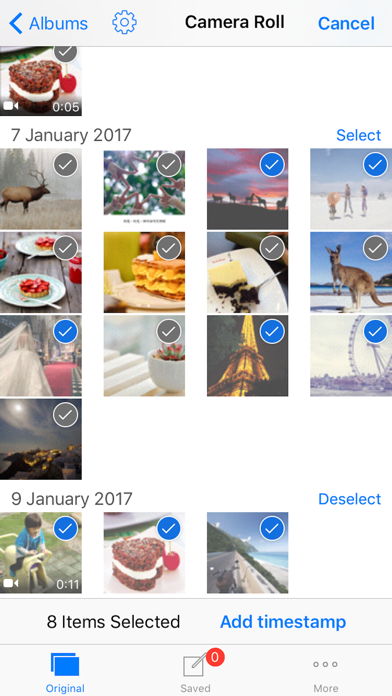
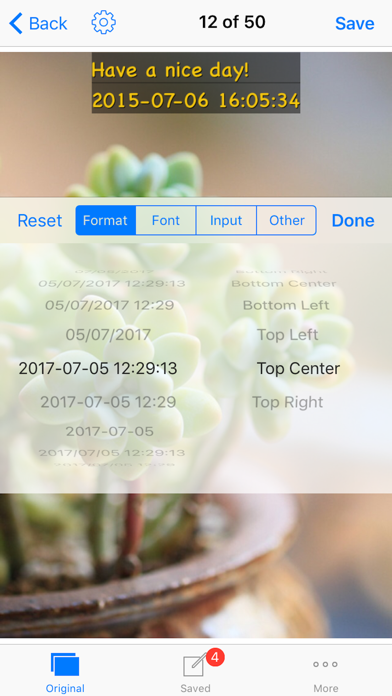
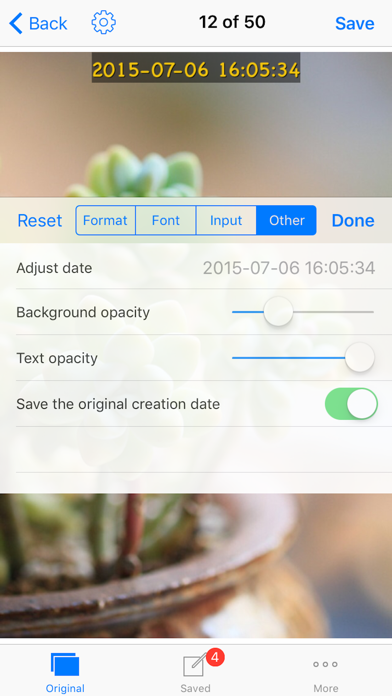
Add timestamp to photo and video easily and save to a new file. It's the most powerful app to add timestamp on video. You can change time format, position, font, color and size. By this app you will know when the funny or important moment happened after a long time. You can also print the photo or burn the video to DVD without losing the time. Main features: • Support add timestamp on photo and video accurate to second • Support 45 timestamp format • Support change font, font color, font size • Support set timestamp in 6 positions: top left, top center, top right, bottom left, bottom center, bottom right • Support set text margins to none, one line, suitable for printing • Save file with timestamp and keep the same resolution and quality as source file • Support portrait and landscape • Support both iPad and iPhone Please mail us cybfriend@gmail.com if you have any problem or suggestions. Thank you.
Released
Dec 11, 2014
Category
Photo & Video
Content rating
4+
Price
Free
In-app purchases
No
Developer site
timestampcamera.com ↗
WWUSGBDEJPINBR

No chart data

No rank history yet for this selection.

Screenshots

5
Timestamp photo and video screenshot 1Timestamp photo and video screenshot 2Timestamp photo and video screenshot 3Timestamp photo and video screenshot 4Timestamp photo and video screenshot 5