What is Futoshiki?
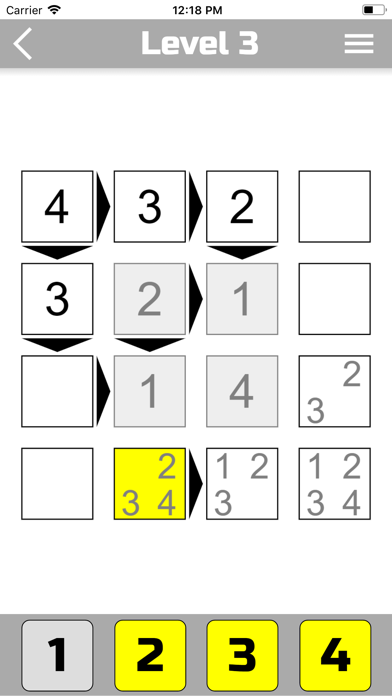
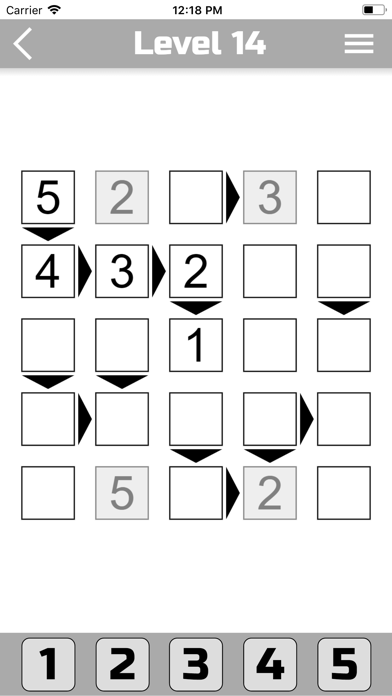
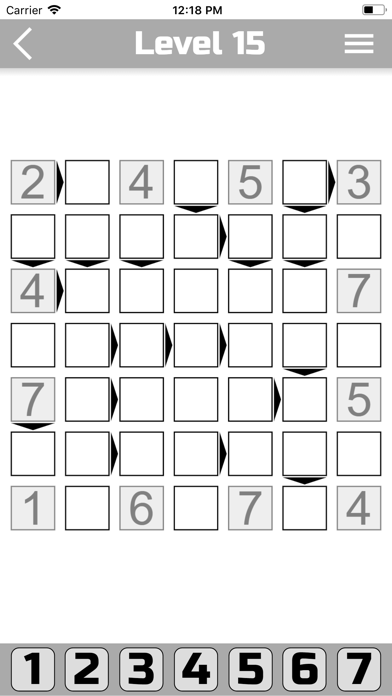
Futoshiki is a funny logic puzzle game from Japan. In this game you need to fill all cells with numbers. Some cells can be filled initially, the rest is filled by the player. The game is very similar to the game "Sudoku", but it has a difference. On the playing field, in addition to numbers, there may also be signs (more, less). The sign between two cells means that one number is greater than the other. A correctly filled square must satisfy the following three conditions:
1. The numbers in each line should not be repeated.
2. The numbers in each column should not be repeated.
3. If there are signs (arrows) on the field, then the condition must be met. (One number is smaller than the other).
Levels.
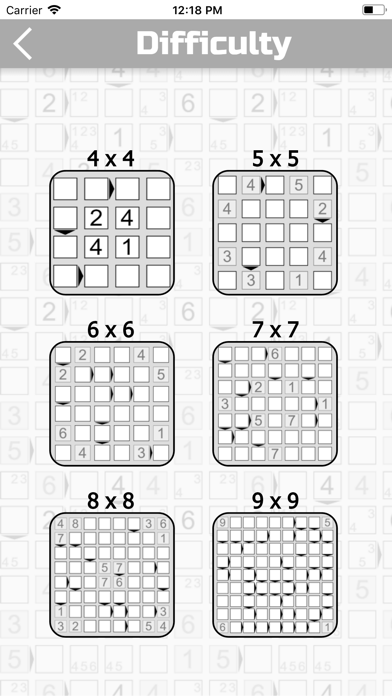
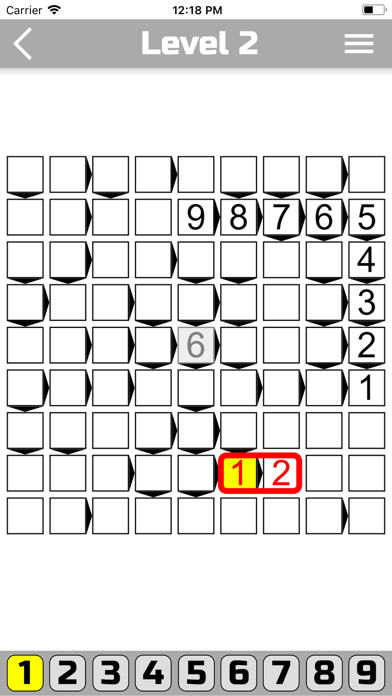
In the program you can choose 6 difficulty levels (4x4, 5x5, 6x6, 7x7, 8x8 and 9x9). The larger the square, the more difficult it is to go through. If you play Futoshiki for the first time, we recommend that you start with a 4x4 square. At each level of complexity you will be offered 2000 unique game levels. The higher the number the more difficult. (Level 2000 is the most complex).
How to play?
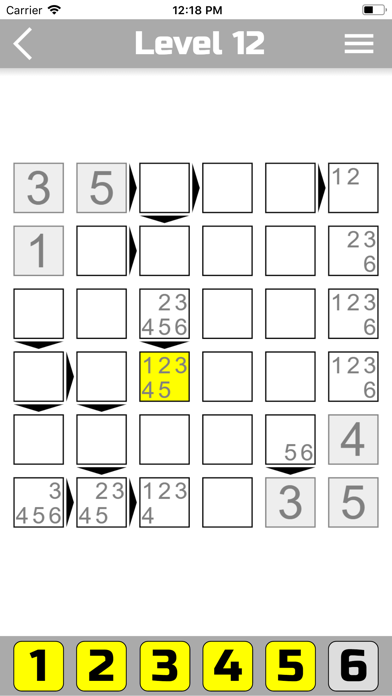
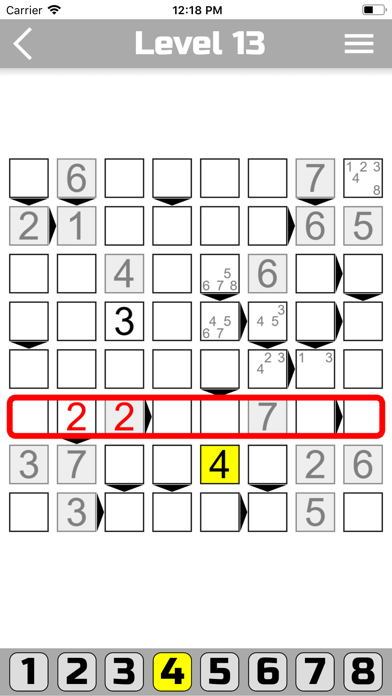
To change the value of a cell - first select it, and then click on the numbers at the bottom of the screen to put a number in the cell. You can put several numbers in one cell at once, but the level is considered passed, when in each cell there is only one number. If you want to remove a number from the cell, select it and click the corresponding number in the bottom of the screen.