StoreIntel
AppsTop ChartsTrendingKeywordsMy Apps
Not affiliated with Apple Inc. App Store is a trademark of Apple Inc.Top chartsSupportTermsPrivacy

TCP Telnet Terminal

Gopi Gadhiya · Productivity · 8.3y old

$0.99 · Paid
◆ ProTrack this app App Store

Performance · Worldwide

◆ Pro

Downloads & Revenue estimates

Monthly, by storefront, with daily history

Unlock →

Rating · WW

3.9★

11 ratings

Chart position

Rank history — US · Top Paid

Apple's Top Paid chart — paid apps ranked by recent downloads.

Top PaidTop Grossing

Ratings count — US

5

Listing

About

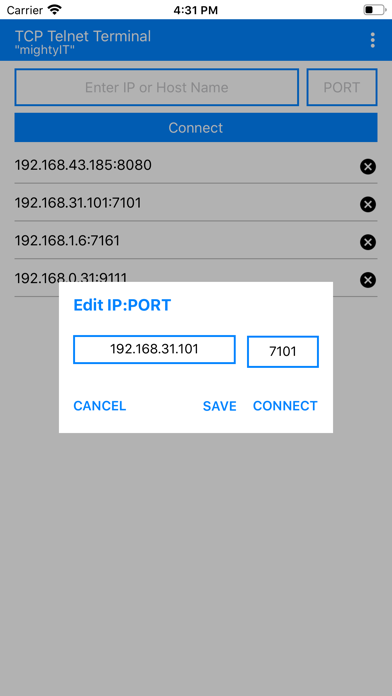
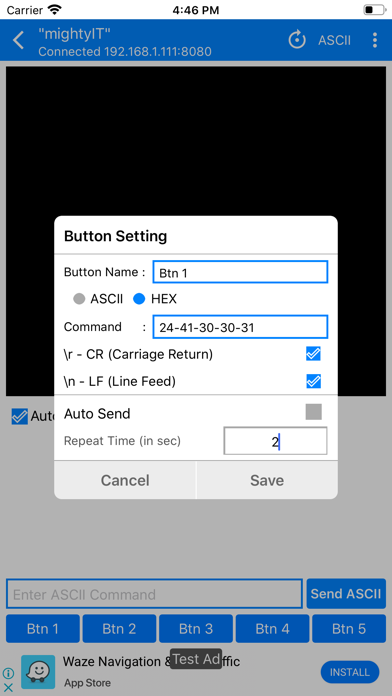
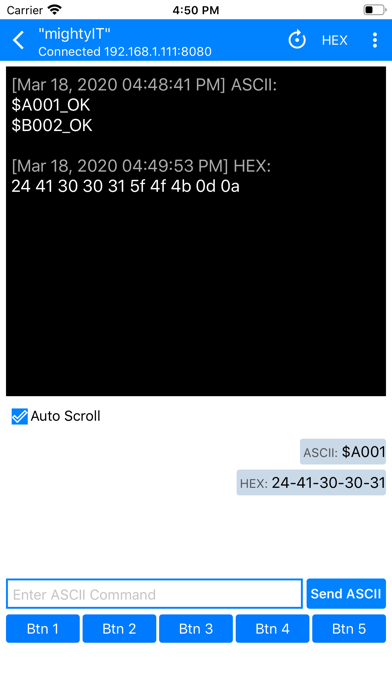
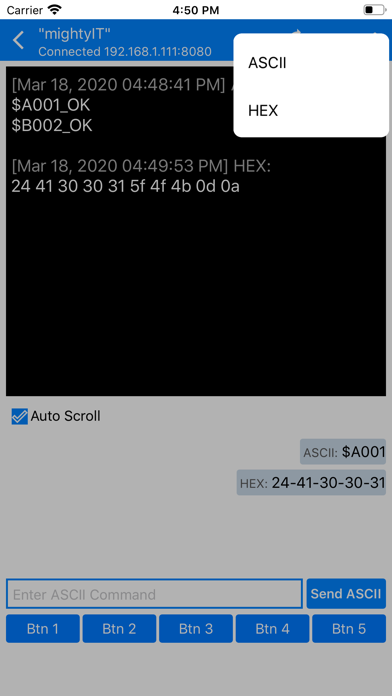
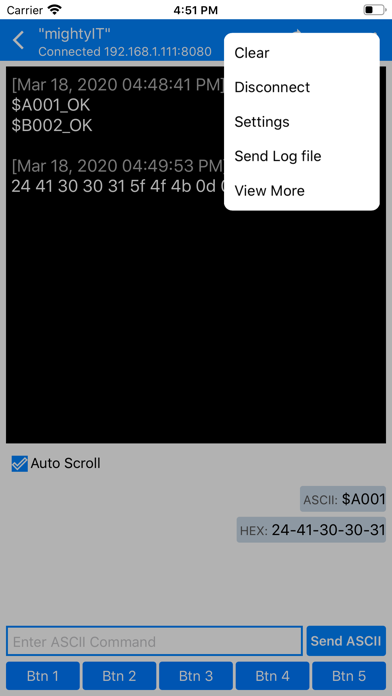
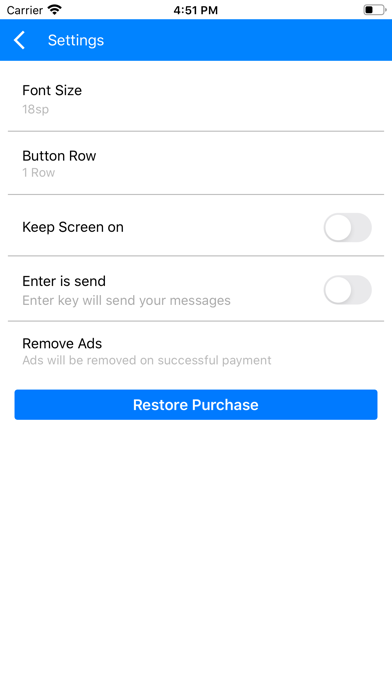
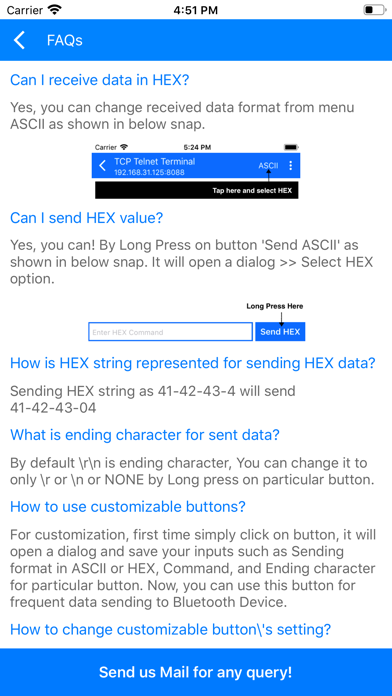
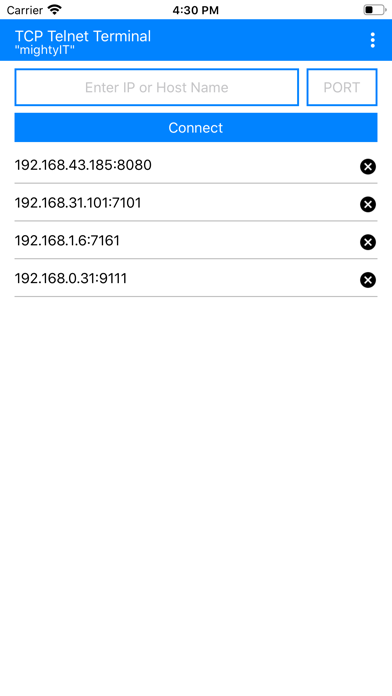
INTRODUCTION: - TCP Telnet Terminal works based on TCP/IP protocol, Using this app we can create TCP Client that communicate with Server. - To start a Telnet terminal, You must provide IP address and PORT number of the server. After connection is established with server, you can easily access and communicate with your server. FEATURES: - Separate panels for sending and receiving data. - Custom your own buttons for frequent sending of same data. - Monitoring receiving data as HEX or ASCII. - Sending Data as ASCII or HEX. - Auto send commands at timed interval - Selection for \r \n at the end of sending data. - Send Log file of Received and Sent data. - Simple copy option in sent data just long press on data. - Keep Screen on/off option. - Remove Ads option.
Released
Jun 20, 2018
Category
Productivity
Content rating
4+
Price
$0.99
In-app purchases
No
Developer site
play.google.com ↗
WWUSGBDEJPINBR

#57latest · best #57 in 90d

◆ Pro4 charts locked

See the numbers behind the rankings

  • Daily RevenueModeled in-app revenue per day, worldwide or by storefront
  • Daily DownloadsModeled installs per day, with the monthly trend
  • Top MarketsWhere it charts and earns, country by country
  • Keyword RankingsWhich App Store searches it ranks for, and where
Unlock everything →

Screenshots

8
TCP Telnet Terminal screenshot 1TCP Telnet Terminal screenshot 2TCP Telnet Terminal screenshot 3TCP Telnet Terminal screenshot 4TCP Telnet Terminal screenshot 5TCP Telnet Terminal screenshot 6TCP Telnet Terminal screenshot 7TCP Telnet Terminal screenshot 8