StoreIntel
AppsTop ChartsTrendingKeywordsMy Apps
Not affiliated with Apple Inc. App Store is a trademark of Apple Inc.Top chartsSupportTermsPrivacy

Tap Tap Heart Rate Measurment

Honghao Zhang · Health & Fitness · 12.1y old

Free
◆ ProTrack this app App Store

Performance · Worldwide

Est. downloads / month · WW

<5K

Below chart threshold

Est. revenue / month · WW

<$5K

Below chart threshold

Rating · WW

2.8★

6 ratings

Chart position

Rank history — US · Top Free

Apple's Top Free chart — free apps ranked by recent downloads.

Top FreeTop Grossing

Ratings count — US

6
◆ Pro1 chart locked

See the numbers behind the rankings

  • Keyword RankingsWhich App Store searches it ranks for, and where
Unlock everything →

Listing

About

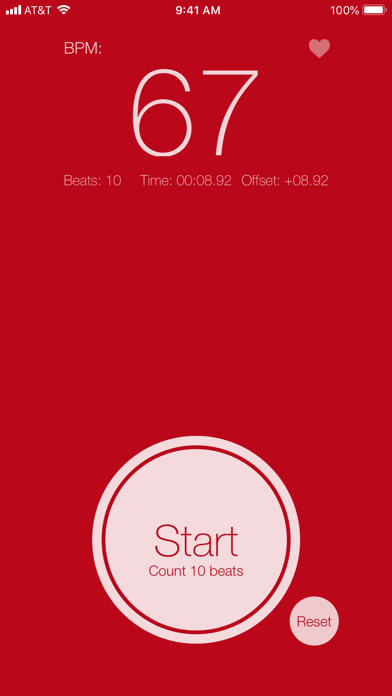
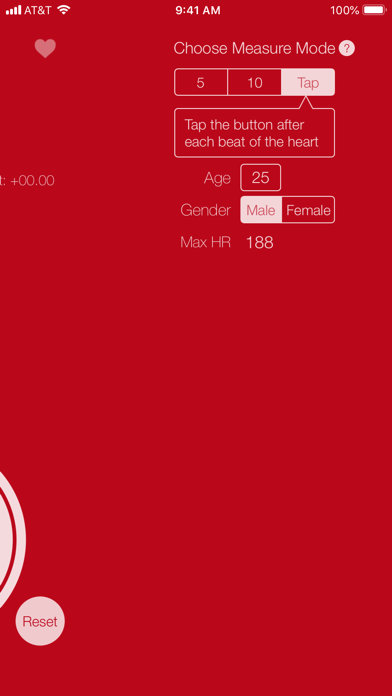
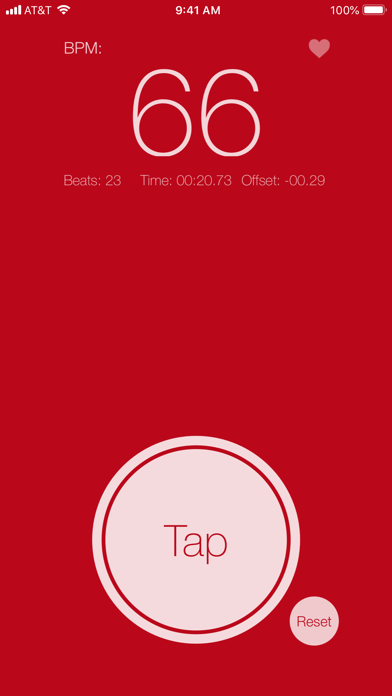
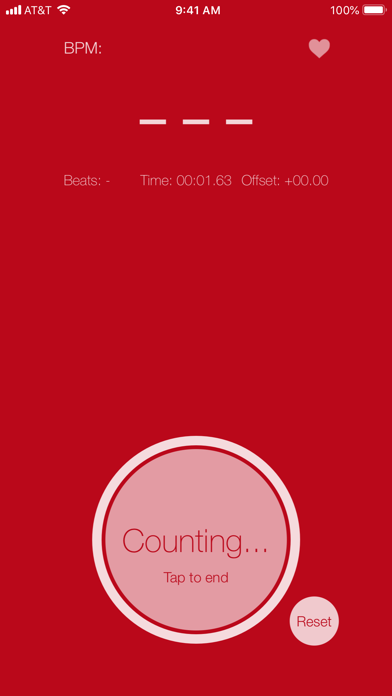
Manually measure your heart rate in a quick and simple way! The heart rate, or pulse, is the number of times your heart beats per minute. Counting the number of pulses for 1 minute is time-consuming and low efficient. With TTHR (Tap Tap Heart Rate) app, it's easy to check your pulse using just your fingers. Two steps to measure your heart rate: 1. Feel the pulse: Put your fingers either at the wrist or the side of the neck. • At the wrist, lightly press the index and middle fingers of one hand on the opposite wrist, just below the base of the thumb. • At the neck, lightly press the side of the neck, just below your jawbone. 2. Count the pluses: There are three counting modes available: • Count 5 pulses • Count 10 pulses • or just tap after each heart pulse. That's it! No special devices needed. If you measure your resting heart rate, you can also provide your age & gender to get how performant of your heart condition.
Released
Sep 10, 2014
Category
Health & Fitness
Content rating
12+
Price
Free
In-app purchases
No
WWUSGBDEJPINBR

No chart data

No rank history yet for this selection.

Screenshots

4
Tap Tap Heart Rate Measurment screenshot 1Tap Tap Heart Rate Measurment screenshot 2Tap Tap Heart Rate Measurment screenshot 3Tap Tap Heart Rate Measurment screenshot 4