Sing. Hum. Rap. Strum. Capture your musical ideas—anytime, anywhere.
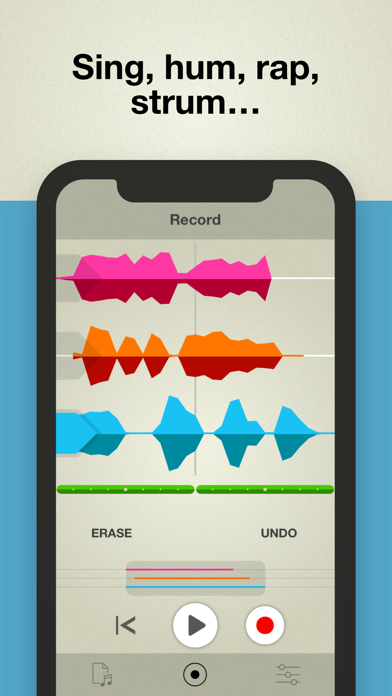
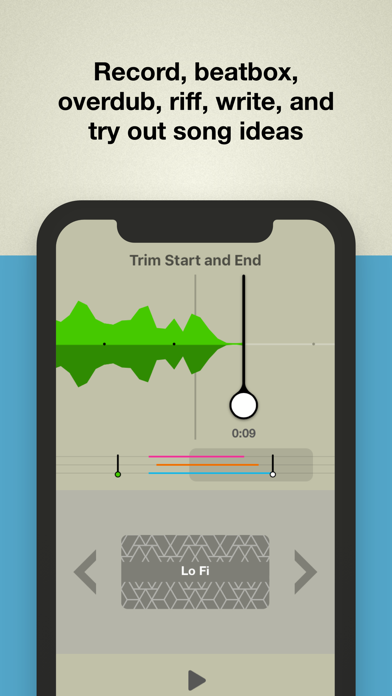
Take is the creative vocal recorder. With a single tap you’ll be recording, beatboxing, overdubbing, riffing, writing and sketching out song ideas.
App of the Day, Europe (Aug. 2018)
“A versatile mobile song sketchpad.” – Electronic Musician
“Tremendously easy to use.” – Engadget
TOP FEATURES:
• Kickstart your creativity with inspiring built-in loops and beats.
• Sound like a superstar on your phone’s built-in mic.
• Feel the groove. Stay on the beat. Keep in time.
• Add new parts. Double them up. Create harmonies.
• Build your tune and flesh out your ideas with three tracks.
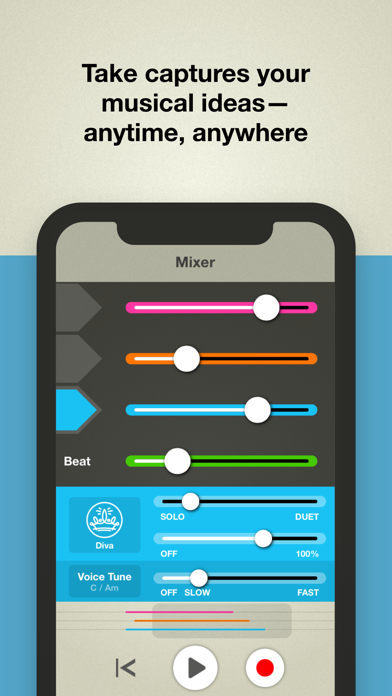
• Polish your tracks with built-in effects, mastering and more.
• Subtly tune your voice to stay in key or go full-on robot voice with Voice Tune.
• Open an audio file and add your own voice to become the star.
• Share your recordings to social, email, AirDrop and other apps.
Take combines drop-dead simplicity with features that are custom-tailored for vocalists. Record harmonies along with your voice, blend in effects to sweeten the sound and sing along to an array of beats and rhythms. Take is the ultimate voice memo sketchpad for capturing your musical ideas.
Note: Take is optimized for the built-in microphone on your iOS device. To eliminate feedback and hollow-sounding tracks, wearing headphones is recommended while recording. Best results come from using headphones without an integrated microphone, and recording directly into your iPhone/iPod/iPad.
** Requirements: iOS 11 or higher.