It is an application that can make colorful notes like sticky notes.
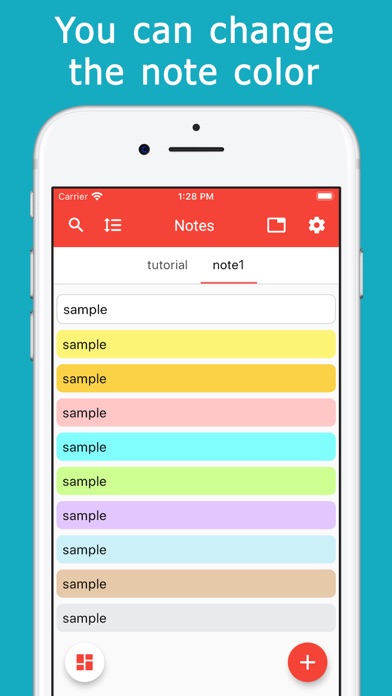
There are 10 colors and you can set them freely according to your preference.
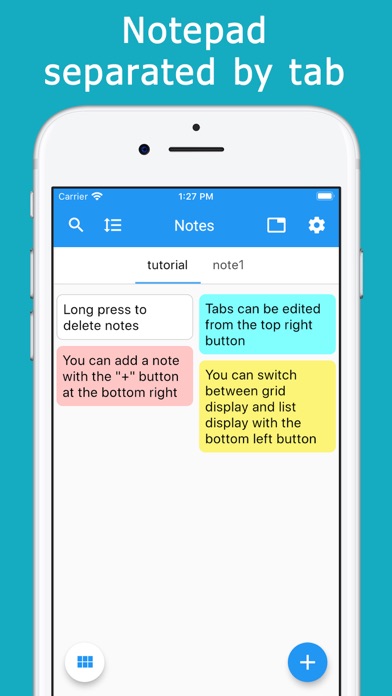
Notes can be categorized by tabs.
Simply swipe to switch between categories.
It is convenient to manage by shopping, work, daily affairs, etc. by use.
The size of the note is automatically adjusted according to the size of the sentence, and is placed on the screen without any gaps.
This allows you to see many notes at once without having to scroll.
Notes can be displayed in two or three columns in a grid.
You can also switch to a single column, list view.
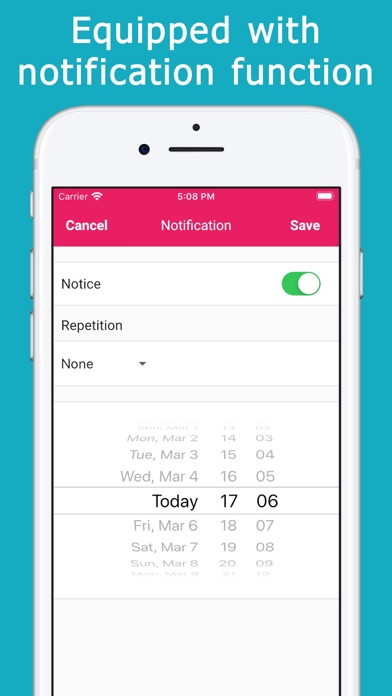
Since there is a notification function, it can also be used as a reminder or todo list.
You can specify a date and time, and repeat every day or every day of the week.
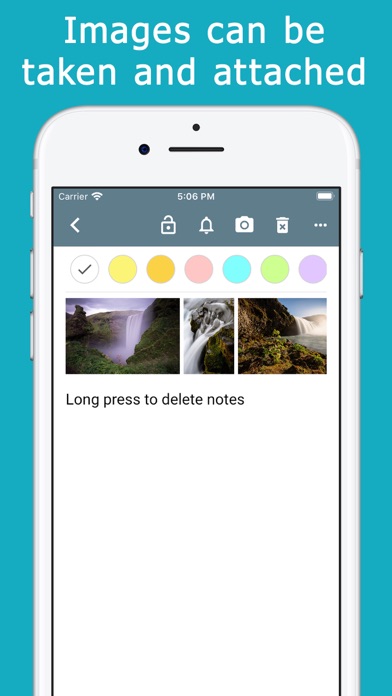
You can take a photo and attach it to a note.
You can also choose from a library of photos.
You can pinch in the attached photo to enlarge it or slide it to view it continuously.
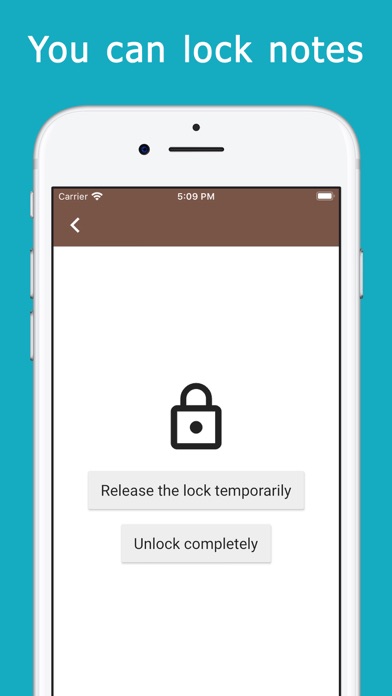
You can lock important notes.
You can choose how to unlock from face, fingerprint and password.
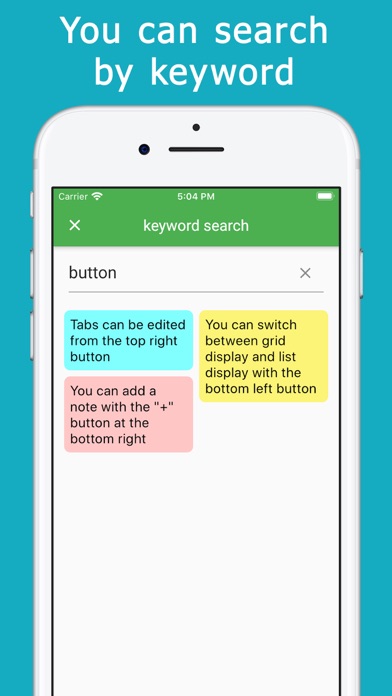
You can search for notes by keyword.
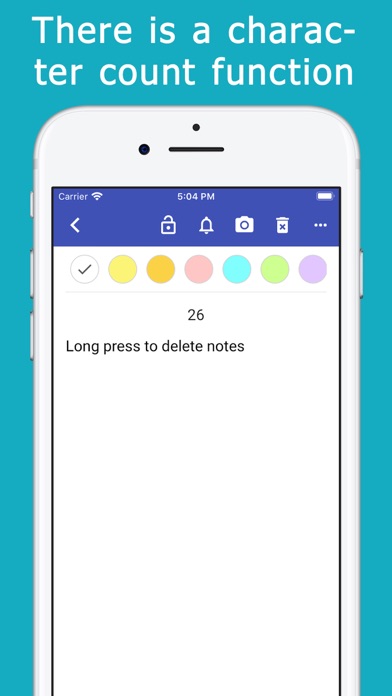
There is a character counter.
Other features
・ You can change the text size
・ You can change the theme color of the app
・ Memo can be deleted by long press
-You can display the date of memo update on the list screen
・ You can sort notes manually
・ Notes can be duplicated
・ You can share notes
・ The memo can be returned to the state before editing